
 Akshay Dinesh
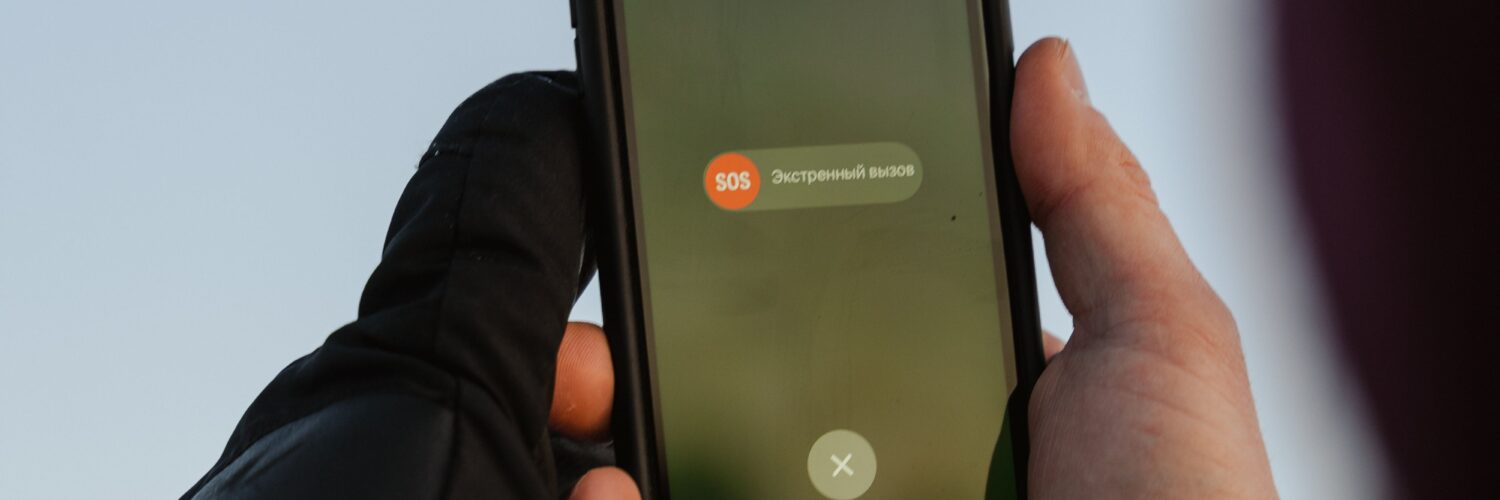
A 911 call from a mobile phone feels simple from the caller’s side: tap the emergency button, dial three numbers, and wait for help. Behind that short call is a complicated handoff between the phone, the wireless network, location systems, and the emergency call center that answers. The goal is clear, but the technology is not magic. A dispatcher may receive a useful location estimate, yet that estimate can still be incomplete, delayed, or wrong enough that the caller’s words matter.
That is why emergency call-takers often ask for the address or location first, even when the phone seems capable of showing a blue dot on a map. Everyday map apps can spend time refining a location with GPS, Wi-Fi, Bluetooth, motion sensors, and stored map data. A 911 call has to work under pressure, through many kinds of phones and networks, sometimes indoors, underground, in moving vehicles, or in places where signals are weak. Enhanced 911, often called E911, exists to give responders better location information, but it works best when technology and human confirmation work together.
The Call Has to Reach the Right Dispatch Center First
The first challenge is not pinpointing the caller. It is routing the call to the correct public safety answering point, the emergency communications center that handles 911 calls for a particular area. Traditional landline 911 was easier in one important way: the phone number was tied to a known service address. If someone called from a house phone, the system could usually connect that call to the right local center and display the registered address.
Mobile phones changed that problem. A wireless call may begin from a highway, school campus, apartment tower, shopping mall, park, or border between two 911 jurisdictions. Older wireless routing often depended heavily on the cell tower sector that first handled the call. That can work reasonably well, but a tower does not always sit in the same emergency-service area as the caller. Near county lines, bridges, large campuses, or dense cities, the call may need to be transferred if it lands at the wrong center.
Newer systems are moving toward location-based routing, where the caller’s estimated device location helps decide which dispatch center should receive the call. The Federal Communications Commission has continued to examine ways to improve wireless 911 location accuracy and give public safety answering points more actionable information, especially for indoor calls. The direction is clear: emergency networks are trying to use the phone’s actual location more directly, not just the nearest network equipment.
Why Cell Towers Give a Starting Point, Not a Perfect Address
Cell towers are often part of the first location picture because a phone must connect to a wireless network to place the call. The network knows which tower and antenna sector are handling the signal, and that information can place the caller within a general area. In some situations, timing and signal measurements from multiple towers can narrow the estimate further. This is useful, especially when GPS is unavailable or slow to lock on.
Still, tower-based location has limits. A rural tower may cover a wide area, while an urban phone may bounce signals around buildings before reaching the network. Hills, tunnels, basements, stadiums, and high-rise buildings can all complicate the signal path. The network may be able to say that a caller is probably within a certain radius, but a radius is not the same as an apartment number, floor, trail marker, or side of the highway.
This is one reason the word accuracy can be misleading if it sounds like certainty. A location estimate often comes with a confidence area, meaning the system is giving a best estimate within a range. A small circle on a screen may be very helpful to responders, but it may still cover several houses, part of a school, a parking lot, or multiple floors of a building. When seconds matter, that uncertainty is not a minor detail.
GPS, Wi-Fi, and Phone Sensors Can Sharpen the Estimate
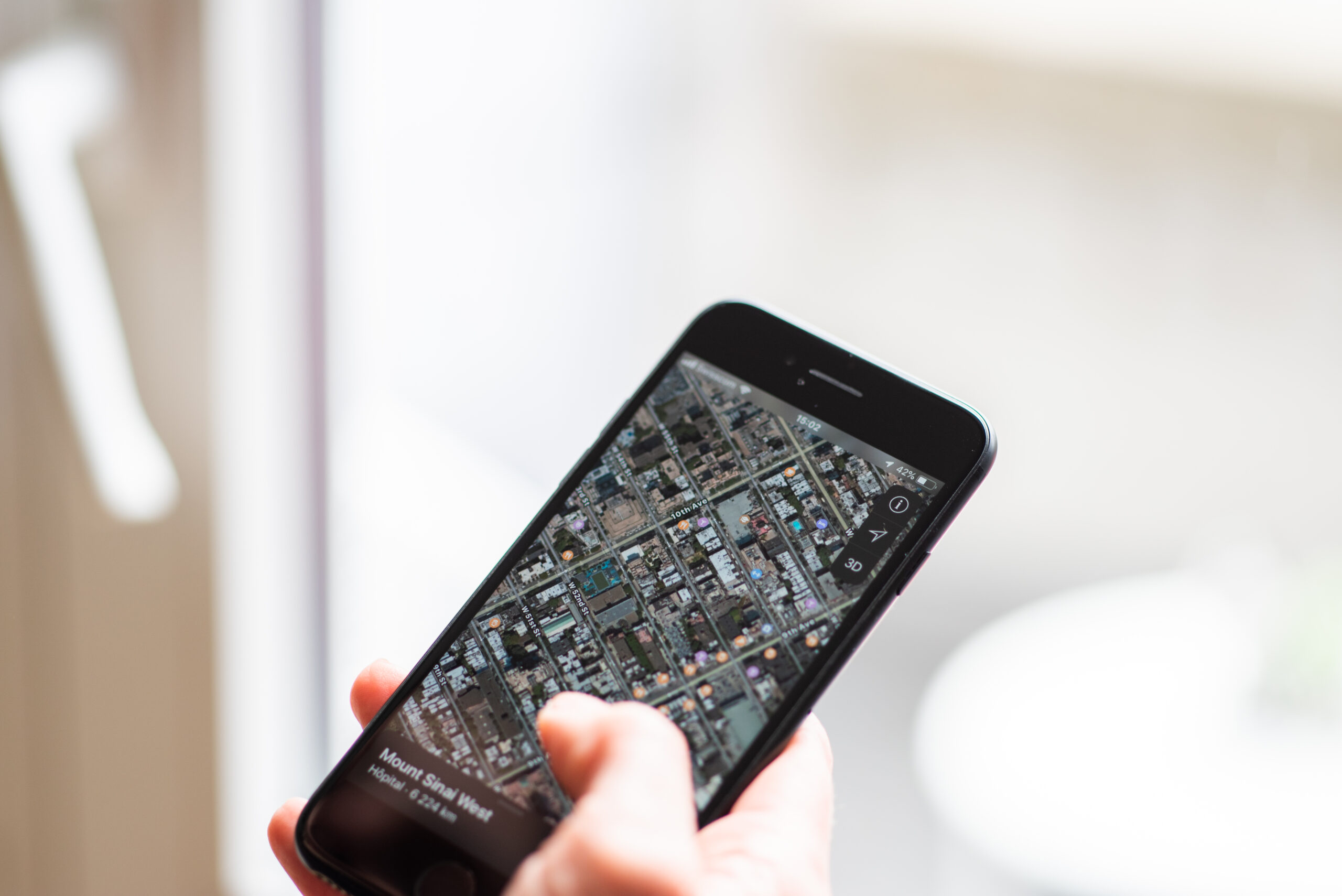
Modern smartphones have more ways to estimate location than older mobile phones did. GPS can use satellite signals to calculate position outdoors. Wi-Fi positioning can compare nearby wireless networks with known location databases. Phones may also use assisted GPS, Bluetooth signals, barometric pressure sensors, motion data, and operating-system emergency-location services to form a faster estimate than GPS alone might provide.
These tools are especially valuable because many 911 calls come from wireless phones and many wireless calls are made indoors. The FCC’s indoor location accuracy rules and related reporting requirements reflect a long-running public-safety concern: a caller inside a building may need help just as urgently as someone standing outside under open sky, but indoor signals are harder to interpret. Walls weaken satellite signals. Tall buildings reflect radio waves. A phone in a basement may have enough signal to call but not enough clean data to locate itself precisely.
Vertical location adds another layer. In a multi-story building, knowing the horizontal position may not be enough. Responders may need to know whether the caller is on the second floor, the tenth floor, or below ground. Barometric pressure and other techniques can help estimate height, and public-safety rules have pushed wireless providers toward better z-axis, or vertical, information. Even then, a caller who can safely say the floor, room, entrance, or nearby landmark gives responders information that technology may not deliver clearly.
Dispatchers Still Need the Caller to Confirm the Place
Emergency call-takers ask direct questions because they are building the fastest reliable picture of what is happening. The National 911 Program advises callers to be ready to give the location of the emergency, the phone number they are calling from, and the nature of the emergency. Those questions are not a sign that the system failed. They are part of how the system checks and improves what the technology provides.
A caller might be reporting an emergency that is not exactly where the phone is. Someone driving may call about a crash on the other side of the road. A student may report smoke in a different building. A person on a sidewalk may be calling for someone inside a store. If the phone’s location is treated as the whole answer, responders can be sent to the caller instead of the emergency.
Clear location details can also solve problems that maps cannot. Street address, apartment or room number, building name, nearest cross street, highway direction, mile marker, trail name, entrance gate, business name, or visible landmark can all narrow the search. On a campus, in a large apartment complex, or inside a mall, naming the exact building or entrance can matter more than the phone’s latitude and longitude.
Text-to-911 and Next Generation 911 Add New Possibilities
Voice calls remain the best choice when a person can safely speak, because call-takers can ask questions quickly and hear background information that may help. Text-to-911 is growing across the United States, but availability still depends on local emergency communications centers. 911.gov summarizes the practical rule simply: call if you can, text if you cannot. If text-to-911 is not available in a community, the sender should receive a bounce-back message saying the text was not delivered.
Text can be crucial for people who are deaf, hard of hearing, unable to speak, in danger if they make noise, or in a place where a voice call cannot connect clearly. But text messages can be slower than voice conversation, and location information may still need to be typed clearly. A short text that says only “help” may not give the call center enough to act quickly. A better emergency text gives the location first, then the type of help needed.
Next Generation 911, or NG911, is the broader upgrade path. The National 911 Program describes NG911 as a digital, internet protocol-based system replacing older analog infrastructure. In practical terms, NG911 is designed to support richer information: better location data, text, images, video, and other digital information where local systems are ready to handle it. The promise is not that every call instantly becomes perfect. The promise is a 911 system that can accept and process the kinds of information people already carry on modern devices.
What to Remember in a Real Emergency
The most useful habit is simple: say where help is needed as clearly as possible, as early as possible. If the call drops, that location may be the most important information the dispatcher has. If you do not know the full address, describe what you can see. A nearby store, intersection, exit number, school entrance, landmark, floor, or apartment building can help responders search the right place.
It also helps to understand what phone location can and cannot do. Turning on location services may help some emergency-location features work better, but 911 systems are built to receive location information in ways that do not depend entirely on whether a map app is open. At the same time, no phone setting guarantees a perfect emergency location. Low battery, poor signal, damaged phones, dense buildings, and network limits can all reduce accuracy.
The best emergency-location system is a partnership. The phone and network provide a technical estimate. The 911 system routes and displays the information. The call-taker checks it against what the caller says. Responders use all of those clues to find the right place. When that chain works well, it can turn a small device in someone’s hand into a faster path for help. When it does not work perfectly, a calm, specific location description can still make the difference.






Add comment