

 Akshay Dinesh
A six-digit login code can feel like a tiny detail, but it often stands between a stolen password and a stolen account. Many people first meet two-factor authentication through a text message: type your password, wait for a code, enter the number, and move on. That is still much better than using a password alone. The problem is that text messages were built for communication, not for protecting bank accounts, school portals, email inboxes, and cloud storage. When an account really matters, the way that second code arrives matters too.
Authenticator apps offer a stronger everyday option. Instead of sending a code across the phone network, the app creates changing codes directly on a trusted device. The result is not perfect security, because no login method is perfect, but it removes several weak points that make text-message codes easier to steal, redirect, or trick out of a user. For students, families, and anyone managing important online accounts, the difference is worth understanding before the next security setting feels like just another annoying checkbox.
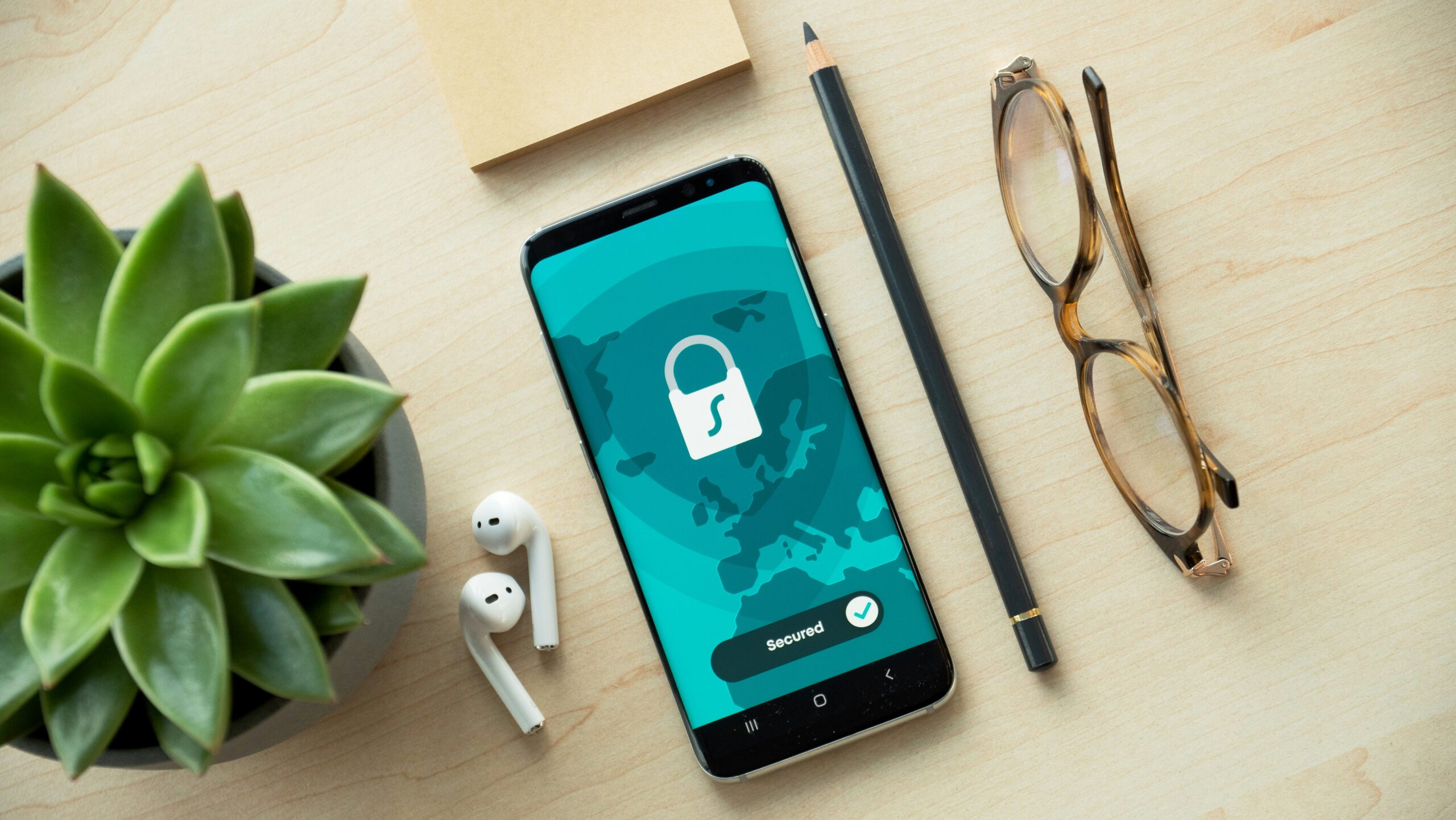
Why a second factor helps in the first place
A password is something you know. A second factor adds something else, usually something you have, such as a phone, security key, or authentication app. This matters because passwords leak constantly through phishing pages, reused logins, old data breaches, shared computers, and simple guesses. If a password is the only barrier, anyone who gets it may be able to walk straight into the account.
Two-factor authentication changes that equation. A stolen password is no longer enough by itself. The attacker also needs the temporary code or approval from the second factor. That is why the Federal Trade Commission urges people to turn on two-factor authentication for important accounts, and why the Cybersecurity and Infrastructure Security Agency describes multifactor authentication as one of the basic steps that makes online accounts much harder to break into.
The important catch is that not all second factors are equally strong. A code sent by text message and a code generated by an authenticator app may look similar on the login screen, but they travel through very different systems. One depends on the mobile phone network and your phone number. The other depends on a secret stored in an app after the account is set up. That difference explains why security guidance often treats app-based codes as safer than SMS codes.
What makes text-message codes vulnerable
Text-message codes are popular because they are easy. Most people already have a phone number, and most websites can send a short code without asking users to install anything new. Convenience is a real advantage, especially for accounts that want more people to turn on two-factor authentication instead of leaving it disabled. A text code is still usually better than no second step at all.
But SMS has weaknesses that are hard to fix because they come from the way phone numbers work. A text code can be affected by phone-number theft, account takeover at a mobile carrier, lost phones with visible lock-screen messages, forwarding settings, and malware that can read messages. A common danger is a SIM-swap attack, where a criminal tricks or pressures a carrier into moving someone else’s phone number to a different SIM or device. If that happens, calls and texts meant for the real owner may start reaching the attacker.
There is also a social side. Scammers often do not need to break the phone network at all. They can pretend to be from a bank, school, payment app, or delivery company and ask for the code directly. The message may sound urgent: suspicious login, account locked, payment failed, scholarship deadline, missed toll, or security check. Once a person reads the code aloud or types it into a fake page, the second factor has done its job for the wrong person.
NIST’s digital identity guidance makes an important distinction here: out-of-band codes, including codes moved between a phone and a login session, are not considered phishing-resistant. In plain language, a code that a person can read and type can also be copied into the wrong place. That does not make SMS useless, but it means users should understand its limits.
How authenticator apps create codes without texting them
An authenticator app works differently. During setup, the website and the app share a secret, often by showing a QR code that the app scans. After that, the app uses that secret and the current time to generate a fresh code, commonly every 30 seconds. The code appears on the device, but it is not sent through the phone network each time a person signs in.
This is why authenticator apps reduce several SMS risks. A criminal cannot simply reroute a phone number and receive the codes as texts. Delayed service, weak reception, roaming problems, and message forwarding are less likely to matter. The account is tied to the app setup rather than to whatever device currently receives a phone number. That makes the second factor harder to steal through carrier tricks.
Authenticator apps also help people notice suspicious sign-in attempts more clearly. If a code appears only when the user opens the app, there is less background noise from random text messages. A surprise text code can be confusing: did the company send it, did someone mistype a phone number, or is someone trying to log in? With an app, the code is available, but it does not arrive as a persuasive message asking the user to react.
The app is not magic. If someone types an authenticator code into a fake website quickly enough, the attacker may still use it. That is why passkeys and hardware security keys can be stronger against phishing when an account supports them. Still, for many everyday accounts, an authenticator app is a practical step up from SMS because it removes the phone-number layer and gives the user more control.

What can still go wrong with app-based codes
The biggest app-based risk is losing access. If the only copy of the authenticator app is on one phone and that phone breaks, disappears, or gets reset, signing in can become difficult. This is why recovery planning is not a small detail. When a site gives backup codes, save them somewhere safe, such as a trusted password manager or a printed copy stored securely at home. Do not keep the only backup code inside the same phone that might be lost.
Another risk is rushed setup. Some people scan the QR code, confirm that the first code works, and never check account recovery settings. A stronger setup includes a current recovery email, saved backup codes, and a clear understanding of how to move the authenticator app to a new phone. For a school account, a family email, or a financial account, those few extra minutes can prevent a frustrating lockout later.
There is also the risk of code sharing. An authenticator code should be treated like a temporary password. No real support worker, teacher, bank employee, scholarship office, or government agency needs someone to read a live login code over the phone. If a person asks for the code, the safest answer is to stop and contact the organization through its official website or phone number.
Push notifications require their own caution. Some services let users approve a sign-in with a tap instead of typing a code. That can be convenient, but repeated surprise prompts can wear people down. Security researchers often call this fatigue: an attacker keeps triggering login requests until the user accepts one just to make the prompts stop. A safer habit is simple: approve a sign-in only when you personally just tried to log in.
How to choose the right login protection for important accounts
For the most important accounts, choose the strongest option the service offers. A passkey or hardware security key is often the best choice when available because it can be tied to the real website in a way ordinary typed codes are not. If those are not available, an authenticator app is usually a strong everyday choice. SMS codes can be kept as a fallback only when the service requires them or when no better option exists.
Email should be treated as a top-priority account because it often unlocks everything else. A stolen email inbox can reset passwords for school portals, shopping sites, social media, bank alerts, and cloud files. Turn on strong two-factor authentication there first. Then move to financial accounts, school accounts, health portals, password managers, and any account that stores payment methods or personal documents.
A clean setup might look like this: use a password manager to create a unique password, turn on two-factor authentication, choose an authenticator app or passkey instead of SMS when possible, save backup codes, and review recovery options. That combination protects against the most common failure: one reused password opening several doors at once.
- Use SMS if it is the only option. It is still better than a password alone.
- Use an authenticator app when the account offers it. It avoids many phone-number risks.
- Use passkeys or security keys for high-value accounts when available. They can provide stronger phishing protection.
- Save backup codes before you need them. Recovery is part of security, not an afterthought.
A safer account is also easier to manage
Good account security should not feel like memorizing a secret rulebook. The basic idea is simple: keep the password unique, make the second step harder to steal, and plan for what happens if a device is lost. Authenticator apps fit that middle ground well. They are stronger than text-message codes for many everyday situations, but still simple enough for most people to use without special equipment.
The best time to change the setting is before there is a problem. Waiting until a password appears in a breach, a phone number gets hijacked, or a scammer sends a convincing message leaves too much to chance. Moving important accounts from SMS codes to an authenticator app is a small upgrade with a large effect. It turns two-factor authentication from a bare minimum into a stronger habit, and it makes the next stolen password much less likely to become a stolen account.






Add comment