 Akshay Dinesh
Multi-factor authentication is supposed to make an account harder to break into after a password is stolen. Instead of letting a password work by itself, the login asks for another proof, such as an authenticator app approval, a one-time code, a security key, or a passkey. That extra step often stops attackers because knowing the password is no longer enough.
MFA fatigue attacks try to turn that protection into a moment of pressure. The attacker already has a username and password, often from phishing, password reuse, malware, or a previous data breach. Then the attacker repeatedly tries to sign in, causing the real account owner to receive one approval prompt after another. The hope is simple: after enough interruptions, the person may tap approve just to make the prompts stop, because they assume the request is a glitch, or because the prompt arrives while they are tired, distracted, or rushing.
The attack starts before the prompt appears
An unexpected MFA prompt does not appear out of nowhere. It usually means someone has already reached the point in the login process where the account system accepted the password and asked for the second factor. That does not prove the attacker fully controls the account, but it does mean the first layer has likely failed. The prompt is not a harmless notification. It is a question: should this login attempt continue?
That is why MFA fatigue is a social engineering attack as much as a technical one. The attacker is not breaking the authenticator app in the usual sense. The attacker is trying to make the human decision feel routine. A single tap can become the missing approval that lets the login succeed.
Security agencies and companies have given this pattern several names, including MFA fatigue, push bombing, push spam, and mobile push bombardment. The language differs, but the behavior is the same. Repeated prompts are used to wear down attention until an approval happens by mistake.
Why repeated prompts can fool careful people
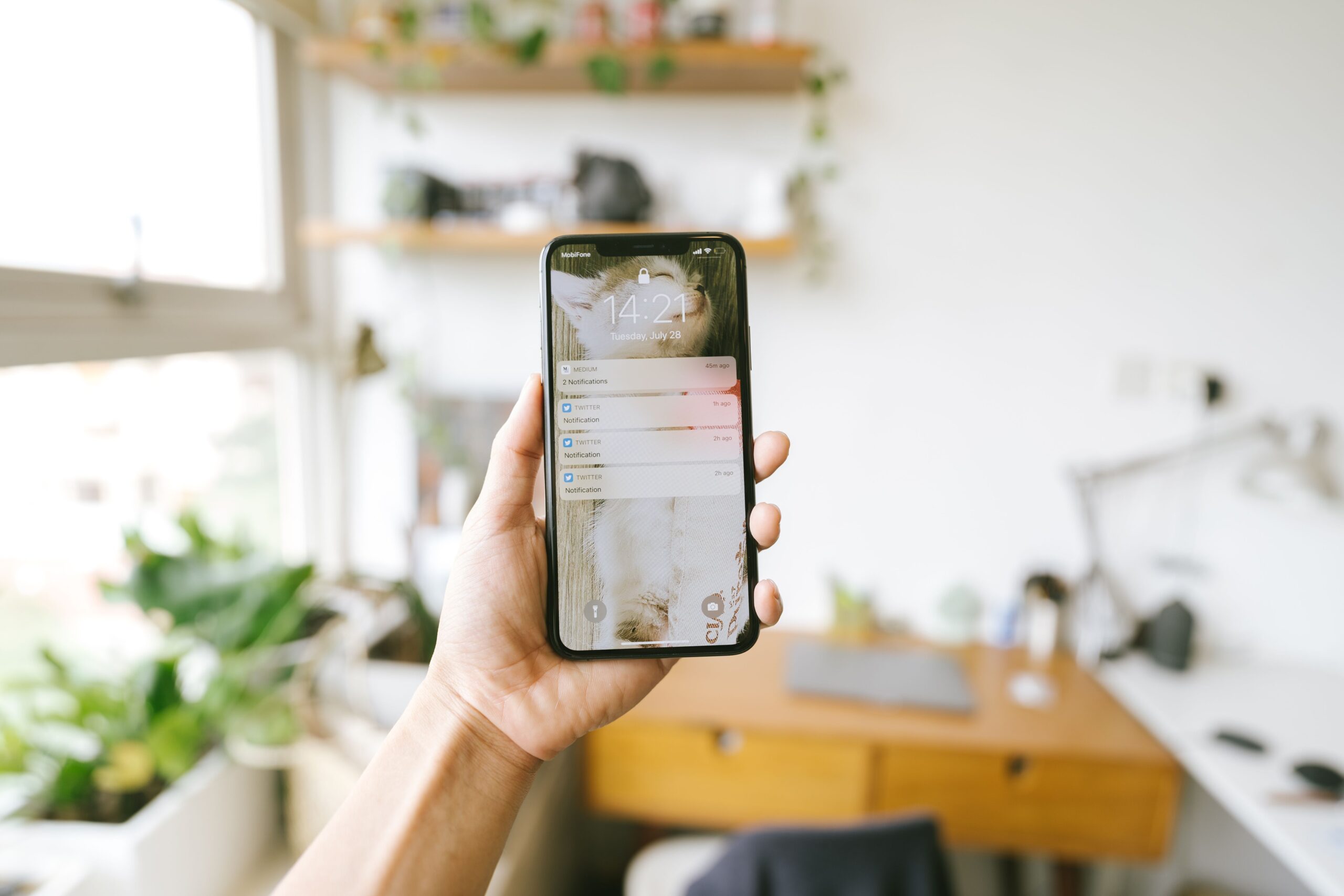
MFA fatigue works because it aims at ordinary habits. People approve real login prompts all the time. They may do it at the start of the school day, while opening email, while joining a class platform, or while switching between apps. When approval becomes familiar, a fake or unwanted prompt can blend into the noise.
Attackers may also time the prompts for moments when a person is more likely to be distracted. A student might be moving between classes. A teacher might be trying to open a lesson file. A worker might be answering messages on a deadline. The prompt arrives on a trusted phone, from a familiar authentication app, and asks for a quick decision. That speed is part of the danger.
Some attacks add a second layer of pressure. An attacker may call, text, or message the person while the prompts are arriving, pretending to be from technical support and asking them to approve the request. That turns confusion into urgency. The person is no longer just dealing with a notification; they are dealing with someone who sounds confident and wants immediate action.
The safest habit is to treat every unexpected approval request as a sign that something is wrong. If you are not actively signing in at that moment, denying the prompt is the right move. Approving a prompt you did not start is like opening a locked door because someone knocked loudly enough.
What number matching changes
Simple push approvals ask users to choose something like approve or deny. That design is convenient, but convenience can become a weakness when the person receiving the prompt cannot easily connect it to a login they actually started. Number matching adds friction in a useful way. Instead of tapping approve, the user must type a number shown on the sign-in screen into the authenticator app.
That small change makes blind approval much harder. If a prompt appears on a phone but the user is not looking at a sign-in screen with the matching number, there is nothing legitimate to type. The request no longer feels like a vague interruption. It becomes easier to recognize as suspicious.
CISA recommends number matching as a defense when an organization cannot yet move to phishing-resistant MFA. Microsoft has also used number matching in Microsoft Authenticator push notifications to reduce accidental approvals. The larger lesson is not about one app or one company. The design of the prompt matters. A better prompt helps the user make a safer decision under pressure.
Number matching does not solve every authentication problem. A convincing phishing page can still trick someone into entering a one-time code, and some attacks try to relay login steps in real time. But number matching directly weakens the classic push-bombing tactic because it removes the easy approve button as the attacker’s main target.
Why phishing-resistant MFA is stronger
NIST describes phishing resistance as a property of authentication methods that bind the login to the real service instead of asking the user to manually pass a code or approval through a potentially fake page. In practical terms, phishing-resistant MFA is designed so a stolen password and a tricked user are still not enough to complete the login.
Security keys and modern passkeys are common examples. They use cryptographic checks tied to the correct website or service. If someone tries to lure a user to a fake sign-in page, the authenticator should not quietly hand over a usable secret for the wrong site. That is a major difference from a code typed by a person, which can be copied into an attacker’s login session if the person is fooled.
For students and families, the practical takeaway is not that every account can be perfect today. Different schools, colleges, banks, and email providers offer different choices. Still, the direction is clear. Push-only approval is better than a password alone, but stronger options are available. Number matching is better than blind push approval. Phishing-resistant methods, when offered, are stronger still.
What to do when prompts arrive unexpectedly
The most important response is also the simplest: do not approve a login you did not start. Deny the prompt. If the app offers a way to report suspicious activity, use it. Then change the account password from the real website or app, especially if repeated prompts suggest that someone already knows the old password.
It is also worth checking account recovery settings, signed-in devices, recent activity, and saved contact information. A strong password helps only if recovery email addresses, phone numbers, and backup methods still belong to the account owner. If the account belongs to a school, workplace, or organization, report the prompts to the help desk or security team. They may need to revoke sessions, reset MFA enrollment, or check whether other accounts are being targeted.
- Deny prompts you did not start. An unexpected approval request is a warning sign.
- Change the password from the real site. Do not follow links from a suspicious message.
- Use number matching or stronger MFA when available. Avoid simple approve-only prompts if the account settings offer safer choices.
- Watch for follow-up pressure. A phone call or message asking you to approve a prompt can be part of the same attack.
Good security habits should not depend on panic. A calmer rule works better: only approve an MFA request when you personally started the login and the details match what you are doing. If the request arrives by surprise, the safest answer is no.
The real lesson is attention by design
MFA fatigue shows that security is not only about adding more steps. It is about designing steps that help people make the right decision at the right moment. A prompt that appears dozens of times can train a person to swat it away like an annoyance. A prompt that asks for a matching number, shows useful context, or uses a phishing-resistant method gives the person a clearer signal.
Passwords are still stolen, reused, guessed, and phished. Multi-factor authentication remains one of the best ways to reduce the damage, but not all MFA works the same way. The strongest systems assume people get tired, rushed, and interrupted. They protect the account without making one distracted tap carry too much weight.
That is the quiet danger of MFA fatigue: it does not ask people to ignore security. It disguises the attack as security itself. Once that is understood, the response becomes much easier. A login prompt you did not request is not a chore to clear. It is a signal to stop, deny, and protect the account before the attacker gets any closer.