 Akshay Dinesh
A QR code looks almost too simple: a square filled with smaller black and white squares. Point a phone at it, and the pattern may open a menu, load a ticket, add contact details, connect to Wi-Fi, or bring up a payment page. The useful part is not magic inside the paper. It is a compact way of storing information so a camera and a decoding program can agree on what the pattern means.
The idea works because a QR code solves several problems at once. It has to help the camera find the code, figure out which way it is turned, separate real data from alignment marks, correct small reading errors, and then translate a grid of light and dark modules into letters, numbers, or other data. That is a lot of work for a printed square that may be tilted, scratched, wrinkled, dimly lit, or partly covered by a thumb.
The Big Squares Are Not Decoration
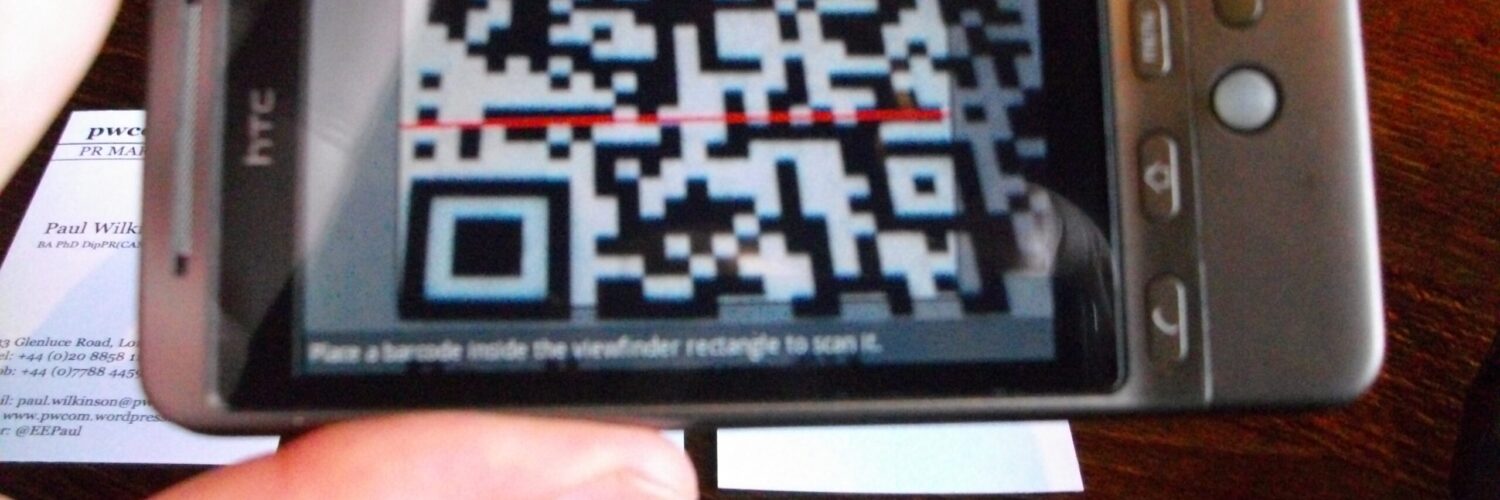
The most recognizable parts of a QR code are the three large square targets near the corners. These are called finder patterns. They act like visual anchors, telling the scanner, “Here is the code, and here is how it is oriented.” A phone camera does not begin by reading every tiny square as data. It first looks for these high-contrast corner patterns so it can locate the boundary of the code inside a larger camera image.
That matters because people rarely scan QR codes under perfect conditions. A code might be on a poster across a room, printed on a receipt, stuck to a museum sign, or shown on a laptop screen at an angle. Once the scanner finds the three corner patterns, it can estimate the code’s size, rotation, and perspective. The phone can then treat a slanted square in the camera image as a neat grid for decoding.
QR codes were introduced by DENSO WAVE in 1994, originally for tracking parts in manufacturing. The “quick response” name makes more sense in that setting: factory scanners needed a code that could hold more information than a one-dimensional barcode and still be read quickly. The same design choices that helped in manufacturing later made QR codes useful in public spaces, classrooms, stores, transit systems, and phones.

How the Grid Stores Data
A QR code is a two-dimensional barcode. Instead of arranging information only across a row of vertical bars, it spreads information across a square grid. The tiny black and white cells in that grid are usually called modules. A dark module and a light module can represent different binary states, much like 1s and 0s in other forms of digital data.
The scanner does not simply read the modules from left to right like ordinary text. A QR code contains several types of information arranged according to a standard. Some modules help with timing, alignment, format details, and error correction. Other modules carry the encoded message. The decoding software has to know which parts are guide structures and which parts are payload.
The international QR Code standard, ISO/IEC 18004, specifies the symbol’s characteristics, data encoding methods, symbol formats, dimensions, error correction rules, and decoding approach. That standardization is why a code printed by one generator can usually be read by many different phones and scanners. Without shared rules, a QR code would be only a private pattern, readable only by the tool that created it.
The data itself can be encoded in several modes. Numeric mode stores digits efficiently. Alphanumeric mode handles a limited set of letters, numbers, and symbols. Byte mode can store many kinds of text or binary data. Kanji mode was designed for efficient Japanese character encoding. The code also includes format information so the scanner knows how to interpret what it is reading.
Why QR Codes Can Survive Damage
One of the most impressive parts of QR codes is that they can often be read even when they are a little dirty, scratched, faded, or blocked. That resilience comes from error correction. Instead of storing only the original message, a QR code stores extra mathematical information that helps the scanner recover the message when some modules are read incorrectly.
DENSO WAVE describes four error correction levels that can be selected depending on the use case. A higher level can recover from more damage, but it also leaves less room for the original message or requires a larger code. That tradeoff is easy to miss. A code on a clean receipt may not need the same protection as a code on packaging, outdoor signage, or a surface that may be handled often.
The mathematical tool behind this recovery is Reed-Solomon error correction, a family of codes also used in other communication and storage systems. The basic idea is to add carefully structured redundancy. If a few pieces are missing or distorted, the decoder can use the extra information to reconstruct what the message was supposed to be. It is not guessing in the casual sense; it is using a mathematical relationship built into the encoded data.
Error correction also explains why QR codes can include logos or stylized center artwork when designed carefully. The decoration may cover some modules, but if enough recoverable information remains and the finder patterns stay readable, the scanner can still decode the message. Push the design too far, though, and the code stops being robust. A QR code is forgiving, not invincible.
What the Phone Does After the Scan
Once the camera captures the QR code and the software decodes the grid, the phone has to decide what kind of information it found. Sometimes the result is plain text. Sometimes it is a web address, contact card, calendar event, Wi-Fi network configuration, payment instruction, or app-specific payload. The square pattern does not inherently “know” what should happen next; the device interprets the decoded data and offers an action.
This is why two QR codes that look equally complex can behave very differently. One might contain a short link. Another might store a longer string with tracking parameters. Another might contain a vCard with a person’s name, phone number, and email address. The printed pattern is only the container. The meaning comes from the data format inside it and the software that handles it.
Masking is another hidden step that helps scanning work reliably. If the encoded data accidentally creates large blank areas or patterns that look too much like guide marks, a scanner could struggle. QR code generation applies one of several mask patterns to make the visual arrangement easier to read. The code also stores information about which mask was used, so the scanner can reverse it during decoding.
The Safety Lesson Hidden in the Technology
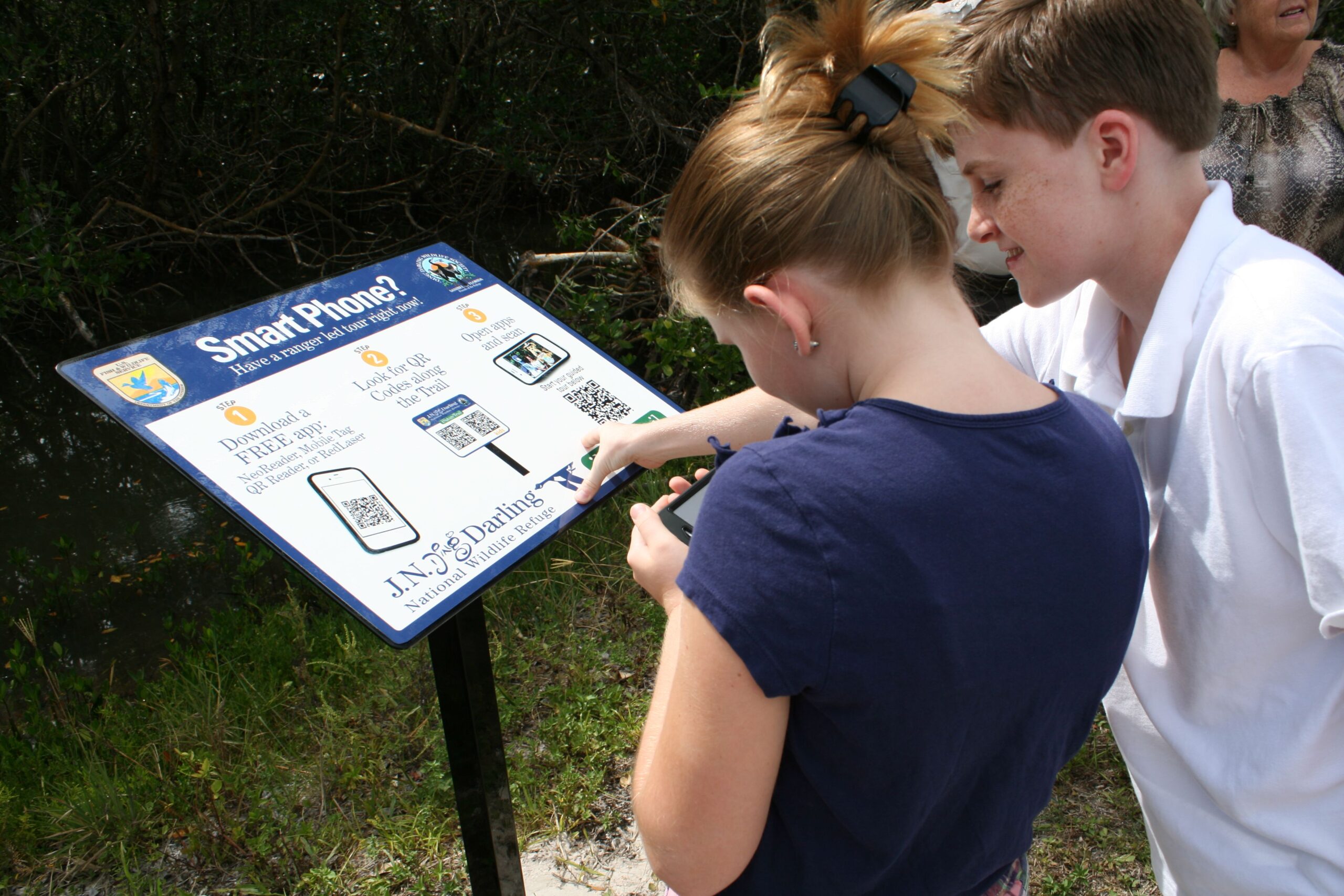
The same feature that makes QR codes convenient also creates a safety problem: people cannot read the destination by looking at the square. With printed text, a suspicious address might be visible. With a QR code, the link is hidden until a scanner decodes it. The Federal Trade Commission has warned that scammers can use QR codes to send people to fake pages or harmful downloads, especially when a code appears in an unexpected place.
The technical lesson is simple but useful. A QR code is not automatically trustworthy because it is printed neatly, placed on an official-looking sign, or shown beside a familiar logo. It is a machine-readable shortcut. Before opening a link, a reader should pause long enough to check the preview that many phone cameras show. If the destination looks misspelled, strange, shortened in a way that hides the true address, or unrelated to the place where the code appears, it deserves extra caution.
That does not make QR codes bad technology. It makes them like doors: useful when they lead where they claim to lead, risky when someone has changed the sign. In public spaces, a sticker placed over a legitimate code can quietly redirect scans. On messages or packages, a code can hide a request that would look suspicious if written out in plain language. Good scanning habits begin with remembering that the code carries data, not trust.
Why the Simple Square Lasted
QR codes became common because they sit at a practical intersection of printing, cameras, and standardized data. They are cheap to produce, easy to display on paper or screens, and readable by ordinary phones. They can hold more information than a basic one-dimensional barcode, recover from small errors, and work even when the scanner approaches from an imperfect angle.
The best way to understand a QR code is not as a mysterious black-and-white design, but as a compact agreement between a printed grid and a decoding system. The finder patterns help the camera locate the square. The modules store data. The format and mask information tell the scanner how to read the pattern. Error correction protects the message when real-world scanning gets messy.
That combination is why such a plain-looking square can do so much. A QR code is a small lesson in computer science hiding in everyday life: visual pattern recognition, binary representation, standards, redundancy, and user safety all packed into a shape that fits on a receipt, poster, ticket, or classroom handout.