
 Akshay Dinesh
QR codes feel ordinary now. They sit on restaurant tables, parking meters, school flyers, shipping labels, event tickets, and product packaging. A quick scan can open a menu, confirm a payment page, load directions, or help someone sign in. That convenience is exactly what makes QR code phishing so effective: the square pattern hides the destination until a phone has already interpreted it.
QR code phishing, sometimes called quishing, is not a new kind of magic. It is phishing with a different doorway. Instead of asking someone to click a visible link in an email or text, the scam asks them to scan a code that quietly points to a risky page, fake login screen, payment form, or malware download. The trick works because people often treat QR codes as neutral objects, more like barcodes than links. In reality, scanning a QR code can be much like clicking a link from an unknown sender.
What a QR Code Actually Does
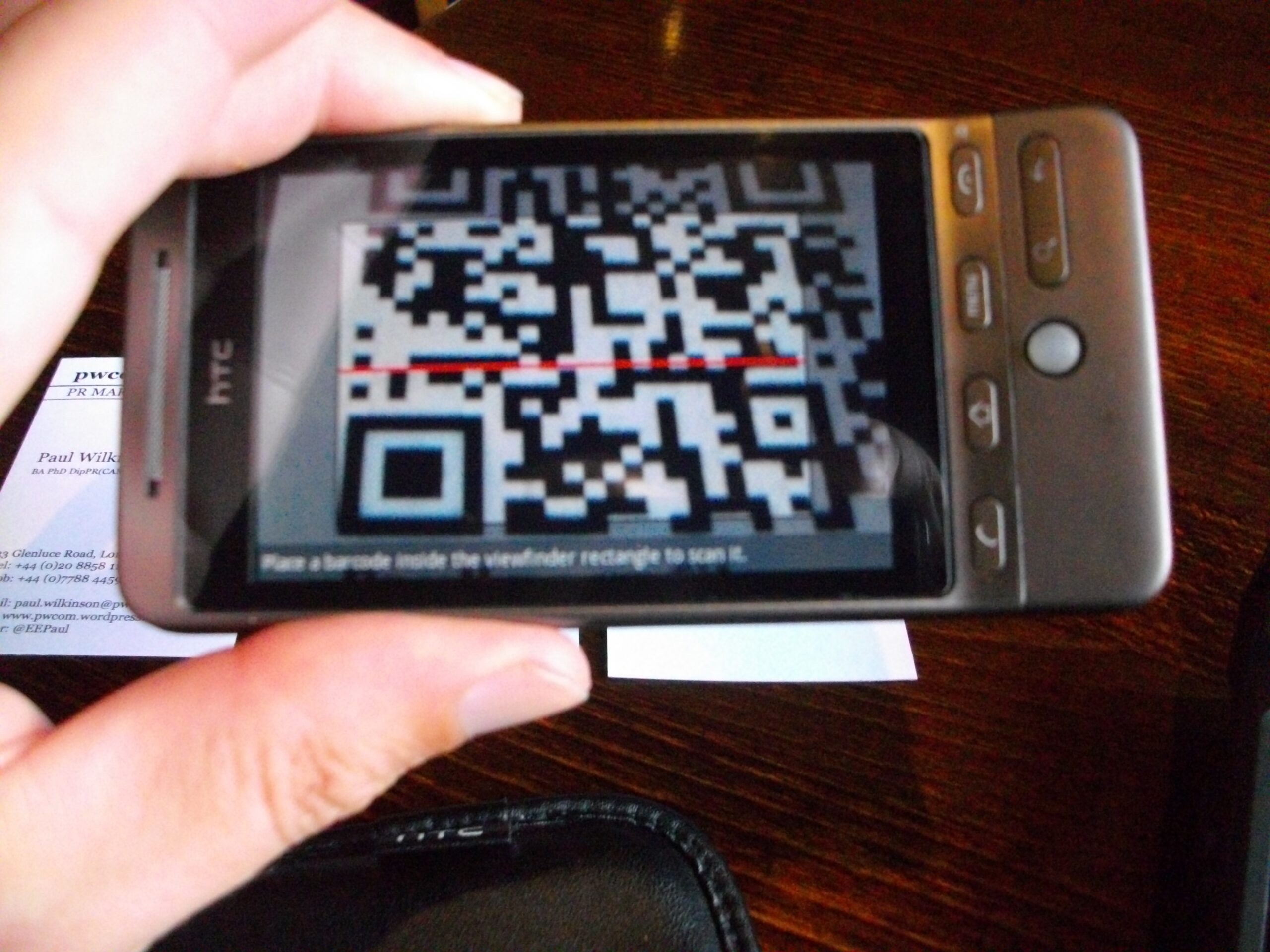
A QR code is a machine-readable pattern that stores information. Most of the time, that information is a web address, but a QR code can also hold plain text, contact details, Wi-Fi settings, a payment instruction, or a link that opens a specific app action. The black-and-white squares are not the problem by themselves. The risk comes from what the code tells the phone to do.
That matters because people cannot read the destination by looking at the pattern. A printed URL at least gives a reader a chance to notice a strange spelling or unfamiliar domain. A QR code hides that clue until the scan preview appears. If the phone opens the destination too quickly, or if the person taps through without checking, the code has already done its job.
Attackers take advantage of this small moment of trust. A fake parking-meter sticker can be placed over a real one. A flyer can promise a scholarship, a concert ticket, or a package update. A message can claim that a school account, bank card, toll balance, or traffic citation needs attention. The visible story changes, but the goal is familiar: create enough urgency or curiosity that the person scans first and thinks later.
Why QR Code Phishing Is Growing
QR codes became more common because they solve a real problem. They move people from the physical world to a digital action without typing a long address. That makes them useful in classrooms, libraries, stores, transit systems, conferences, and public notices. It also means people have been trained to scan them quickly.
Public warnings have followed that growth. The Federal Trade Commission has cautioned consumers that malicious QR codes can lead to spoofed login pages or downloads that try to steal information. The FBI has warned about QR codes placed in unexpected packages, where the mystery of the delivery is used to make people scan. CISA, the U.S. Cybersecurity and Infrastructure Security Agency, places QR-code scams inside the wider pattern of phishing: messages or links that pressure people into revealing personal information or opening something unsafe.
The trend is also visible in security reporting. Microsoft Threat Intelligence reported that QR code phishing became the fastest-growing email phishing vector in the first quarter of 2026, with attacks more than doubling during the period. That does not mean every QR code is dangerous. It means attackers are using a familiar tool because it helps them bypass habits people already have for spotting suspicious links.
Where the Scam Usually Appears
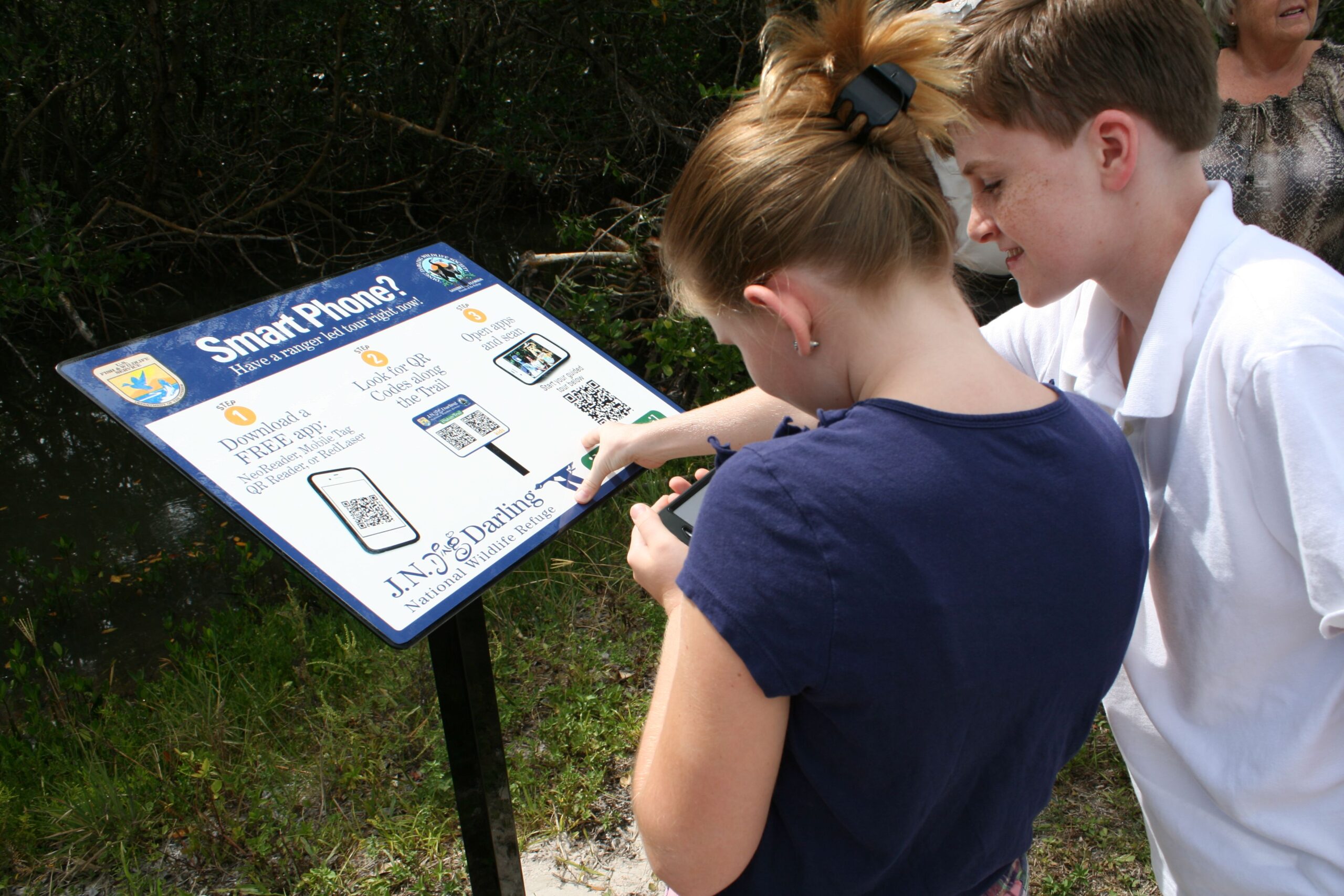
QR code phishing often works best when the code appears in a place where scanning feels normal. A sticker on a parking meter may seem routine because many cities use QR codes for payment. A table sign at a restaurant may seem harmless because menus often work that way. A school or workplace email with a QR code may feel official because many real services use codes for sign-in or device setup.
Scammers also use QR codes when they want to move someone from one device to another. An email on a laptop may contain a code that must be scanned with a phone. That shift can matter because the phone may not have the same security filters, browser warnings, or password-manager habits as the computer. The person may also be less likely to inspect a tiny mobile address bar closely.
Some scams depend on surprise. An unexpected package with no clear sender can include a QR code that claims to reveal who sent it. A text about a missed toll, delivery fee, campus account, or traffic violation may include a code that looks official. These messages usually add pressure: pay now, verify now, avoid a penalty, claim a reward, or restore access. The emotional push is part of the design.
How to Inspect a QR Code Before You Trust It
The safest habit is simple: pause after the scan and read the preview before opening anything. Most phone cameras show the destination first. Look for the real organization name, but do not stop there. Scammers often use lookalike addresses that borrow a brand name while adding extra words, misspellings, or unfamiliar endings.
A QR code in a public place deserves extra care. If the code is on a sticker, check whether it looks placed over another sticker or printed sign. If a payment is involved, consider opening the official app or typing the known address yourself instead of trusting the code. For parking, tolls, transit, banking, and school accounts, a direct route through the official app is usually safer than a scan from an unknown sign or message.
For account sign-ins, a password manager can help because it usually fills passwords only on the correct domain. If the password manager refuses to fill a saved password, treat that as a useful warning rather than an inconvenience. Passkeys can add even stronger protection because they are designed to work only with the service they were created for, which makes many fake login pages less useful to attackers.
- Check the setting: Was the code expected, or did it appear in a surprise message, package, or sticker?
- Read the destination: Does the preview show a familiar, correctly spelled address?
- Avoid urgent pressure: Be cautious when a code says you must pay, verify, or respond immediately.
- Use official routes: For money, grades, accounts, or personal records, open the known app or type the address yourself.
What to Do After a Risky Scan
Scanning alone does not always mean damage has happened. The bigger risk comes from entering information, approving a sign-in, downloading an app, or making a payment after the scan. If the destination looked suspicious and nothing was entered, close the page and avoid returning to it. If personal information, a password, or payment details were entered, act quickly.
Change the affected password from a trusted route, not from the suspicious link. If the same password was reused anywhere else, change it there too. Turn on multifactor authentication or passkeys where available. For payment information, contact the bank or card issuer through the official number or app. If a school, workplace, or organization account was involved, report it to the right technology or security contact so they can watch for unusual activity.
QR codes are useful, and they are not going away. The goal is not to become afraid of every square pattern in the world. It is to remember that a QR code is a hidden link with a convenient shape. A few seconds of inspection can turn scanning from an automatic reflex into a safer choice.






Add comment