

 Akshay Dinesh
A password asks you to prove who you are by remembering a secret and typing it into a service or app. That sounds simple, but it has always carried a weak spot: the secret has to travel through places where people can be tricked, watched, reused, or exposed in a data breach. A passkey changes the shape of the problem. Instead of asking you to type a shared secret, it lets your device prove that it holds the right credential without handing that credential over.
That is why passkeys are becoming one of the clearest examples of everyday cybersecurity moving from advice to design. For years, people were told to create stronger passwords, avoid reusing them, turn on two-factor authentication, and watch carefully for fake login pages. Those habits still matter, especially while passwords remain common. But passkeys reduce some of the burden by making the sign-in itself harder to steal.
The Problem Passkeys Are Trying to Solve
Passwords work only when several things go right at the same time. The password has to be hard to guess, different from passwords used on other accounts, stored safely, and entered only on the real service. A single mistake can cause trouble. If someone reuses a school, game, or shopping password on a more important account, one leak can become many account takeovers.
Phishing makes the problem worse because it attacks attention instead of technology. A fake page can look almost identical to a real one. A message can create urgency by claiming that an account will close, a delivery failed, or a payment needs confirmation. If a user types a password into the fake page, the password may be captured and used quickly elsewhere. Even one-time codes sent by text message can be phished if the fake page asks for them right after the password.
The FIDO Alliance, the standards group behind modern passkey technology, describes passkeys as phishing resistant because they remove the reusable secret from the sign-in flow. The National Institute of Standards and Technology has also moved strongly toward phishing-resistant authentication in its modern digital identity guidance, especially for higher-risk systems. That shift matters because it shows that passkeys are not just a convenience feature. They are part of a broader move away from sign-ins that depend on people typing secrets into boxes.
What a Passkey Actually Is
A passkey is a digital credential stored by a device, password manager, or security key. When you create one for an account, two related keys are made. One is public and can be stored by the service or app. The other is private and stays with you, usually protected by your phone, computer, browser profile, password manager, or hardware security key.
The important idea is that the service does not need your private key. During sign-in, it sends a challenge to your device. Your device uses the private key to answer that challenge in a way the service can verify with the matching public key. The private key is not typed, copied, or sent to the service. It is used locally to prove that your device has the right credential.
This is public key cryptography, but the user experience is intentionally ordinary. You may unlock the passkey with a fingerprint, face scan, screen lock PIN, device password, or a hardware key tap. The fingerprint or face scan is not usually being sent to the service either. It is a local unlock method that tells your device, in effect, that the right person is allowed to use the passkey stored there.
A useful way to picture it is the difference between saying a secret word at a door and using a key that fits only one lock. A password can be overheard and repeated. A passkey is designed so that the proof works for the intended site without giving away the private part that makes the proof possible.
Why Passkeys Are Harder to Phish
The most powerful feature of a passkey is that it is tied to the real service or app where it was created. This is often called being origin-bound. If you make a passkey for a real service, your device checks that the sign-in request is coming from that service. A fake page may copy the logo, colors, and wording, but it cannot become the real web address that the passkey expects.
That means a user can still land on a fake page, but the fake page should not be able to receive and reuse the passkey. Microsoft explains this idea by noting that a passkey created for one domain cannot simply be presented to a similar-looking malicious domain. Google’s developer guidance makes a similar point: passkeys can protect against phishing and may reduce the need for SMS or app-based one-time codes at sign-in.
This does not make every account risk disappear. Someone can still be tricked into approving a harmful action after signing in, downloading unsafe software, sharing personal information, or giving up account recovery details. A stolen unlocked device can also become a problem if its screen lock is weak or if recovery options are poorly protected. Passkeys are strongest when paired with basic habits: keep devices updated, use a strong screen lock, protect recovery email accounts, and be cautious with unexpected account messages.
Still, the improvement is real. With a normal password, a fake page wants you to type the exact secret. With a passkey, the page must convince your device that it is the real destination. That is a much harder attack for ordinary remote phishing.
How Signing In Feels Different
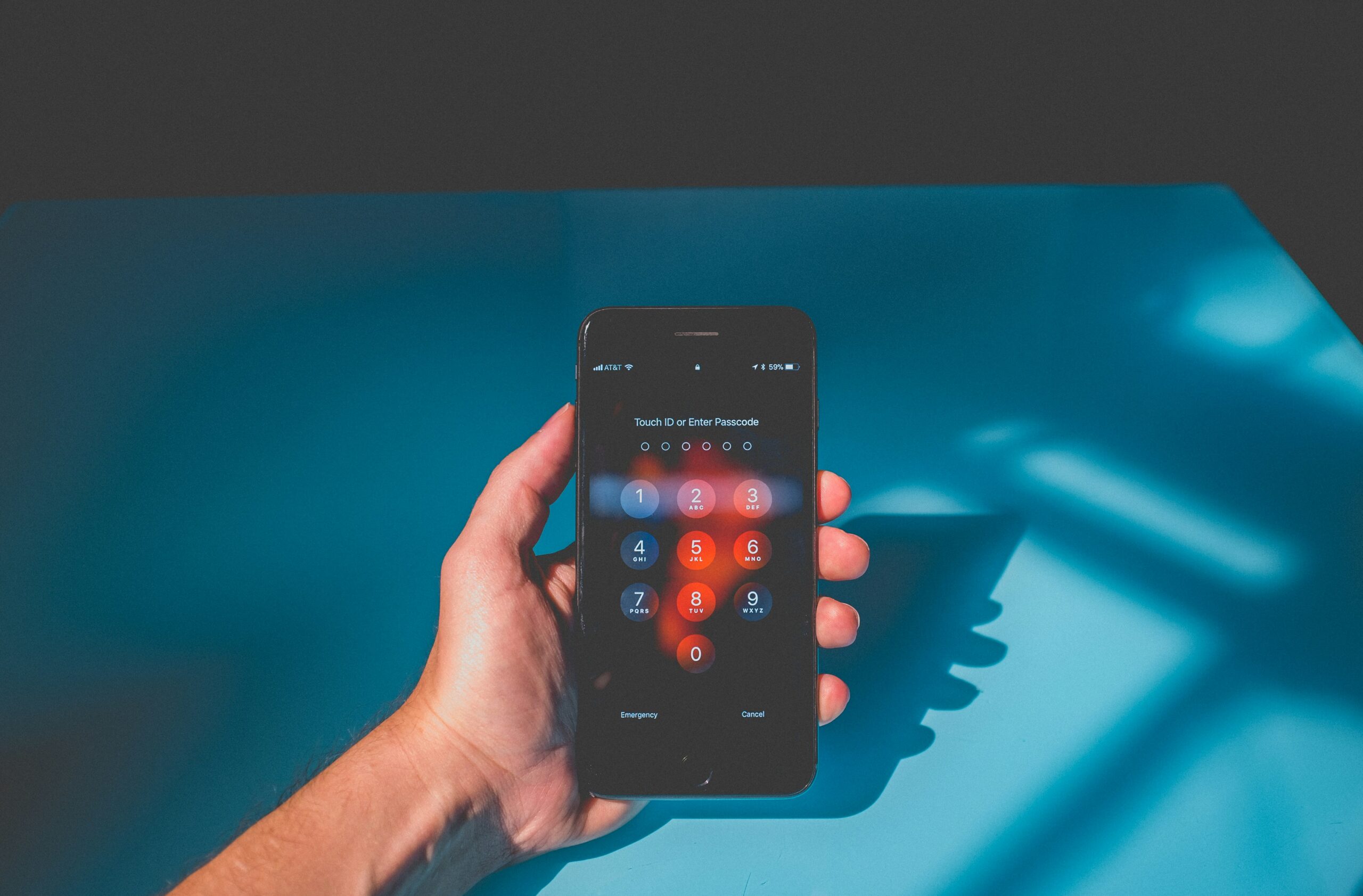
For most users, a passkey sign-in feels closer to unlocking a phone than filling out a form. You choose an account, your device asks for confirmation, and you unlock it with the method you already use. There may be no password to remember and no six-digit code to copy from a text message. On supported services, the whole process can take only a few seconds.
Passkeys can be device-bound or synced. A device-bound passkey may stay on one phone, computer, or hardware security key. A synced passkey can move through a trusted account or password manager so that it is available across multiple devices. Synced passkeys are convenient because a lost phone does not necessarily mean starting from zero. Device-bound passkeys can be useful in workplaces or higher-security settings where tighter control matters more than convenience.
The practical difference shows up when you get a new device. If your passkeys are synced, you may be able to sign in after verifying your identity with the same ecosystem or password manager that stores them. If a passkey is device-bound, you may need another sign-in method, a backup security key, or an account recovery process. This is why it is wise to read the recovery options before turning off passwords completely on an important account.
Some services let passkeys replace passwords entirely. Others keep them as an additional sign-in method while passwords remain available in the background. During the transition period, the weakest remaining sign-in or recovery method can still affect account security. A passkey on the front door helps less if the account can still be reset with an easily compromised email account.
What Students and Families Should Know Before Using Them
Passkeys are a good fit for everyday accounts that already support them, especially email, cloud storage, school portals, financial apps, and major shopping or communication accounts. They are especially helpful for people who struggle to create and remember unique passwords across many services. The fewer passwords a person has to type, the fewer chances there are to reuse or accidentally share one.
Before creating a passkey, check where it will be stored. A phone-based passkey may depend on the phone’s screen lock. A browser-based passkey may depend on the browser profile or operating system account. A password manager may let passkeys sync across different platforms. A hardware security key may require carrying a small physical device. None of these choices is automatically best for everyone; the right choice depends on how often you switch devices, how important the account is, and how comfortable you are with recovery steps.
For a family, the biggest conversation is usually recovery. A student may set up a passkey on a personal phone, then lose the phone, replace it, or change accounts. A parent may need to understand which recovery email or backup method is attached. A teacher or school technology office may need to explain whether student accounts support passkeys, security keys, or only standard passwords and multi-factor authentication.
- Use a strong device lock. A passkey depends partly on the safety of the phone, computer, or security key that stores it.
- Keep recovery information current. Old phone numbers and abandoned email addresses can weaken account recovery.
- Do not delete older sign-in methods too quickly. Make sure there is a tested backup before relying on one device.
- Start with one or two important accounts. Email is a smart place to begin because it often controls password resets for other services.
Why Passwords Will Not Vanish Overnight
Passkeys are spreading, but the internet changes unevenly. Some sites support them well. Some support them only on certain devices or browsers. Others still depend on passwords because their systems are older, their users need more support, or their account recovery process is not ready for a full switch.
There is also a learning curve. People understand passwords because they have used them for years, even if they dislike them. Passkeys ask users to trust a quieter process. The sign-in may feel almost too simple at first: unlock the device, approve the request, and you are in. Good design has to make that simplicity feel safe without burying people in technical detail.
The larger direction is clear, though. Passwords ask humans to protect secrets in a world full of fake pages, leaked databases, reused credentials, and rushed decisions. Passkeys move more of that work into cryptographic proof handled by devices. They do not replace judgment, but they reduce one of the easiest ways accounts get stolen.
The best way to understand passkeys is not as magic, but as better plumbing. The user still needs to protect the device and pay attention to recovery. The service still needs to implement sign-ins properly. But the most dangerous old habit, typing the same kind of reusable secret into page after page, becomes less central. That is a meaningful step toward an internet where signing in is both simpler and harder to attack.






Add comment