
 Akshay Dinesh
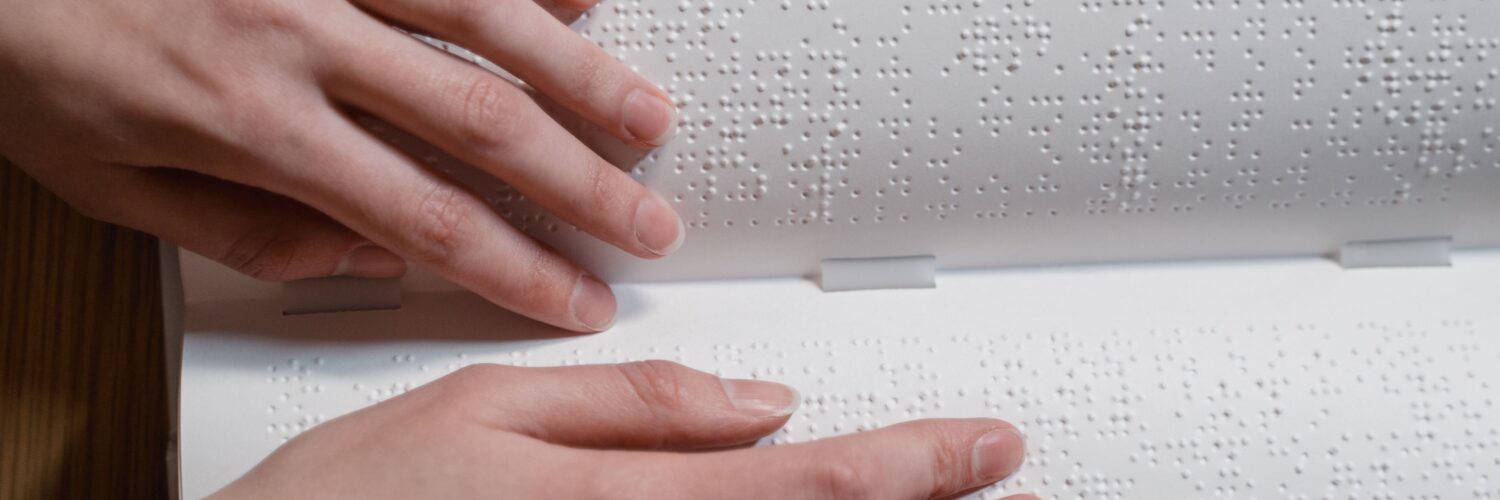
Braille can look mysterious at first because it does not resemble the printed alphabet. A page of Braille is built from small raised dots, arranged in careful patterns that a reader follows with the fingertips. Those dots are not random texture. They are a writing system, with rules for letters, numbers, punctuation, capitalization, emphasis, and shortened forms of common words.
The most important idea is simple: Braille is not a separate language. It is a code for writing languages in a tactile form. English Braille represents English, Spanish Braille represents Spanish, and other languages use Braille codes shaped around their own spelling and punctuation needs. That is why learning Braille is partly learning a new alphabet and partly learning how written language can be organized for touch instead of sight.
The six-dot cell is the building block
Every Braille character begins with a cell: two columns and three rows of possible dot positions. The left column is numbered 1, 2, and 3 from top to bottom, and the right column is numbered 4, 5, and 6. A dot can be raised or left flat in each position. The Library of Congress National Library Service describes this six-dot cell as the basic unit of Braille reading and writing.
Six positions may not sound like much, but they can make many patterns. If at least one dot is raised, the cell can form 63 different characters. The empty cell works like a space. In English Braille, those patterns can stand for letters, punctuation marks, numbers, word parts, and sometimes whole words, depending on context.
The letter a, for example, is dot 1. The letter b is dots 1 and 2. The letter c is dots 1 and 4. Many early letters build from related patterns, which helps new readers notice structure instead of memorizing every symbol as an unrelated shape. Still, Braille fluency takes practice because the reader must recognize dot patterns by touch, at reading speed, across a whole line.
Braille depends on context, not just dot shapes
A printed character usually shows much of its meaning by its visible form. A Braille cell often needs context. The same six-dot pattern can mean different things when it follows a number sign, appears inside a word, or is used as punctuation. That is not a flaw. It is part of how Braille keeps the system compact enough to read and write efficiently.
Numbers in English Braille are a good example. The first ten letter patterns, from a through j, also represent the digits 1 through 0 when they are preceded by a number sign. A reader does not have to learn a separate raised-dot alphabet for digits. The code uses a marker to tell the reader, in effect, that the next cells should be read as numbers.
Capital letters work in a similar way. Instead of giving every capital letter its own separate pattern, English Braille uses a capitalization indicator before the letter. Formatting can also be shown through indicators. That lets Braille handle the kind of information print readers expect, while still using a small, reliable set of dot positions.
Contractions make reading faster and books shorter
If every English word were spelled out letter by letter, Braille books would become very large very quickly. Braille already takes more physical space than print because raised dots need room for fingertips to distinguish them. To make reading smoother and printed volumes more practical, English Braille uses contractions: shortened forms for common words or letter groups.
Uncontracted Braille spells words out more directly. It is often easier for beginners because each cell usually maps more closely to a print letter or symbol. Contracted Braille adds shortcuts. A single cell may stand for a common word such as and, for, of, the, or with. Other contractions represent frequent letter groups inside longer words.
This is why Braille reading is not only a matter of touching dots and naming letters. A fluent reader is also recognizing patterns, word shapes, and code rules. That is familiar in a way: print readers do not normally sound out every letter in every word once they become fluent. They recognize common combinations and meanings quickly. Braille readers build a comparable fluency through touch.
Unified English Braille, often shortened to UEB, is the current English Braille code used in many English-speaking settings. In the United States, the shift to UEB became official in 2016. The change helped standardize literary Braille across English-speaking countries while still leaving specialized codes, such as Nemeth Code for mathematics in many U.S. contexts, important for technical notation.
Reading by touch changes the pace of attention
Braille reading uses fine tactile perception. A reader moves across the line, usually with both hands involved in some way. One hand may track the current line while the other prepares for the next, or the hands may divide the work differently depending on the reader’s habits, experience, and comfort. The goal is not to press hard. Skilled Braille reading depends on light, efficient contact that picks up the raised patterns without tiring the fingers.
Because touch gathers information differently from sight, Braille also changes how a page is experienced. A print reader can glance across a paragraph, notice headings, skim a page, or jump visually to a word. A Braille reader can skim too, but the process is more sequential. Layout, spacing, headings, and page organization matter because they help a reader navigate by touch.
That makes good Braille production a careful translation task, not a simple one-for-one swap from print. A messy table, decorative formatting, or confusing page order may be inconvenient in print, but it can become a real barrier in Braille. Skilled transcribers think about what the reader needs to understand the structure of the information, not only the words.
Braille writing can be low-tech or digital
Braille began as a practical writing system because it could be read and written by people who were blind. That matters. Earlier raised-letter systems often tried to imitate print letters, which could be slow to read and hard to produce. Louis Braille’s dot system, developed in the nineteenth century, was compact enough for fingertips and flexible enough for real writing.
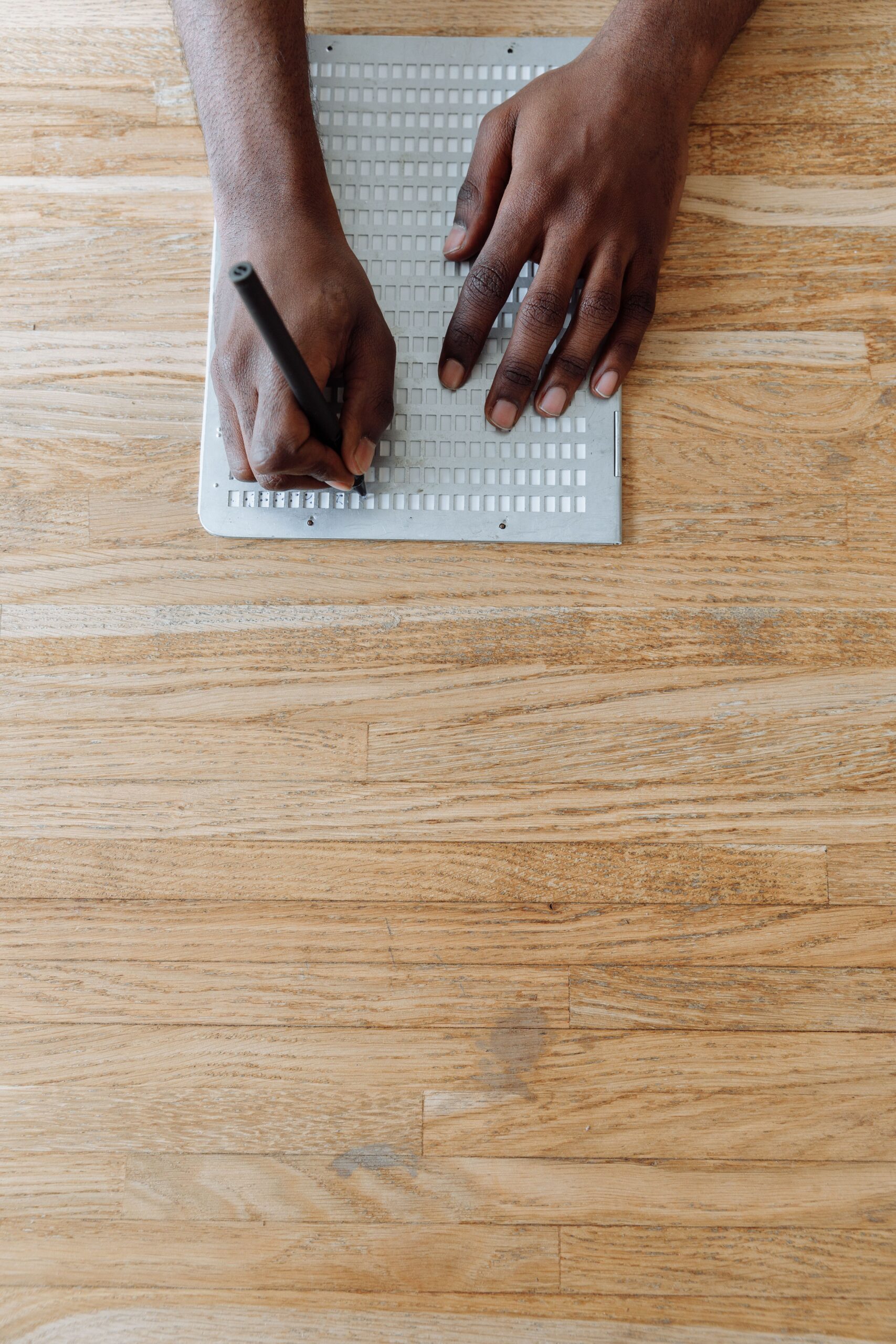
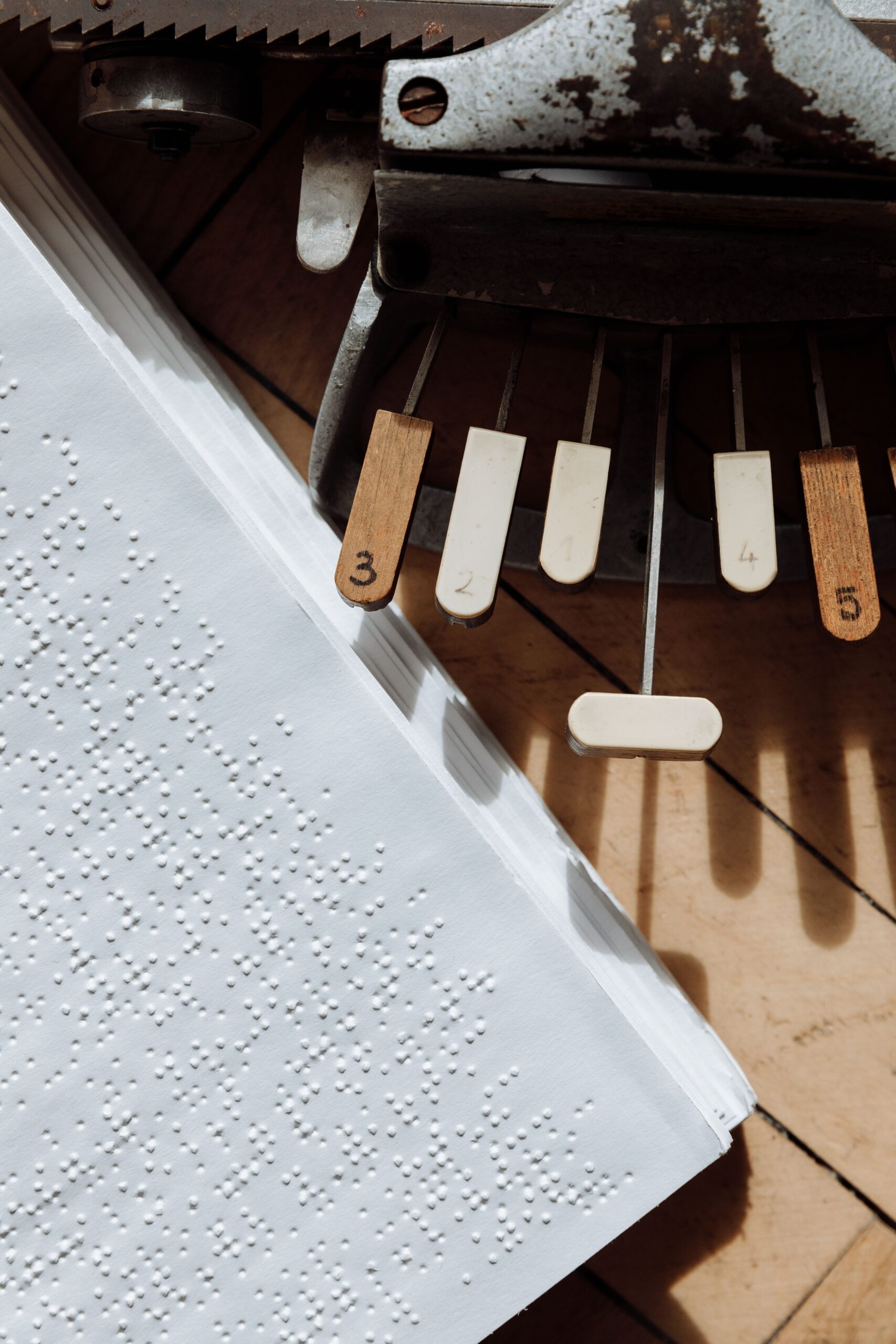
Today, Braille can be written with a slate and stylus, a mechanical Braille writer, an embosser connected to a computer, or a refreshable Braille display. A slate and stylus works somewhat like writing from the back of the page: the writer presses dots into paper so they rise on the reading side. A Braille writer has keys that correspond to dot positions, allowing several dots in a cell to be pressed at once.
Digital Braille has added another layer. Refreshable Braille displays raise and lower tiny pins so a reader can access changing text from a computer or mobile device. This does not replace embossed books, labels, signs, or paper notes. It expands where Braille can appear, from school assignments and workplace documents to messages, coding, music, and math.
Why Braille still matters in a world with audio
Screen readers and audiobooks are powerful tools, but listening is not the same as reading. Braille gives direct access to spelling, punctuation, formatting, equations, code, and the structure of written language. A person who reads Braille can check how a word is spelled, follow a sentence’s punctuation, label personal items, read music notation, or work through a math expression with more control than audio alone usually allows.
That is especially important for education. Reading and writing are not only about receiving information. They also shape how people learn vocabulary, grammar, revision, organization, and independent study habits. Braille literacy can support those skills in a way that pairs well with audio, large print, screen magnification, and other tools.
The best way to understand Braille is to see it as literacy made tactile. The dots are small, but the system behind them is not. A six-dot cell can carry letters, numbers, punctuation, contractions, and formatting because generations of readers, teachers, transcribers, and standards groups have refined the code for real use. Braille turns written language into something the hands can read, and that makes it one of the clearest examples of how design can open access to knowledge.






Add comment