
 Akshay Dinesh
A phone with no bars can feel useless at the exact moment someone needs it most. In a canyon, on a trail, after a storm, or along a remote road, the normal chain behind a call or text may be missing: no nearby cell tower, no working Wi-Fi, and no easy way to tell a dispatcher where help is needed. Satellite SOS features are meant for that narrow but serious gap. They do not turn an ordinary phone into a full satellite phone, but they can give certain devices a way to send short emergency information through space when ground networks are out of reach.
The idea is simple from the user’s point of view: try the emergency number first, then follow the phone’s prompts if no ordinary network is available. Underneath that calm interface is a demanding communications problem. A handheld device with a tiny antenna has to find a satellite moving across the sky or sitting far above Earth, aim its signal well enough to connect, compress urgent details into a small message, and help route that message toward emergency services. The system works best when the phone has a clear view of the sky, enough battery, and accurate location information to share.
Why Cell Networks Fail Before the Phone Does
Most mobile phones are built around terrestrial networks. When a phone connects normally, it talks to a nearby cell site, which passes the call, text, or data session through a carrier’s network. That arrangement is fast because the tower is close, usually within a few miles in populated areas. It also lets the network estimate location, manage many users at once, and hand the connection from one tower to another as a person moves.
Remote terrain breaks that pattern. Mountains can block radio signals, forests and valleys can weaken them, and sparsely populated areas may not have enough towers to cover every road or trail. Disasters can add another problem: the towers may exist, but power, backhaul lines, or local equipment may be damaged. In those cases, the phone may still have a working battery and GPS receiver while the communication path to the network is gone.
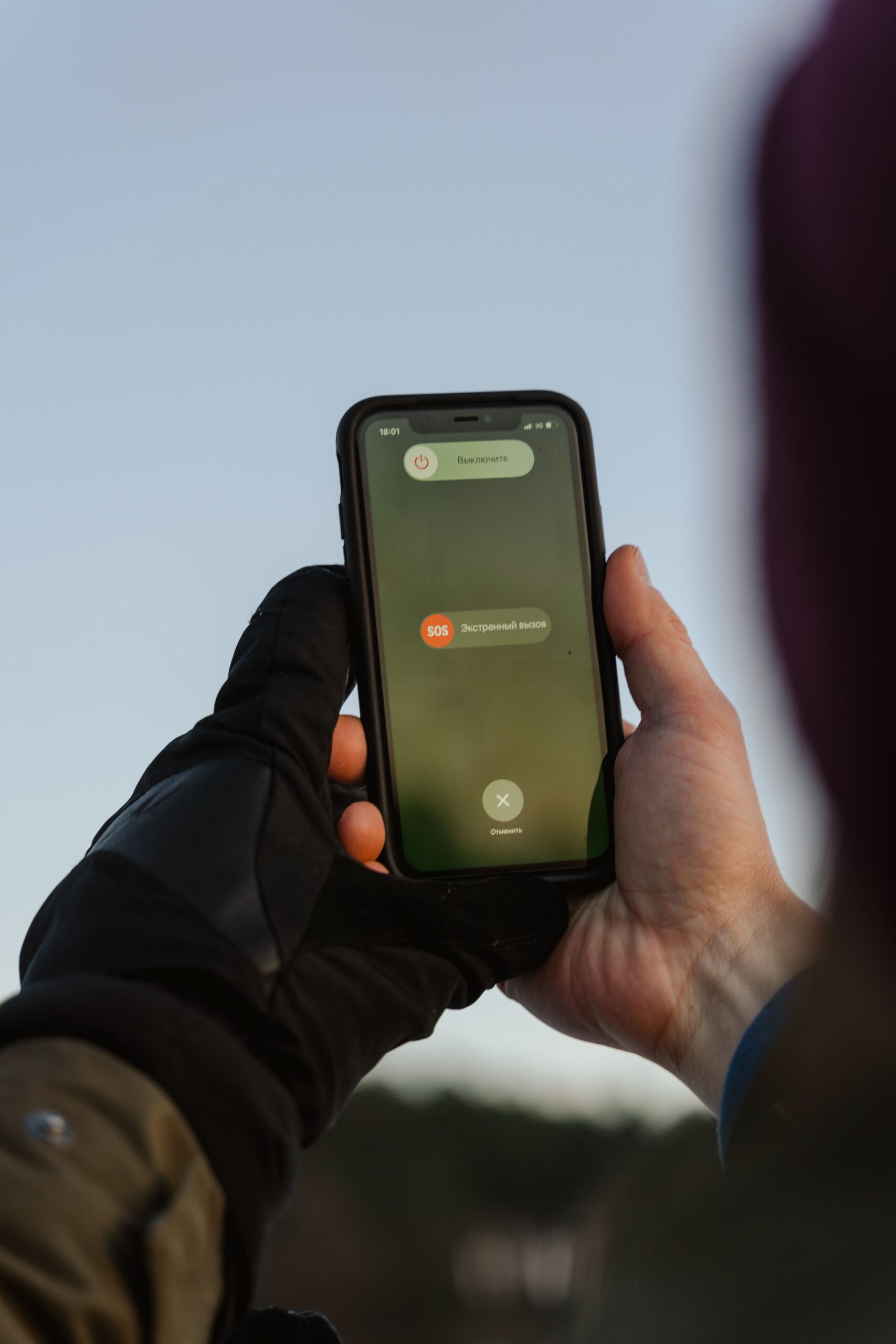
Satellite SOS tries to provide a backup path, not a replacement for ordinary service. Apple’s Emergency SOS via satellite, Google’s Pixel Satellite SOS, and carrier-backed direct-to-device satellite services all frame the feature as something for exceptional circumstances when mobile and Wi-Fi networks are unavailable. That distinction matters. A satellite connection is slower, more fragile, and more limited than a normal text or call, so the system is designed around essential information: where you are, what happened, whether anyone is injured, and what kind of help may be needed.
How a Phone Finds a Satellite
A satellite connection begins with geometry. The phone needs a usable line of sight to a satellite, which means open sky matters more than people sometimes expect. A clear meadow, ridge, beach, or road shoulder is usually better than a dense forest, steep canyon wall, parking garage, or city street between tall buildings. The phone may still have GPS location because GPS satellites only send timing signals down to the receiver, but sending an emergency message back through a communications satellite is a harder two-way task.
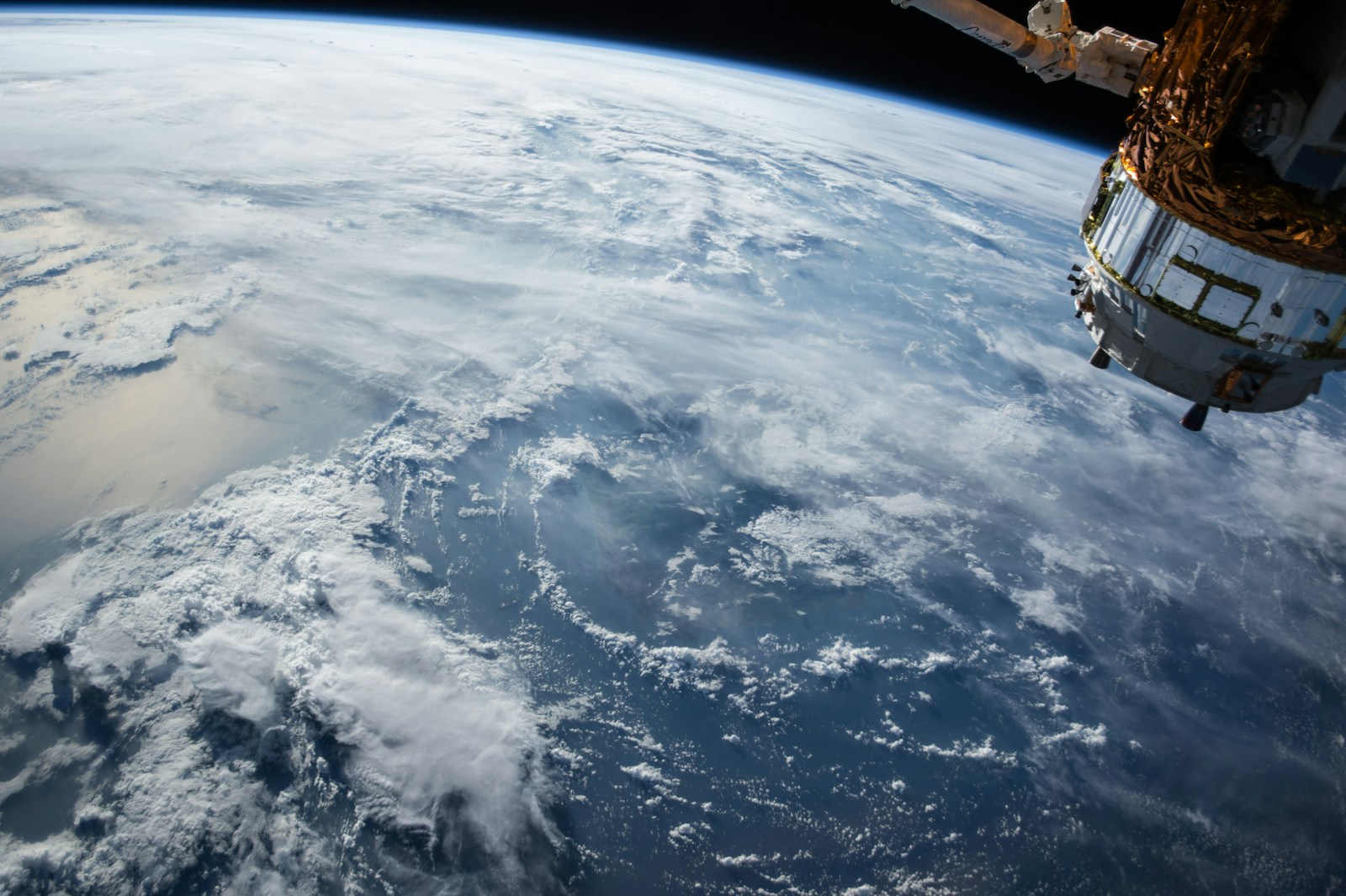
Different systems use different satellite networks and orbit designs. Some services rely on low Earth orbit satellites that move across the sky quickly. Others may use satellites in fixed positions relative to the ground, which can require the user to face and tilt the phone in a particular direction. That is why modern satellite SOS interfaces often show a pointing guide. The screen is not decoration; it helps the user keep the phone aimed while the small antenna sends and receives short bursts of data.
Distance also changes the feel of the connection. A cell tower may be nearby, while a satellite can be hundreds or thousands of miles away. The signal has farther to travel, the phone has less power than a purpose-built satellite terminal, and the path may be interrupted by trees, terrain, weather, or the satellite’s motion. A message that would move instantly over a city network may take longer through satellite. The best emergency designs prepare the user for that by asking simple questions before or during connection, then sending a compact packet of useful details instead of relying on a long back-and-forth conversation.
What Gets Sent to Emergency Services
Satellite SOS usually begins by asking for the type of emergency. A person may choose from a small set of prompts about injury, vehicle trouble, being lost, fire, crime, or another urgent situation. That questionnaire is not busywork. It reduces typing, saves battery, and gives dispatchers a structured starting point when every message may take time to send. It also helps relay centers or emergency providers understand whether the incident needs medical help, search and rescue, law enforcement, roadside assistance, or another response.
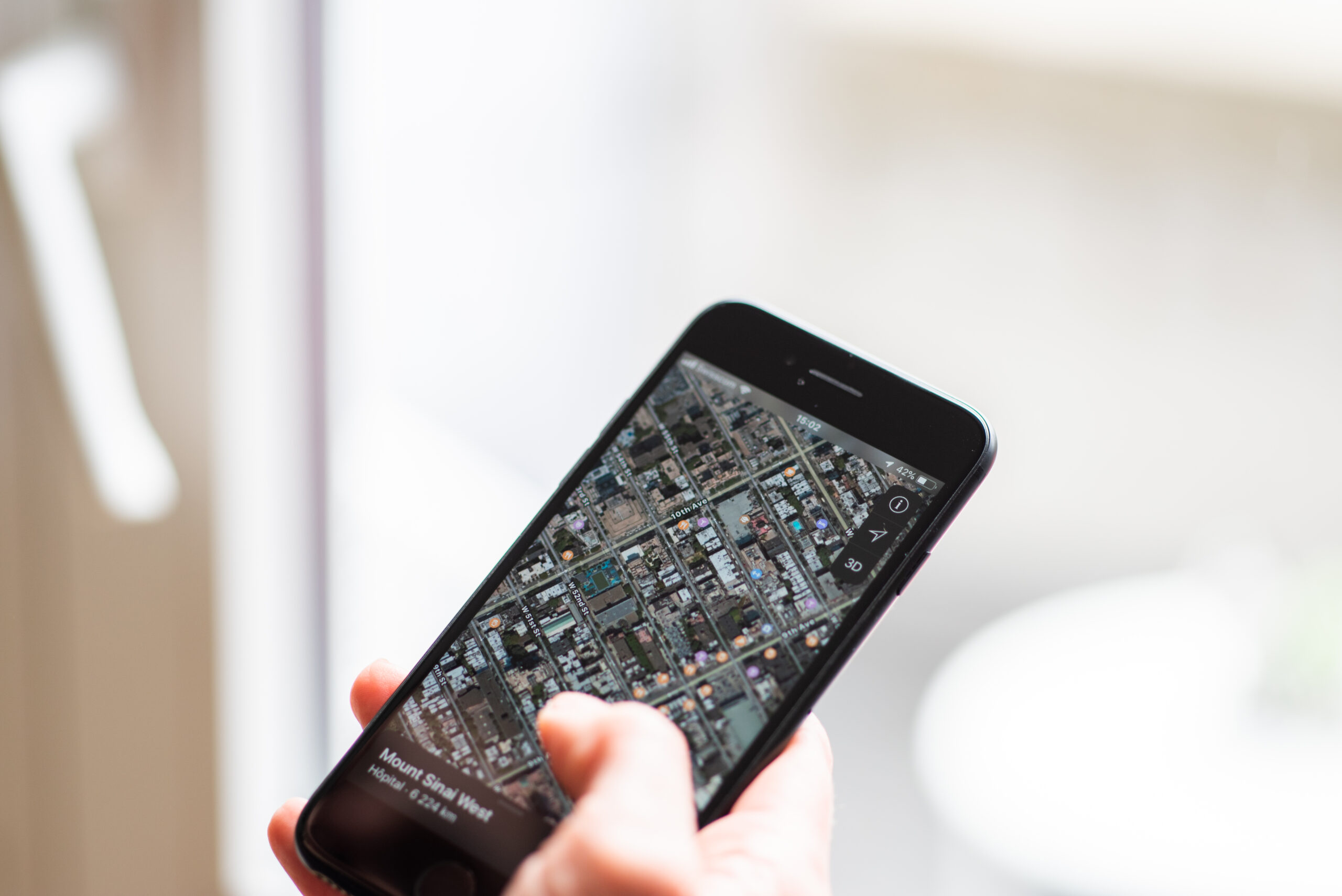
Location is the most important data. Phones can often share coordinates, and some systems may include elevation, battery level, emergency contact information, and medical details if the user has set those up ahead of time. Apple’s support materials, for example, describe sharing the emergency questionnaire answers, location, elevation, remaining battery, and optional Medical ID information. Google’s Pixel Satellite SOS similarly asks users to describe the emergency and then keep the phone pointed so emergency providers can reply by text. The exact details vary by device, country, software version, and service provider, but the pattern is similar: send the essentials first.
The message does not always go directly to the nearest 911 dispatcher in the same way a normal landline call might. Emergency systems have to route the request to the right public safety answering point, often called a PSAP, or through an emergency relay center that can contact local responders. The Federal Communications Commission’s supplemental coverage from space rules recognize that satellite-carried 911 calls and texts may need special interim routing because satellite networks do not behave like ordinary cell-sector routing. The goal is still the same: get the emergency to the appropriate response system with enough location information to act.
Why Satellite SOS Is Slower Than a Regular Text
Satellite emergency messaging is often text-based because text is efficient. Voice needs a steadier connection and more bandwidth. A short emergency message can be compressed, retried, and delivered even when the link is weak. This is also why the phone may ask the user to keep standing outside after the first message is sent. Dispatchers may need to ask follow-up questions, and the phone must stay connected long enough to receive and send replies.
Several limits can slow the exchange. The satellite may move out of view. The user may accidentally lower or rotate the phone. A tree canopy can reduce the signal. The device may be cold, low on battery, or trying to acquire location at the same time. In rough conditions, even a few minutes can feel long, but the delay is part of the tradeoff that makes the service possible on a small consumer phone.
There is also a human limit. Emergency responders need clear information, not a flood of half-sent messages. A strong satellite SOS design guides the user toward short, concrete answers: where the person is, what happened, how many people are involved, what injuries or hazards exist, and whether the person can move. In a stressful situation, that structure can be as valuable as the radio link itself.
What Direct-to-Device Service Adds
Early phone-based satellite SOS features were tied to specific devices and emergency use. The next stage is broader direct-to-device service, where satellites communicate with ordinary phones using carrier spectrum or compatible messaging systems. The FCC describes this larger category as supplemental coverage from space, meant to extend connectivity into places not covered by terrestrial networks. Carrier services using satellite partners are beginning with limited messaging and emergency support, then gradually adding broader text or app capabilities as networks, devices, and rules mature.
That development is important because it may reduce the number of people who need a special satellite messenger for basic off-grid contact. It could also help public warning systems reach areas that traditional cell towers miss. T-Mobile has reported satellite-based support for emergency messaging and Wireless Emergency Alerts in areas beyond ground coverage, while other carriers and satellite companies are building their own approaches. The details are changing quickly, and compatibility still depends on device model, software, carrier support, region, and satellite coverage.
Even as direct-to-device service improves, it should not be confused with normal mobile broadband. The earliest services are usually narrow: short messages, emergency texts, location sharing, or selected apps. Video calls, large photos, and always-on internet are far harder on a small phone link. The most realistic expectation is not “full service anywhere,” but a growing safety layer that can send essential information from more places than cell towers alone can reach.
How to Prepare Before You Need It
The best time to learn satellite SOS is before an emergency. Many phones offer a demo mode that lets users practice finding a satellite without contacting emergency services. That practice matters because the motion can feel unfamiliar: step outside, look for open sky, hold the phone normally, follow the on-screen direction, and wait for the connection to settle. A person who has tried the demo once is less likely to waste battery or panic when the feature is actually needed.
Preparation also means setting up the information the phone may share. Emergency contacts, medical details, location permissions, software updates, and default messaging settings can all affect what happens when the system activates. A charged phone and a small power bank may matter as much as the satellite feature itself. In cold weather, keeping the phone warm can preserve battery performance. In remote travel, telling someone your route and return time is still a simple safety step that technology cannot replace.
Satellite SOS is a remarkable backup, but it works best when treated honestly. It needs open sky. It may be slow. It may not be available on every phone, in every country, or under every carrier plan. It should not encourage careless travel or replace ordinary emergency planning. Its real value is narrower and more powerful: when the usual networks disappear, a small message can still leave the phone, cross a satellite link, carry a location, and start the chain that brings help closer.





