

 Akshay Dinesh
Texting feels simple because it hides a surprising amount of technology. You type a message, tap send, and expect the words, photo, or link to appear on someone else’s phone. Behind that small action, though, a phone has to decide which messaging system to use, whether the other device can receive richer features, how the carrier should route the message, and whether the conversation can be protected with stronger security.
That hidden process matters more now because RCS, short for Rich Communication Services, is changing ordinary phone texting. Apple Support describes RCS as a way to send higher-resolution photos and videos, links, delivery receipts, read receipts, and typing indicators when iMessage is not being used. Google Messages has supported RCS for years, and the GSMA, the mobile-industry group behind the Universal Profile standard, has been moving RCS toward stronger cross-platform encryption. The result is useful, but not magical: RCS improves texting, while SMS and MMS still remain the backup path in many conversations.
Why SMS Was Built for a Smaller Job
SMS stands for Short Message Service, and the name is a clue. It was designed for short text messages, not the rich conversations people now expect from phone apps. A plain SMS can carry text, but it was never meant to behave like a modern chat service with large media files, typing bubbles, reliable group features, or read receipts.
MMS, or Multimedia Messaging Service, added support for pictures, videos, and group messages, but it still feels limited compared with internet-based messaging. Images may be compressed, videos can become blurry, and group conversations can behave differently depending on phones, carriers, and settings. Anyone who has watched a photo arrive as a tiny, fuzzy attachment has seen those limits in action.
The older system also has a security gap that many people overlook. SMS messages are not end-to-end encrypted. They travel through carrier systems in a way that makes them useful for wide compatibility but weak for privacy compared with encrypted messaging. That does not mean every SMS is being watched, but it does mean SMS was built for reach and reliability, not for protecting sensitive conversations from every possible point in the delivery chain.
What RCS Adds to Ordinary Texting
RCS tries to make carrier-based texting behave more like a modern messaging app while still using a phone number as the identity. Instead of asking everyone to download the same separate app, it can work inside the phone’s default messages app when the device, carrier, region, and software all support it. That is why RCS can feel like an upgrade to texting rather than a completely new place to talk.
The most visible changes are the small features people notice right away. RCS can show when someone is typing, confirm that a message was delivered, show read receipts when they are enabled, support better group chats, and send higher-quality media than old MMS. For families, classmates, clubs, and project groups, those details reduce the little confusions that older texting often creates.
RCS also uses data service, either cellular data or Wi-Fi, rather than depending only on the older SMS channel. That helps explain why an RCS conversation may work differently from a plain text conversation when a phone has weak data service, when a carrier does not support a feature, or when a person changes phones. The experience can look effortless, but the phone is constantly checking what kind of messaging path is available.
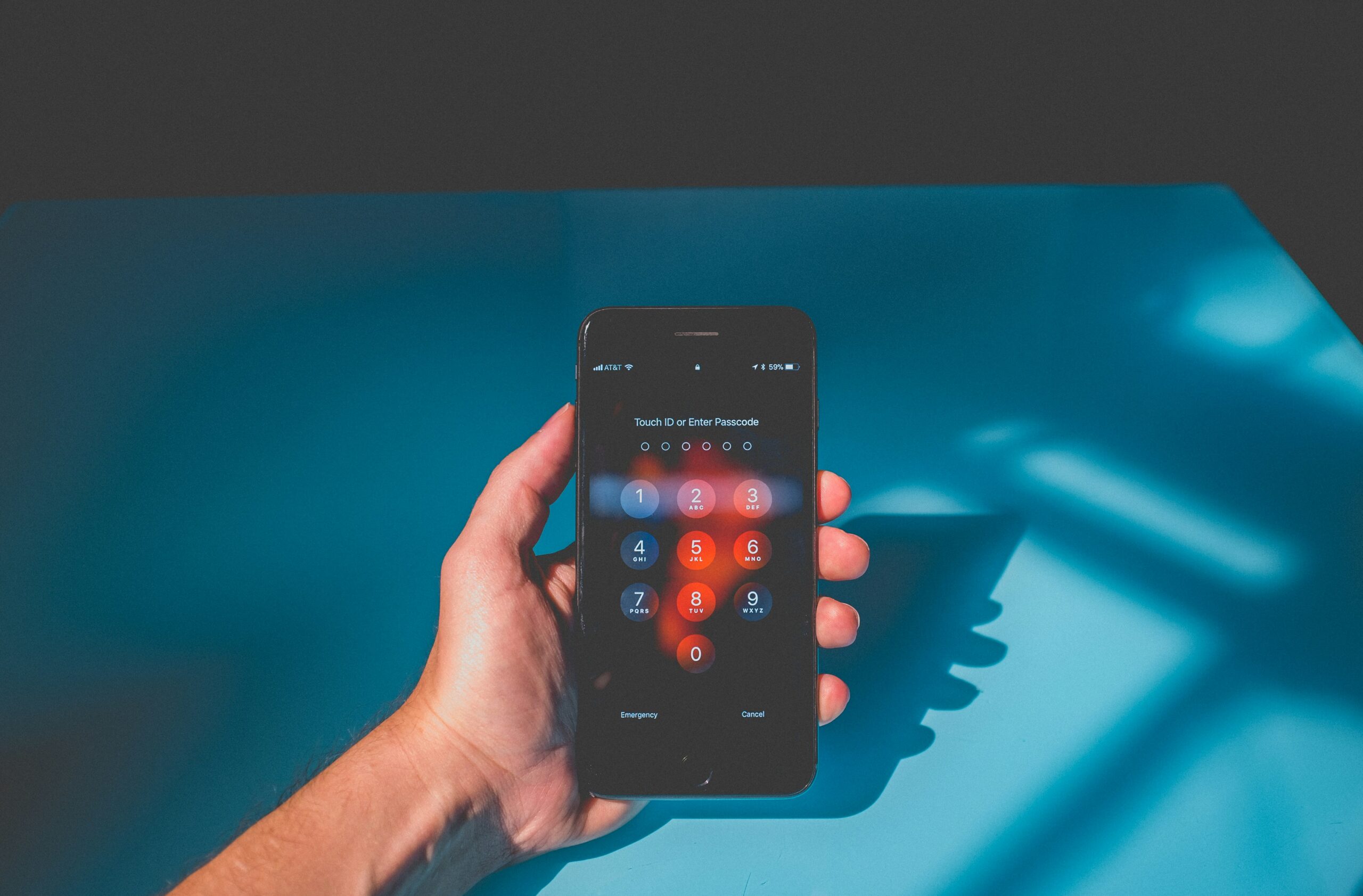
How a Phone Chooses Between RCS and SMS
When you start a conversation, the messaging app does more than place letters into a digital envelope. It checks whether the other person can receive RCS. If both sides have compatible software, supported carrier service, and RCS enabled, the conversation may use RCS. If not, the message may fall back to SMS or MMS so it can still get through.
That fallback is one reason texting remains so widely useful. A message does not usually fail just because the richer system is unavailable. Instead, the phone often shifts to the older format. The tradeoff is that features can disappear. A high-resolution image may be reduced, typing indicators may vanish, and security may fall back to the older level.
This is also why bubble color or a single label does not tell the whole story. A conversation can look similar on the screen while using different systems underneath. Apple Support notes that RCS, SMS, and MMS messages can appear as green text bubbles on iPhone, but that does not mean they are identical. The more useful clues are the details inside the conversation: whether RCS is shown, whether delivery and read receipts work, whether media sends cleanly, and whether an encryption indicator appears when supported.
Where Encryption Fits In
Encryption is the part of RCS that deserves the most careful explanation because it is easy to overstate. End-to-end encryption means a message is protected so that only the devices at the ends of the conversation can read its contents. In May 2026, Apple announced beta rollout of end-to-end encrypted RCS messaging for supported iPhone users and Android users on current Google Messages, with a lock indicator showing when a conversation is encrypted. Google also says RCS conversations in Google Messages can be automatically upgraded to end-to-end encryption when the conversation meets the requirements.
The important phrase is when the conversation meets the requirements. Encryption can depend on the messaging app, software version, device support, carrier support, and whether all participants in a group chat are using compatible RCS. If one person in a group cannot use the supported encrypted path, the conversation may not have the same protection. That is not a small detail; group chats are often where people assume privacy without checking it.
The GSMA’s Universal Profile 3.0 is significant because it defines requirements for RCS end-to-end encryption across providers. That matters for the future of texting because older app-by-app encryption often worked best only inside one company’s system. A shared standard makes broader compatibility more realistic, although rollout still takes time and can vary by carrier and device.
Even when encryption is present, it does not solve every safety problem. It protects message contents in transit, but it does not prove the person texting you is honest. It does not make a suspicious link safe. It does not prevent someone from screenshotting a conversation. It also does not erase metadata such as the fact that a message was sent, the phone numbers involved, or account and carrier records that may exist outside the message contents.
Why Better Texting Does Not End Text Scams
RCS can make legitimate messages look richer, but scammers can also adapt to richer messaging. A polished message with a logo, link preview, or urgent wording can still be fake. The Federal Trade Commission has warned consumers about spam texts and recommends reporting suspicious messages through the phone’s report option, forwarding unwanted texts to 7726, and reporting fraud at ReportFraud.ftc.gov. The Federal Communications Commission has also treated scam robotexts as a growing consumer threat and has pushed carriers to block suspicious messages.
The danger is not the messaging standard by itself; it is the way people react to urgency. A scam text often tries to make the reader act before thinking. It may claim a package is stuck, a toll is overdue, a bank account is locked, or a prize is waiting. RCS features can make real business messages more useful, but they can also make imitation messages feel more convincing if readers trust the appearance more than the source.
A safer habit is to separate the message from the action it demands. If a text asks for payment, login details, a verification code, or personal information, do not use the link in the message as the starting point. Open the official app, type the known website address yourself, or contact the organization through a number you already trust. That habit works whether the message arrived by SMS, MMS, RCS, or a separate chat app.

How to Read a Texting Conversation More Carefully
The best way to understand RCS is not to memorize every technical term. It is to notice what the phone is telling you. If a conversation shows RCS features, you can expect richer media, better group behavior, and delivery clues. If the conversation falls back to SMS or MMS, expect fewer features and weaker privacy. If the app shows an encryption lock or encrypted label, that is useful information, but it should be read as a conversation-specific signal rather than a permanent guarantee for every text you send.
For students and families, this matters in practical ways. Group projects, sports teams, college clubs, and family chats often mix phone types and carriers. One person’s settings can change how the whole group behaves. A video that sends clearly in one chat may become compressed in another. A group that had encryption may lose it after someone joins from an unsupported setup. These changes can feel random until you understand that the phone is choosing among different delivery systems.
It also helps to keep sensitive information out of ordinary text messages when possible. A one-time code, password reset link, medical detail, financial document, or private photo deserves more caution than a casual plan to meet after school. RCS may improve security when encryption is active, but the safest choice is still to match the tool to the message. Not every conversation needs high security, but some messages should not be treated casually just because sending them is easy.
RCS is an important upgrade because it brings everyday texting closer to the way people already expect messaging to work. It makes conversations smoother, media clearer, and cross-phone communication less awkward. The lesson is not that older texting is useless or that RCS fixes everything. The better lesson is that a text message is not just a bubble on a screen. It is a route through networks, devices, settings, and security choices, and understanding that route makes each tap of the send button a little less mysterious.






Add comment