
 Akshay Dinesh
A modern passport still looks like a small paper booklet, but many of its most important checks now happen silently inside the cover. When a traveler places an e-passport on a reader, the border system is not only reading printed text from the data page. It is also communicating with a tiny contactless chip that stores a digital version of key passport information and helps officials test whether the document is genuine.
That hidden chip matters because passports have to solve two problems at once. They must identify the person standing at the counter, and they must also prove that the booklet itself has not been forged or altered. An e-passport does not remove the human judgment from border control, but it gives officers and automated gates another layer of evidence: a document that can be read, compared, and cryptographically checked.
The chip is a contactless smart card
An e-passport chip works more like a contactless smart card than a tracking device. It has an integrated circuit and a small antenna built into the passport cover or another protected layer of the booklet. When the passport is close enough to an official reader, the reader powers the chip through radio-frequency communication and asks it to send stored data.
This is why e-passports use a symbol on the cover: a small rectangle with a circle and line pattern that signals the presence of an electronic chip. The U.S. Department of State and many other passport authorities use that symbol to help travelers and border systems identify documents that meet international e-passport standards. It is also why automated gates often ask travelers to open the passport to the photo page and place it flat on a scanner.
The chip usually stores information that matches the passport’s printed identity page, including the holder’s name, nationality, date of birth, passport number, expiration date, and a digital facial image. The exact details vary by country and document type, but the basic idea is the same: the chip repeats important identity information in a machine-readable form so it can be checked against the booklet and the traveler.
The chip is not useful by itself if the physical passport is ignored. Border officers still look at the document, the photo, visas or entry records when relevant, and the person presenting it. The value of the chip is that it gives the system an additional question to ask: does the electronic record inside this booklet match what the booklet claims to be?
Why the data page and chip are compared
The first practical check is consistency. A reader can compare the data stored on the chip with the printed data page and the machine-readable zone, the two-line block of letters, numbers, and chevrons found near the bottom of many passport identity pages. If the printed page says one thing and the chip says another, that mismatch is a warning sign.
This comparison helps catch some types of tampering. A forged document might have a changed photograph, an altered name, or a data page that does not match the original electronic record. Because an e-passport stores a digital facial image, an automated system can also compare the chip image with a live camera image or with the printed photo, depending on the checkpoint’s equipment and rules.
That does not mean the chip is a magic truth machine. A border system still depends on good readers, trained staff, reliable databases, and clear procedures. A damaged chip can also fail even when the booklet is otherwise legitimate. In those cases, officers may use manual inspection and other identity checks instead of treating the chip alone as the entire passport.
The key point is that e-passports turn identity checking into a layered process. Printed security features, machine-readable text, electronic data, photographs, and human review all support one another. A stronger passport system does not depend on any single feature being perfect.
Digital signatures make alteration harder
The most important part of an e-passport is not simply that the chip can be read. A copied file would not be very helpful if anyone could rewrite it. The stronger protection comes from digital signatures, which let a border system test whether the data on the chip was signed by the passport-issuing authority and whether it has changed since issuance.
A digital signature is a cryptographic seal. The issuing country uses a private signing key to protect the chip’s data when the passport is created. A border system can then use trusted public information from the issuing authority to check that signature. If the data has been altered, the signature check should fail because the changed data no longer matches the original signed record.
The International Civil Aviation Organization, which sets global standards for machine-readable travel documents, describes e-passport validation as a process of verifying the authenticity and integrity of the chip by checking its digital signature. ICAO’s Public Key Directory exists because countries need a reliable way to exchange the public-key information required for those checks. Without that exchange, each country would have to manage a messy web of separate bilateral arrangements.
This is the part many travelers never see. The visible passport symbol and the automated gate feel like convenience features, but the deeper security work is about trust between issuing and receiving states. A reader must not only read the chip; it must decide whether the chip’s data can be trusted.
RFID does not mean the passport broadcasts everything
Because e-passports use radio-frequency communication, they are often described as RFID passports. That phrase can sound alarming, as if the passport is constantly broadcasting personal information to anyone nearby. In normal operation, the chip is short-range and passive. It does not carry its own battery, and it responds only when powered by a nearby reader.
Short range alone is not the whole protection, though. Many passport systems also use access controls that require information from the document, such as data from the machine-readable zone, before the chip can be read. The practical effect is that a reader normally needs close physical access to the passport and enough document information to begin a session.
There are still legitimate privacy and security concerns around any identity document that can be read electronically. Security researchers have shown for years that electronic documents need careful standards, reader authentication, and responsible border-system design. That is why the strongest explanation is not that e-passports are impossible to attack. It is that modern e-passports use layers of protection, and those layers work best when border systems actually perform the cryptographic checks they are designed to perform.
For ordinary travelers, the practical takeaway is simpler: the chip helps officials verify the document, but it does not replace normal passport care. A passport should be kept secure, protected from damage, and treated as a sensitive identity document whether or not a traveler ever uses an automated gate.
How automated gates use the passport
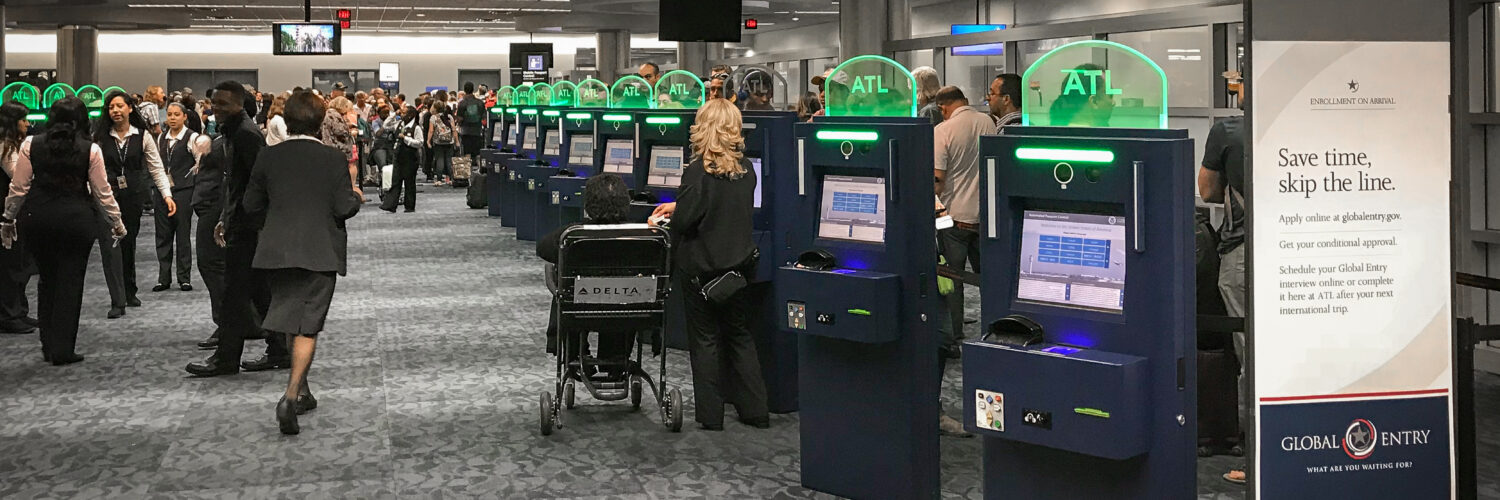
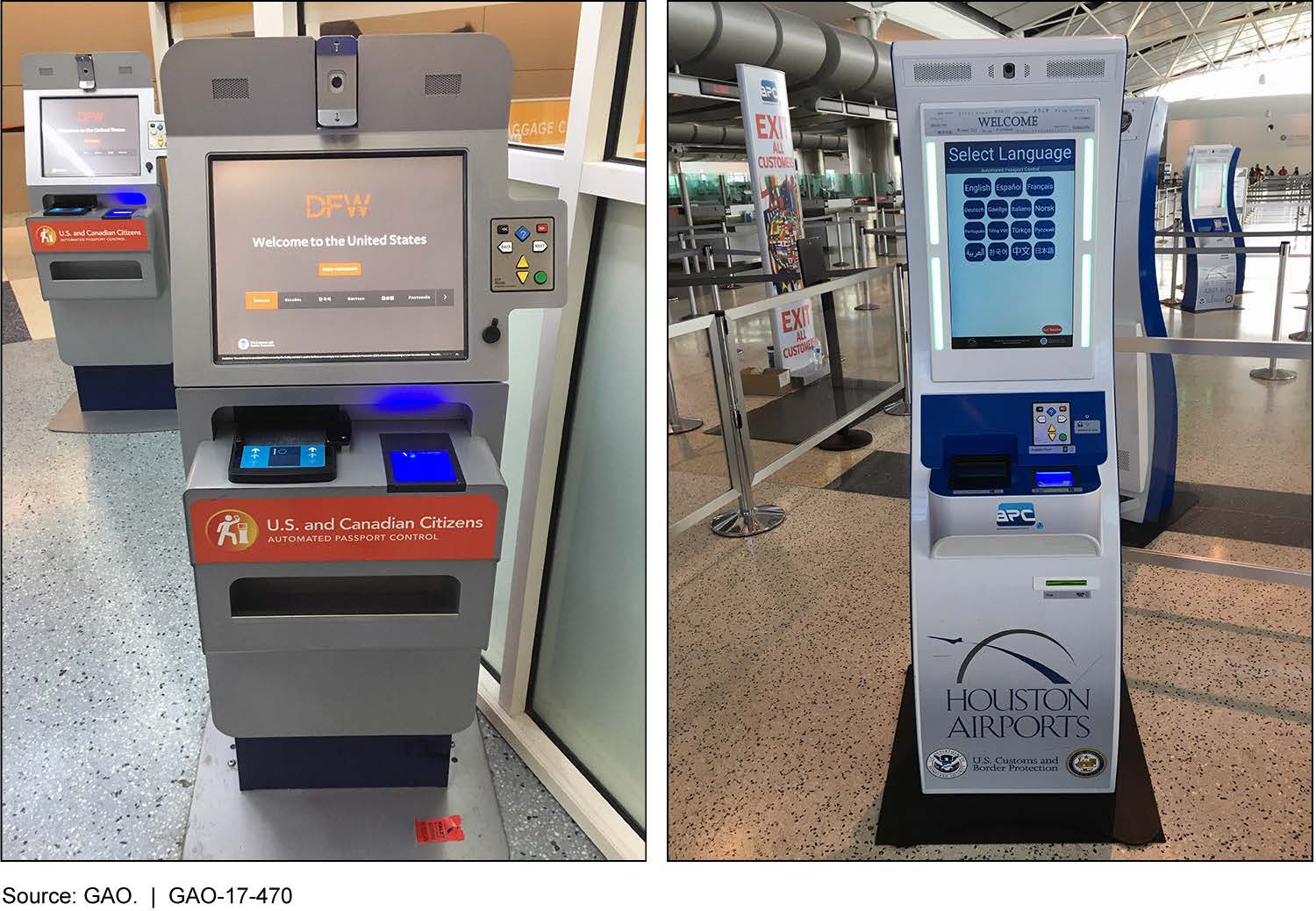
Automated passport gates and kiosks combine several checks into a faster workflow. The machine reads the passport, extracts or verifies the chip data when supported, captures a live image of the traveler, and compares that image with the passport photo or stored records according to the system’s rules. If the checks pass, the traveler may continue to the next stage or proceed through the gate.
The technology is meant to speed up routine processing while reserving attention for cases that need human review. A kiosk can handle repetitive scanning and comparison quickly, but it cannot understand every travel situation. Damaged documents, unclear photos, name changes, visa questions, unusual travel histories, or failed biometric matches can still send a traveler to an officer.
This balance explains why e-passports are both a convenience tool and a security tool. They support faster lines because machines can read structured data quickly. They also support document inspection because the chip gives the system something harder to fake than a printed page alone.
International travel depends on shared standards. A passport issued in one country must be readable and meaningful in another country’s border system. E-passport standards help make that possible by defining how data is stored, how chips communicate, and how signatures can be checked across borders.
What e-passports reveal about modern identity
E-passports show how identity documents have changed from purely visual objects into hybrid physical-digital records. The booklet still matters: paper, ink, embedded fibers, watermarks, laser engraving, and other security features make forgery harder. The chip adds another layer by giving the same document a signed electronic identity.
That layered design is useful because identity fraud can happen in different ways. Someone might try to alter a photo, substitute a page, copy data, or present a genuine document that belongs to someone else. No single feature solves every risk. A strong passport combines hard-to-copy physical materials, structured machine-readable text, digital chip data, cryptographic signatures, and photo comparison.
The best way to understand an e-passport is not as a passport with a gadget added on. It is a travel document designed for a world where people move through international systems that need speed, interoperability, and trust. The chip helps border officers ask better questions: Is this document authentic? Has its data changed? Does the person presenting it match the identity the document claims?
That is why a small symbol on a passport cover represents more than a convenience at an airport gate. It points to a global system of standards, readers, keys, images, and checks built around a simple goal: making it harder for a false document to pass as a real one while helping legitimate travelers move through the border more efficiently.





