 Akshay Dinesh
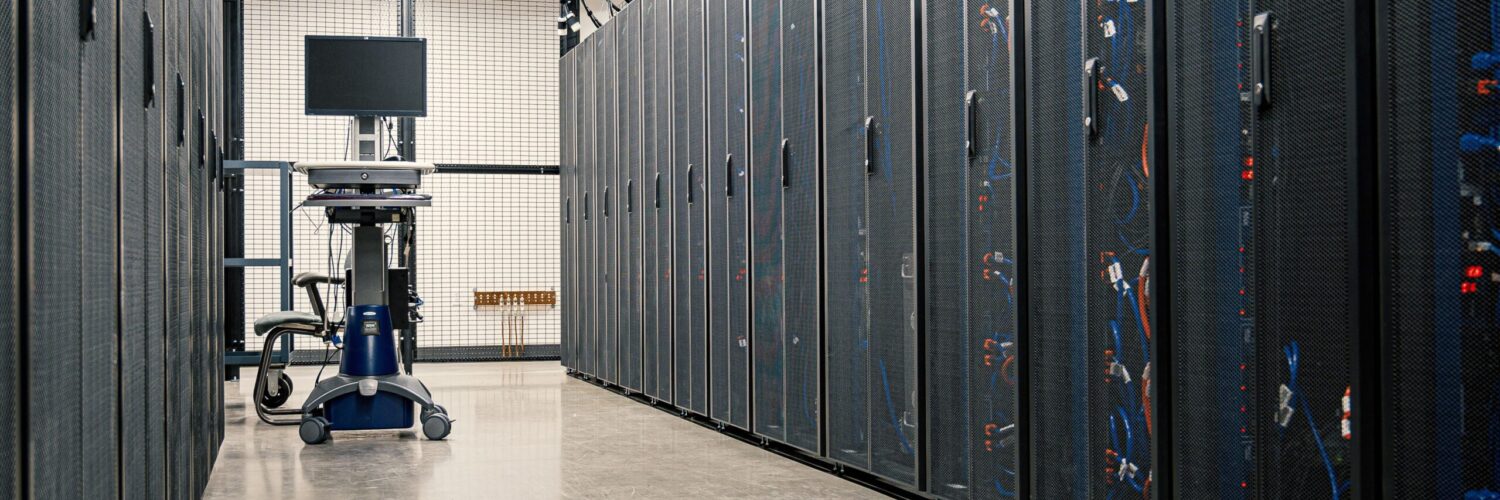
Cloud computing is easy to picture as something weightless because people often talk about files, photos, games, and schoolwork being stored “in the cloud.” The name hides the most important part: the cloud is still made of real computers. Those computers sit in data centers, use electricity, need cooling, and connect through networks so that people can use them from almost anywhere.
The difference is not that computing stopped depending on machines. The difference is who owns, manages, and shares those machines. Instead of every app, school, store, or small business buying enough servers for its busiest moment, cloud computing lets them rent computing power, storage, databases, and tools when they need them. That shift changed how online services grow, how quickly new apps can be built, and why a file saved on one device can appear on another seconds later.
The Cloud Is Someone Else’s Computer, But That Is Only the Start
A simple joke says the cloud is just someone else’s computer. That is partly true, but it leaves out the engineering that makes the idea useful. A single remote computer would not be very flexible. Modern cloud systems use large pools of servers, storage drives, network equipment, and management software that can divide resources among many customers at once.
The National Institute of Standards and Technology describes cloud computing through traits such as on-demand self-service, broad network access, resource pooling, rapid elasticity, and measured service. In everyday language, that means a user or company can request computing resources without buying hardware, reach those resources over a network, share a provider’s larger pool of machines, scale up or down quickly, and pay in a way that reflects use.
That last point matters. Owning servers is like buying a fleet of delivery trucks because there might be one very busy week each year. Renting cloud resources is closer to calling for more trucks during the busy week and using fewer the rest of the time. The rented resources still cost money, but the cost can follow demand more closely.
Why Sharing Resources Makes Cloud Services Flexible
Cloud providers rely on a key idea called virtualization. Virtualization lets one physical server act like several separate machines. Each virtual machine can have its own operating system, storage space, and assigned computing power, even though it is sharing the same underlying hardware with others.
Containers work in a related but lighter way. Instead of pretending to be a whole separate computer, a container packages an app with the pieces it needs so it can run consistently in different environments. Virtual machines and containers help cloud systems move work around, isolate customers, recover from hardware problems, and use machines more efficiently.
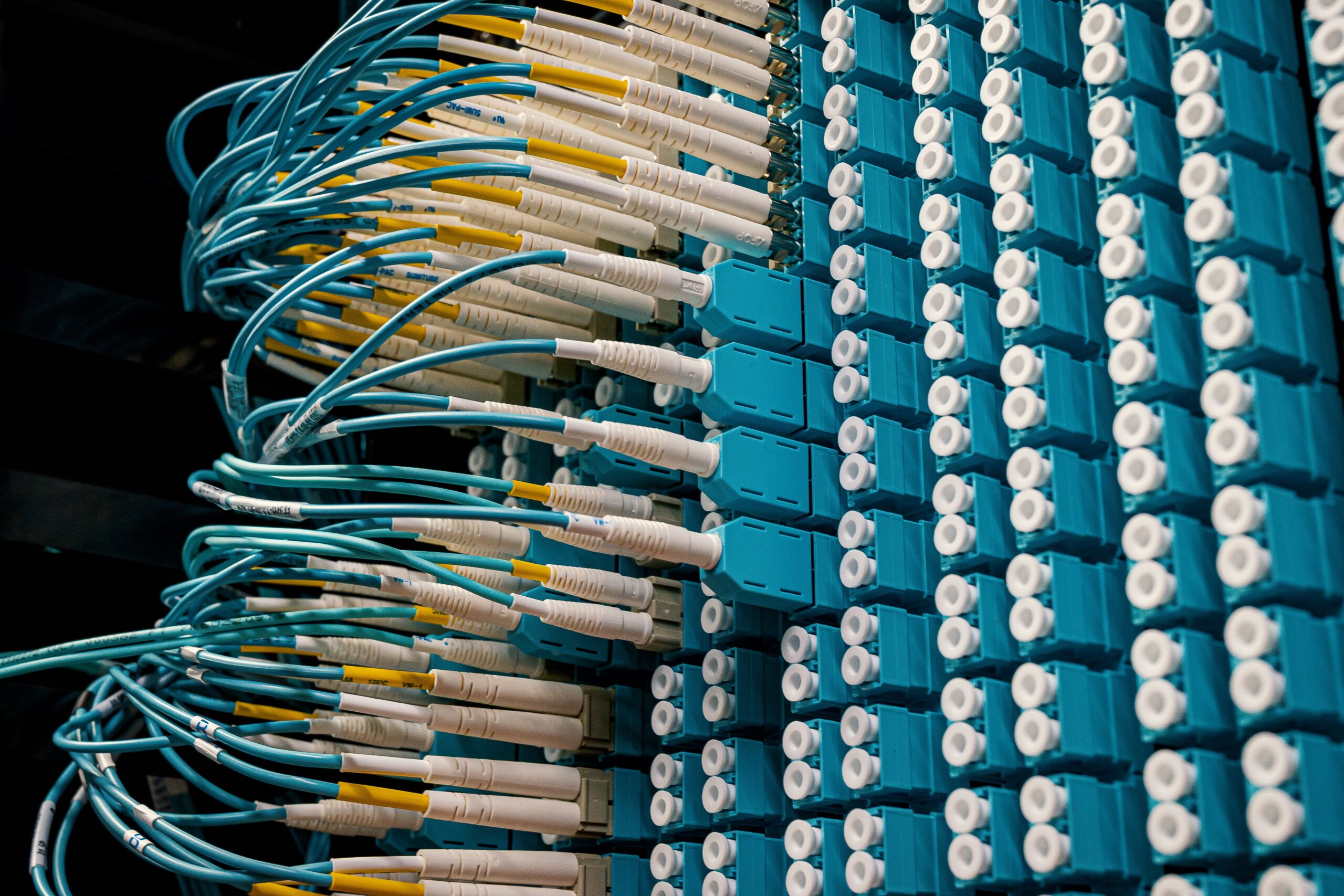
Sharing does not mean every customer can see everyone else’s data. A well-designed cloud system separates customers through permissions, encryption, network controls, and account boundaries. The goal is to make shared infrastructure behave like private capacity from the user’s point of view. When it works well, an app can gain more memory, more processing power, or more storage without anyone carrying a new server into a room.
Infrastructure, Managed Tools, and Finished Software
Cloud services are often grouped by how much responsibility the customer keeps. Infrastructure as a service, or IaaS, is closest to renting raw computer parts. A company might rent virtual servers, storage, and networking, then install and manage much of the software itself. This gives flexibility, but it also requires technical skill.
PaaS moves one layer higher. Instead of managing the operating system and many setup details, developers can focus more on building and running an app. The provider handles more of the background work, such as updates, scaling tools, databases, or development frameworks. The tradeoff is that the customer has less control over the exact setup.
SaaS is the most familiar to ordinary users. Email, shared documents, streaming services, learning tools, and online calendars can all be delivered as finished software through a browser or app. Users do not manage the servers or install the main system themselves. They simply sign in and use the service, while the provider handles the machinery behind it.
These categories are useful, but real services can blur the lines. A single cloud product might include storage, security tools, databases, and app hosting together. The important question is not the label by itself. It is which responsibilities belong to the provider and which still belong to the customer.
What Cloud Computing Changes for Everyday Apps
Cloud computing helps explain why many modern apps feel less tied to one device. A photo uploaded from a phone can appear on a laptop because the main copy, or a synchronized copy, is stored on remote servers. A school assignment can be edited from home and reopened in class because the document is connected to an online account, not only to one computer’s hard drive.
Cloud systems also help apps handle sudden demand. A small online store might have quiet traffic most of the year, then receive a rush of visitors during a sale. A sports app might be calm for hours, then spike during a championship. If the service is designed well, it can request more resources during the rush and release some afterward.
For developers, the cloud can reduce the delay between an idea and a working service. A team can rent a database, test a new feature, store files, or run code without waiting for physical equipment to arrive. That speed is one reason cloud computing became so central to modern software. It lowers the barrier to trying something, although it does not remove the need for careful design.
The Tradeoffs Hidden Behind Convenience
The cloud is powerful because it moves many hard problems to specialists. The provider may handle hardware failures, network routing, backups, physical security, and large-scale monitoring. That can be safer and more reliable than a small organization trying to do everything alone.
Still, renting cloud resources does not make responsibility disappear. Users and organizations still need strong passwords, careful permissions, thoughtful data choices, and backups that match the importance of the information. A poorly configured storage bucket, a stolen account, or an app bug can still expose data even if the cloud provider’s hardware is working perfectly.
Cost can also surprise people. Cloud services often feel inexpensive at the start because small amounts of storage or computing time may cost little. As an app grows, heavy data transfer, many database requests, large backups, and always-running servers can add up. The same flexibility that makes cloud computing useful also means usage has to be watched.
Why the Cloud Still Depends on the Physical World
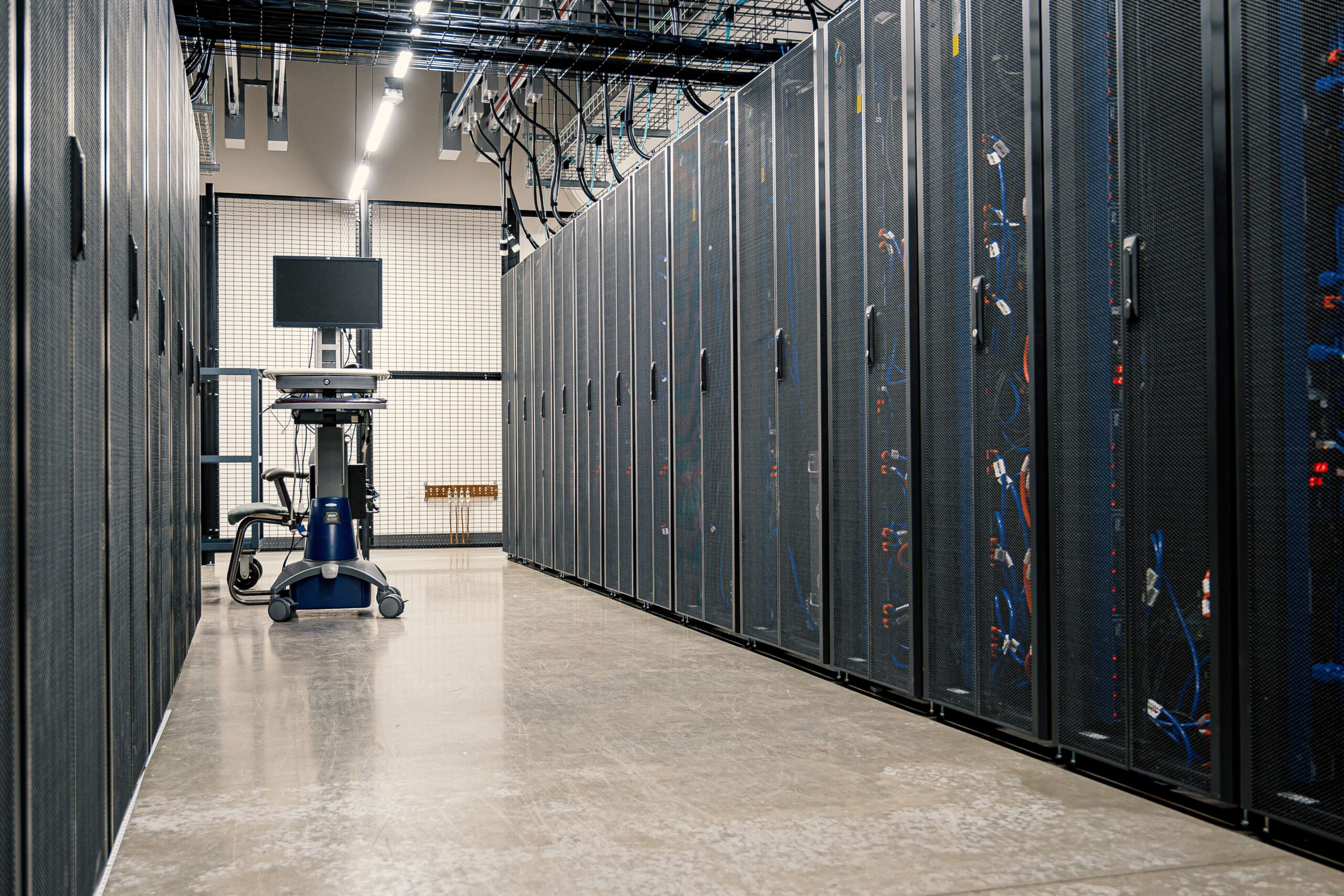
Cloud computing can make digital work feel smooth and invisible, but it is not magic. Every online file, streamed lesson, map route, and shared document depends on physical infrastructure somewhere. Data centers need land, power, cooling, maintenance, skilled workers, and network connections. When a region has an outage, people suddenly notice that the cloud has a location after all.
That physical reality is why cloud design often spreads copies of data and services across multiple places. If one machine fails, another can take over. If one region has trouble, a carefully designed service may route traffic elsewhere. Reliability comes from planning for failure, not pretending failure never happens.
The best way to understand cloud computing is to see both sides at once. To users, it feels like flexible access to files, apps, and computing power from nearly anywhere. Behind the scenes, it is a carefully managed system of real machines rented in smaller, adjustable pieces. The cloud is not less real than a personal computer. It is computing organized so that power, storage, and software can be shared, scaled, and reached when people need them.