 Akshay Dinesh
USB-C has made charging simpler in one obvious way: the connector is small, reversible, and common across phones, tablets, laptops, headphones, battery packs, monitors, and many other devices. That convenience can make every cable look interchangeable. Plug in one USB-C cable and a laptop charges normally; plug in another and the same laptop warns that charging is slow, refuses to charge under load, or only works for data. The confusing part is that both cables may fit the same port perfectly.
The reason is that USB-C describes the connector shape, not everything the cable can do. Charging speed depends on a conversation between the charger, the device, and the cable. If any one of those three has a lower limit, the whole setup falls back to that limit. A cable that is fine for earbuds or a phone may not be built or labeled for a high-power laptop, even though the plug looks the same.
The Connector Is Only the Starting Point
Older USB ports made their limits visible. A large USB-A plug, a Micro-USB plug, and an Apple Lightning connector were easy to tell apart, so people expected different cables to behave differently. USB-C changed that visual clue. The same oval connector can be used for slow charging, fast charging, high-speed data, video output, docking stations, and laptop power.
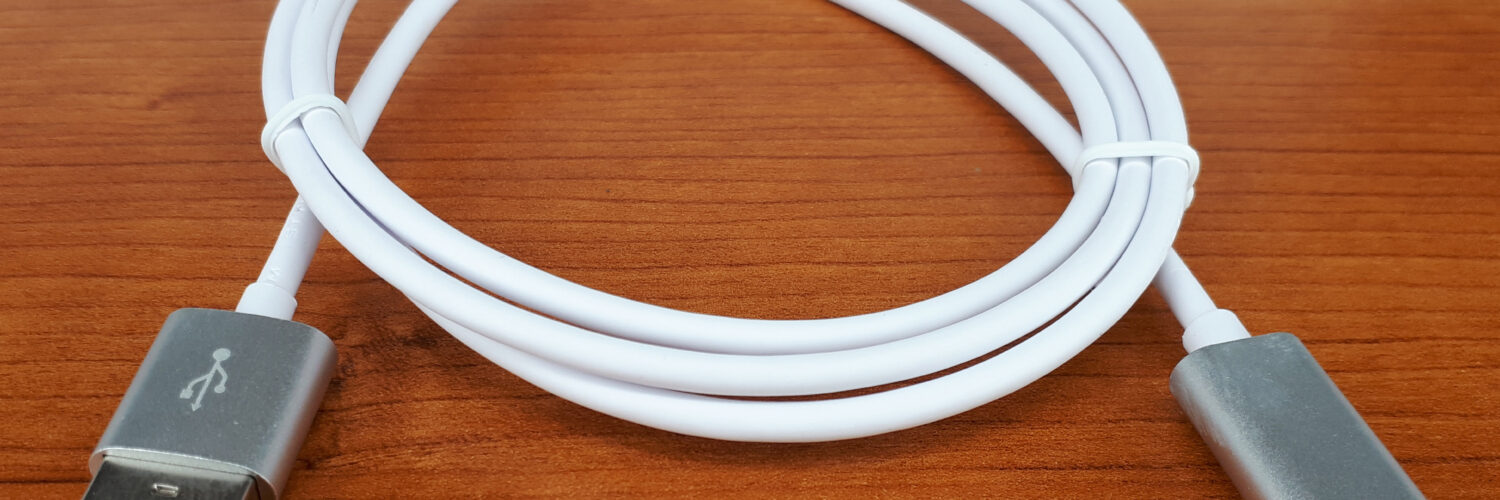
That does not mean every USB-C cable contains the same wiring. Some cables are built mainly for basic charging and low-speed data. Others include more conductors for faster data or video. Some are designed to carry more current, and some include a tiny identification chip that tells the connected devices what the cable is rated to handle. From the outside, those differences may be hidden under the same plastic shell.
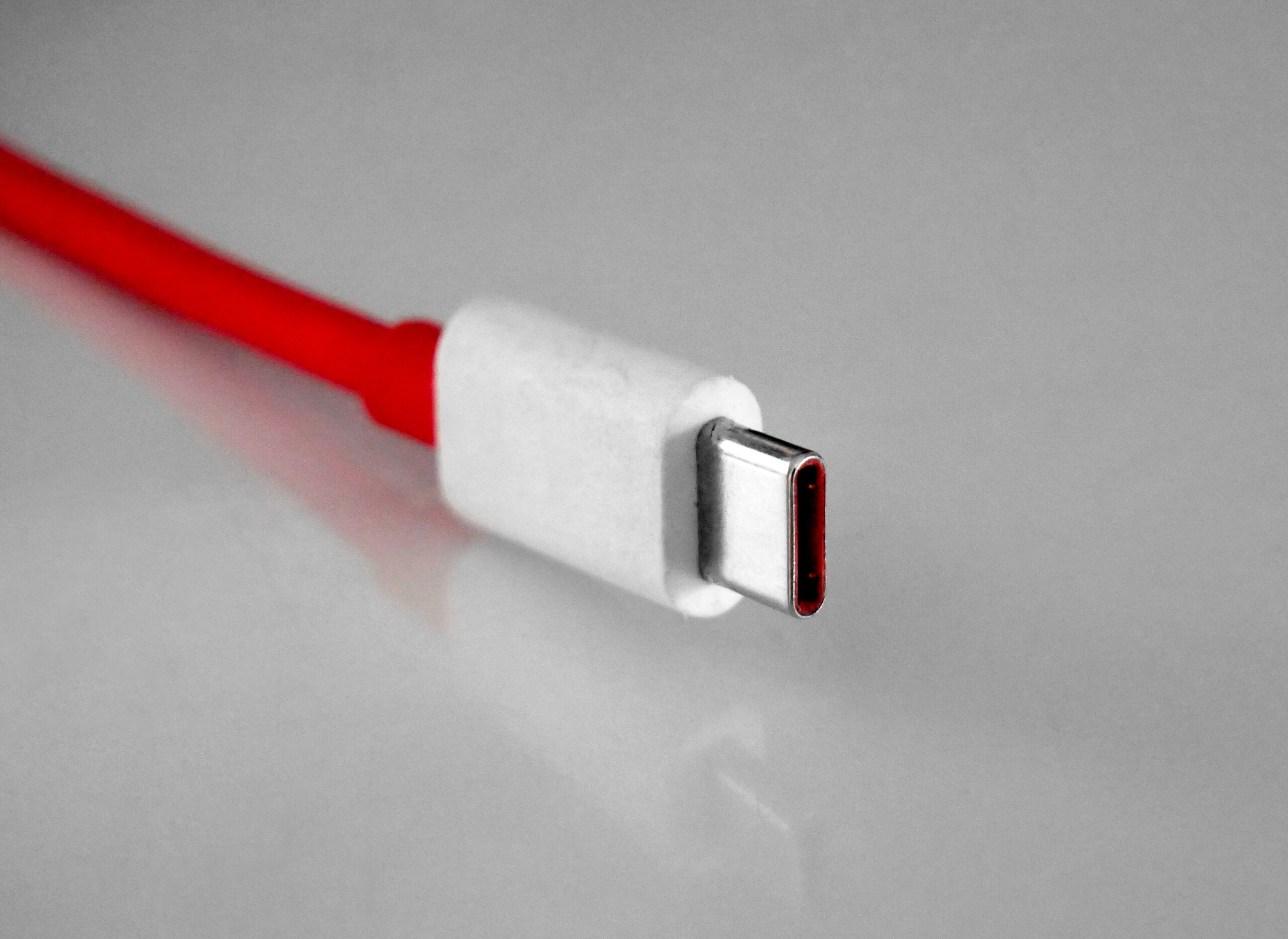
A helpful way to think about it is to separate fit from capability. A key may fit into a lock, but that does not mean it opens every door in the building. In the same way, a USB-C plug may fit into a laptop, but the cable still has to support the amount of power the laptop wants. The charger and device also have to agree on that power level before full-speed charging begins.
Charging Speed Comes From Watts, Not Just the Plug
Charging power is measured in watts. Watts come from voltage multiplied by current: a charger might supply 20 volts at 3 amps, which equals 60 watts. A small phone may charge comfortably with far less. A thin laptop may need 45 or 65 watts. A larger laptop, portable monitor, or docking setup may need 100 watts or more.
USB Power Delivery, often shortened to USB PD, is the standard that lets many USB-C chargers and devices negotiate power. The USB Implementers Forum, the standards group behind USB, describes USB Power Delivery as allowing power levels up to 240 watts through newer Extended Power Range support. Those higher levels are not automatic. The charger must support them, the device must request them, and the cable must be rated for them.
This is why a powerful wall adapter alone does not guarantee fast charging. A 100-watt charger connected through a cable rated only for lower current will not magically push 100 watts through that cable. A well-behaved USB-C setup checks what is safe and then chooses a level all parts can handle. If the cable cannot identify itself as suitable for higher current, the system may stay at a lower limit.
Many everyday USB-C to USB-C cables support up to 3 amps, which can commonly mean up to 60 watts when paired with the right voltage. Higher-power charging, such as 100 watts, generally depends on a 5-amp cable with electronic marking. Newer 240-watt Extended Power Range cables have their own requirements and markings. That is why some cables advertise 60W, 100W, 140W, or 240W instead of simply saying USB-C.
The Cable May Need to Identify Itself
Inside many high-power USB-C cables is an electronic marker, often called an e-marker. This chip does not charge the device by itself. Its job is to report the cable’s capabilities, such as current rating and sometimes data features, during the negotiation between devices. Without that information, a charger and laptop have less reason to trust that the cable can safely carry higher current.
This safety step matters because electricity becomes heat when it meets resistance. A cable that is too thin, too long, poorly made, or not rated for higher current can warm up more than it should. USB-C charging is designed to avoid turning every cable into a guessing game. The negotiation process protects the device, the charger, and the cable by keeping power within agreed limits.
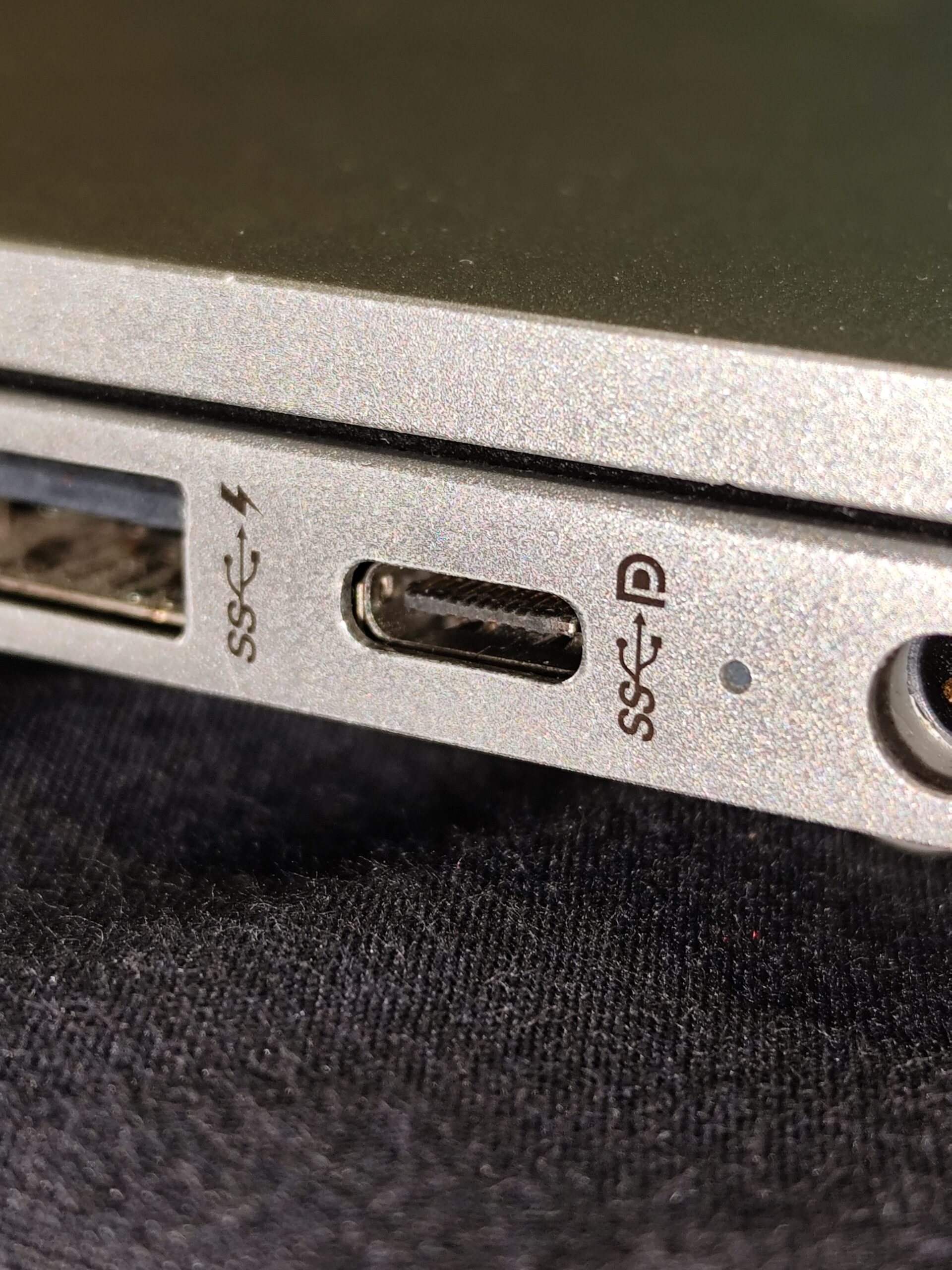
The visible result can feel inconsistent. A cable may charge a phone quickly because the phone asks for a modest amount of power. The same cable may charge a laptop slowly because the laptop needs more than the cable can offer. Another cable may work well for charging but only transfer files at basic USB 2.0 speeds. A third may handle fast data and video, but only if the connected port supports those features too.
Data Speed and Charging Speed Are Separate
One of the most common USB-C misunderstandings is assuming that a fast-charging cable must also be a fast data cable. Charging and data are related through the same connector, but they are different capabilities. A cable can be rated for high power while still using basic data wiring. Another cable can support fast data transfer but not the highest charging wattage.
This explains why a cable included with a laptop charger may be excellent for charging but unimpressive for moving large video files. It may also explain why a cable that came with a phone works for syncing photos but does not run a monitor. Video output through USB-C usually depends on features such as DisplayPort Alt Mode or Thunderbolt/USB4 support, and those involve both the port and the cable. The connector shape alone cannot promise any of that.
Cable length can add another wrinkle. Very long cables are harder to build for high data speeds because signals weaken and become more difficult to keep clean. Some long USB-C cables are perfectly useful for charging a device beside a couch or bed, but they are not meant for high-speed external drives. Shorter, thicker, or actively designed cables may be needed for demanding data and video uses.
Labels Are More Useful Than Looks
The most practical way to choose a USB-C cable is to start with the job. For charging a phone, a sturdy cable from a reputable maker with a clear wattage rating is usually enough. For a laptop, look for a cable rated at least as high as the laptop’s charger. If the adapter is 65 watts, a 60-watt cable may be close but not ideal; a 100-watt cable gives more headroom. For newer high-power equipment, look for the specific 140-watt, 180-watt, or 240-watt rating the device expects.
USB-IF certification marks can also help because they are meant to reduce the guesswork around certified chargers and cables. Some certified cable packaging uses wattage logos, such as 60W or 240W, along with data-speed markings where relevant. Clear labeling is especially valuable when a drawer contains several nearly identical cables. A small tag, label, or cable organizer can prevent the familiar mystery of swapping cords until one finally works.
For data transfer, check speed separately from wattage. Terms such as USB 2.0, USB 5Gbps, USB 10Gbps, USB 20Gbps, USB4, Thunderbolt 3, Thunderbolt 4, or Thunderbolt 5 describe data and connection capabilities, not just charging. A student using an external SSD, a photographer moving large image folders, or anyone connecting a monitor through USB-C should care about those markings. Someone who mainly charges a phone may not need the expensive full-featured cable at all.
Why Slow Charging Is Not Always a Defect
When a device reports slow charging, it is not always accusing the cable of being broken. It may be saying that the charger is too weak, the cable is not rated for enough power, the port is not designed for charging, or the device is limiting power because of heat or battery condition. Some laptops charge from only certain USB-C ports. Some phones charge fastest only when the charger supports the charging standard they expect.
Proprietary fast-charging systems can add to the confusion. A phone may advertise very high charging speeds with its own charger and cable, then behave more conservatively with a standard USB-C charger. That does not mean the standard charger is unsafe or useless. It may simply be using a different negotiation method or a lower shared power level.
The safest habit is to avoid unknown, damaged, or suspiciously cheap high-power cables for expensive devices. Frayed insulation, loose plugs, excessive heat, and inconsistent connections are signs to retire a cable. A good cable does not need to be the most expensive one in the store, but it should make its ratings clear. For a laptop or tablet used every day, a clearly labeled cable is a small purchase that prevents a lot of charging frustration.
A Simple Rule for Choosing the Right Cable
USB-C is best understood as a common doorway with many possible rooms behind it. The plug tells you that the cable can connect; the rating tells you what it can carry. For charging, match the cable’s wattage to the device and charger. For files, displays, and docks, check data and video support separately. When a cable has no clear rating, treat it as a basic cable until proven otherwise.
That small shift makes USB-C much less mysterious. The cable that charges earbuds slowly is not necessarily bad. The cable that powers a laptop is not necessarily fast for data. The best cable is the one whose labeled capabilities match the job in front of it. With USB-C, the shape gets you connected, but the rating decides how far the connection can go.