
 Akshay Dinesh
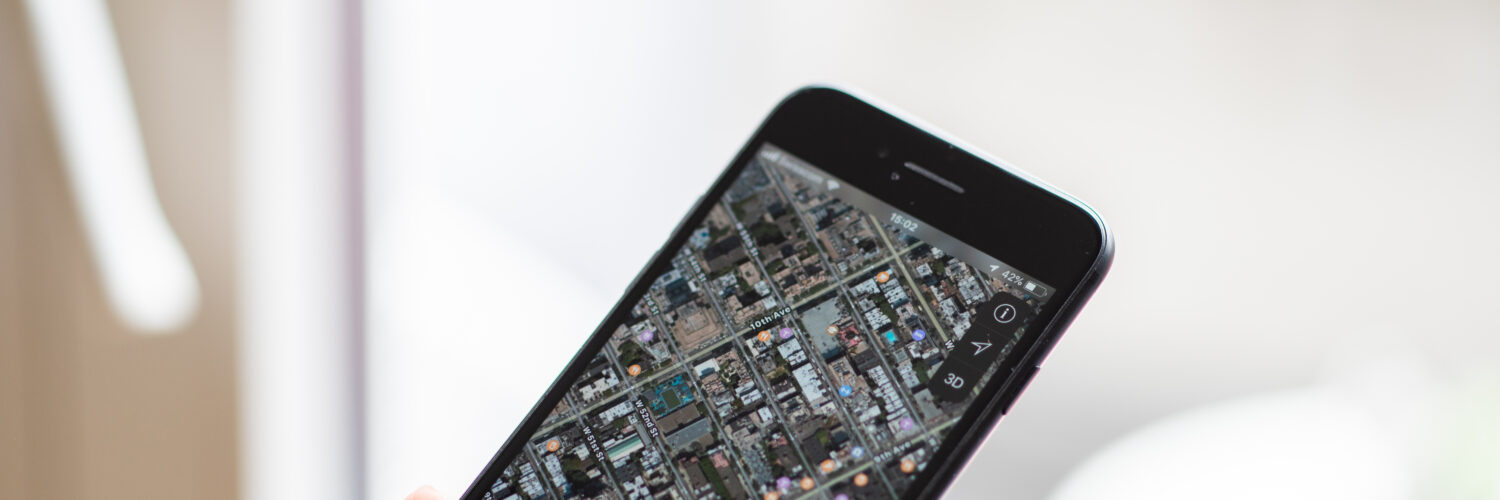
The blue dot on a phone map can feel strangely confident. It slides down a street, turns a corner, and announces that the device knows where it is. Then, at the least convenient moment, it jumps across the road, hesitates inside a building, or insists that a car is traveling through a parking lot instead of the street beside it.
That drift is not usually random. A phone is trying to solve a difficult positioning problem using weak satellite signals, nearby networks, motion sensors, and map data that may have its own mistakes. When the conditions are good, the result feels almost effortless. When buildings, trees, tunnels, old map information, or privacy settings get involved, the blue dot becomes an estimate rather than a promise.
The blue dot starts with timing
GPS is often described as a location system, but at its core it is a timing system. GPS.gov, the U.S. government site for the Global Positioning System, describes GPS as a space-based positioning, navigation, and timing service. The satellites do not look down at a phone and decide where it is. They broadcast signals that include the satellite’s position and the time the signal was sent.
A phone or other receiver compares the arrival times of signals from multiple satellites. Because radio signals travel at the speed of light, even a tiny timing difference can represent a meaningful distance. By measuring distances to several satellites at once, the receiver can calculate a position on Earth. This is the same basic idea as finding a point by knowing how far it is from several known places, except the known places are moving satellites and the distances depend on extremely precise clocks.
That is why satellite time matters so much. The Smithsonian’s Time and Navigation project notes that GPS satellites rely on atomic clocks, and that timing errors measured in billionths of a second can matter for location accuracy. In ordinary life, a billionth of a second sounds absurdly small. In satellite navigation, it is the difference between a clean estimate and a dot that can slide away from where the person actually stands.
A phone also needs a good view of enough satellites. Open sky is friendly to GPS. A clear sports field, rural road, or wide parking lot gives signals a relatively direct path to the receiver. A dense city block, a basement classroom, a subway station, or a trail under thick tree cover makes the same job much harder.
Why buildings and trees can move the dot
GPS signals are weak by the time they reach the ground. They have traveled from satellites more than 12,000 miles above Earth, then passed through the atmosphere before arriving at a small antenna inside a phone. The receiver is trying to separate useful signals from reflections, blockage, and electronic noise.
GPS.gov lists several common reasons accuracy gets worse: buildings, bridges, trees, indoor or underground use, signals reflected by walls, atmospheric conditions, and receiver design. The reflection problem is especially important in cities. A signal may bounce off glass, metal, concrete, or another surface before reaching the phone. To the receiver, the reflected signal looks as if it traveled a longer path. That can nudge the calculated position away from the true one.
This is called multipath because the signal reaches the receiver by more than one path. In an urban canyon, where tall buildings line narrow streets, several reflected paths may compete with the direct one. A phone might briefly place a person on the wrong side of the street, inside a nearby building, or behind the direction of travel. The error can be small enough to seem funny while walking, but large enough to confuse a rideshare pickup, delivery pin, or turn-by-turn instruction.

Your phone uses more than satellites
Modern phones rarely depend on GPS alone. They often combine satellite signals with nearby Wi-Fi networks, cell towers, Bluetooth beacons, barometric pressure, accelerometers, gyroscopes, and recent movement. The phone is constantly asking a practical question: given all these clues, where is the most likely place this device could be?
This blending is one reason location can improve after a few seconds. When an app first opens, the phone may have an older estimate, a rough network-based location, or not enough fresh satellite data. As more signals arrive and the phone checks movement against the map, the estimate tightens. The dot may jump not because the phone became confused, but because it finally received better information.
Network-based location can help indoors or in cities where satellite signals are weak. If a phone can recognize nearby Wi-Fi networks or cell towers, it may infer a rough position even when GPS is struggling. That can be useful, but it also explains why the dot sometimes feels good enough without being exact. A nearby network can suggest a neighborhood, shopping center, airport terminal, or side of campus, but it may not know the exact doorway or hallway.
Motion sensors add another layer. If the phone detects that it is moving steadily forward, turning, slowing, or stopping, navigation software can compare that pattern with roads and paths on the map. This process can smooth out small jumps, but it can also create errors when the real world does not match the expected route. A person walking through a plaza, a car circling a parking garage, or a cyclist on a path beside a road may not fit neatly into the map’s assumptions.
Sometimes the GPS is fine and the map is wrong
A common frustration is blaming GPS when the real problem is map data. GPS.gov is blunt about this distinction: satellites provide signals that help a device calculate latitude and longitude; they do not transmit streets, business names, driveways, building entrances, traffic rules, or delivery instructions. The blue dot and the map underneath it are related, but they are not the same thing.
This matters when a phone sends someone to the wrong side of a building or shows a business in the wrong place. The receiver may know its position reasonably well, but the map may have an old address, an incorrect entrance, a missing road, a mislabeled point of interest, or a route that has not caught up with construction. In those cases, walking around with the phone raised may not fix the problem because the satellite position was not the weak link.
Map companies update their information from many sources: public road data, business listings, satellite imagery, street-level surveys, user reports, and local corrections. Updates can be fast in some apps and slow in others. A new road, renamed building, closed gate, changed traffic pattern, or corrected address may take time to appear everywhere. That delay is why two apps can disagree even when they are running on the same phone.
For readers, the practical lesson is simple: a navigation app is strongest when the location estimate and the map data are both good. If the blue dot is drifting, stepping outside or waiting briefly may help. If the dot is steady but the destination is wrong, the better fix may be reporting a map problem or checking the address through another source.
Location accuracy also raises privacy questions
Phone location feels useful because it is specific. It can find the nearest bus stop, remember where a car was parked, guide a delivery, show weather nearby, or help a family member check whether someone arrived safely. The same specificity is why location data deserves caution. A pattern of locations can reveal a home, school, workplace, routine, place of worship, medical visit, political gathering, or other sensitive detail.
The Federal Trade Commission advises people to review app permissions and turn off access that an app does not need. That advice is not only about saving battery or reducing notifications. Location access can keep working quietly in the background, depending on the app and phone settings. A weather app may only need approximate location. A map app may need precise location while giving directions. A game, flashlight, or coupon app may not need location at all.
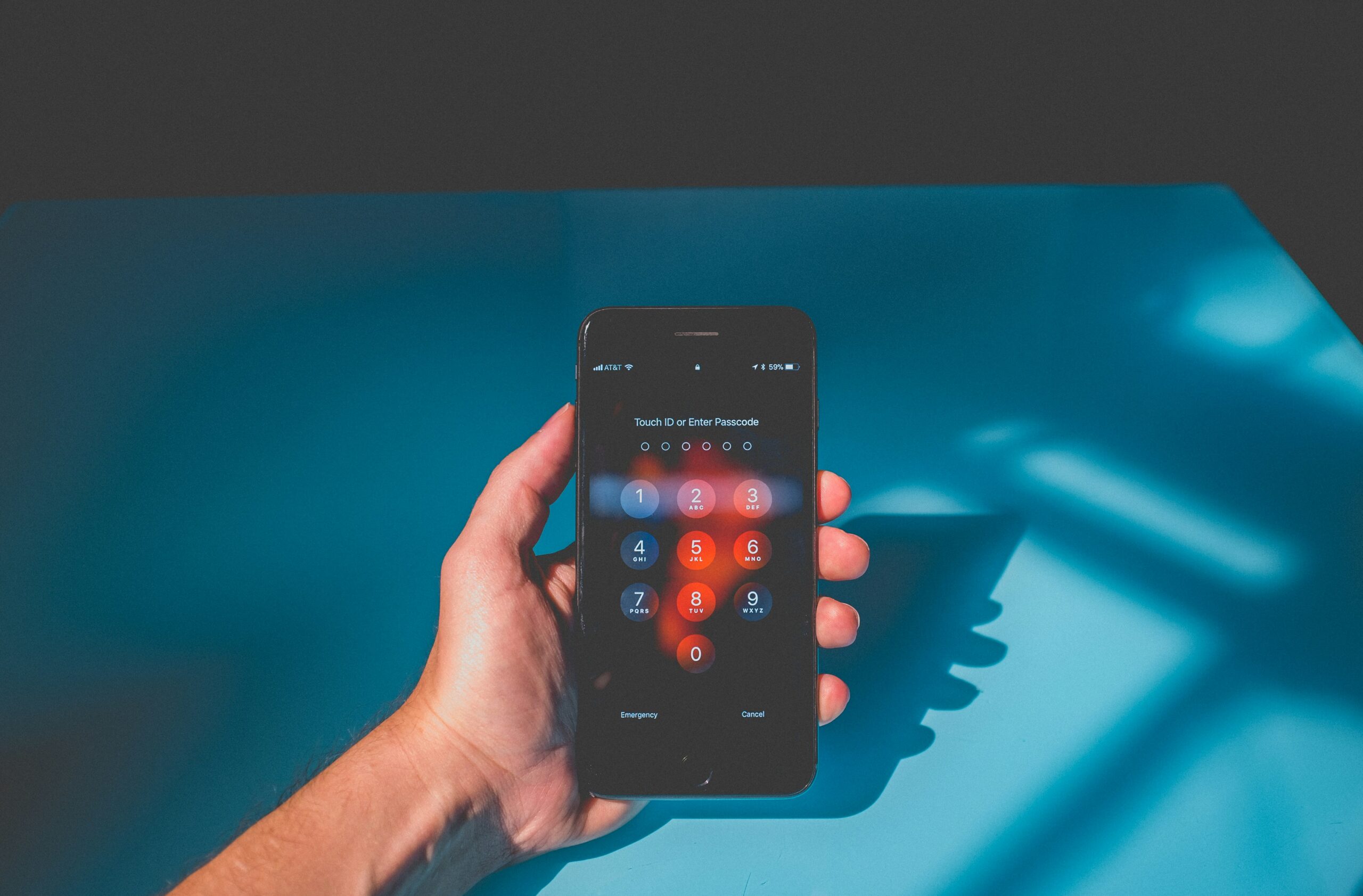
Most phones now let users choose between precise and approximate location for many apps. They may also allow access only while an app is open rather than all the time. Those settings are worth checking because they match the real tradeoff: location can make digital tools more useful, but it also creates data that should not be shared casually.
There is no single perfect setting for everyone. A navigation app during a trip needs more accuracy than a restaurant app suggesting nearby options. A family safety app may be useful for one household and unnecessary for another. The stronger habit is to notice the difference between apps that genuinely need location and apps that only ask because location data is valuable.
How to read the blue dot more wisely
The blue dot is best understood as a live estimate. It is often impressively good, especially outdoors with open sky, but it is still built from signals, clocks, sensors, software, and maps. That estimate can drift when the phone is indoors, surrounded by tall buildings, blocked by trees, moving through tunnels, starting after a long pause, or matching its position against imperfect map data.
When location seems wrong, the first clue is the pattern of the error. A dot that wanders or jumps usually points to a signal or sensor problem. A dot that stays steady in the right general place while the destination pin is wrong points more toward map data. A route that makes odd turns may be responding to old road information, traffic assumptions, or a map mismatch rather than a satellite problem.
A few practical habits help. Give the phone a short moment to settle before starting a walk or drive. Move near a window or outside if indoor location is poor. Keep map apps and the phone’s operating system updated. Check whether battery-saving settings are limiting location accuracy. If a business, driveway, or road is wrong in the app, report the map issue through the app instead of assuming the satellite system failed.
Phone navigation is powerful because it hides a remarkable amount of science behind a small moving dot. Satellites provide timing signals. Receivers estimate distance. Software blends clues. Maps translate coordinates into streets and places. When all of those layers agree, the blue dot feels almost magical. When they do not, the drift is a reminder that location technology is not a single answer from space, but a careful guess assembled from many imperfect clues.






Add comment