

 Akshay Dinesh
Private browsing feels reassuring because it gives the internet a fresh-looking window. The browser may stop saving local history, clear temporary cookies when the window closes, and keep searches away from the regular address-bar suggestions on that device. That is useful, especially on a shared computer. But private browsing is not a cloak, and it does not erase every trace of what happens online.
The better way to think about private browsing is simple: it mainly protects against someone using the same device after you. It does much less against the sites you visit, the accounts you sign into, the school or workplace network you use, the apps on your phone, or the advertising systems that follow activity across the web. Understanding that difference helps students and families make smarter privacy choices without panic or false confidence.
What private browsing is designed to do
Most browsers offer a private mode with a different name. Chrome calls it Incognito. Firefox, Safari, and Edge use private browsing or InPrivate language. The exact details vary, but the basic purpose is similar: the browser creates a temporary session that is separated from the regular browsing session.
In that temporary session, the browser usually does not add pages to the normal history list. It may avoid saving search entries, form entries, and cookies after the private window is closed. That can help when someone is checking a personal account on a shared family laptop, researching a surprise gift, or looking up sensitive information on a device that other people also use.
Mozilla Support explains that private windows avoid saving items such as visited pages, form entries, cookies, and cached files after the session ends. Google Chrome Help makes a similar point about Incognito: it can keep browsing more private on the device, but it does not make the person invisible. Those two ideas belong together. Private mode is a local privacy tool, not a total privacy shield.

What it does not hide
The most common mistake is assuming that private browsing hides activity from everyone. It does not. If a student opens a private window at school, the school network may still be able to see traffic information. If someone uses a work computer, the employer may still have monitoring rules or security tools. An internet service provider may still process connection data. Sites can still receive technical details needed to load the page, such as an IP address, browser information, and device clues.
Private browsing also does not erase activity inside accounts. If someone signs into a search account, streaming account, shopping account, email account, or social account, that service can often connect activity to the signed-in profile. Private mode may keep the local browser history cleaner, but it does not stop an account from remembering actions performed during the session.
Downloads and bookmarks can also surprise people. A downloaded file usually remains on the device unless it is deleted. A bookmark created during a private session may remain, too. Private browsing can clear the temporary browsing trail, but it does not clean the whole computer or phone.
How cookies and tracking widen the footprint
A digital footprint includes more than posts and photos. It also includes search habits, location signals, ad identifiers, device permissions, app activity, and the patterns created by moving from one site to another. Some of that footprint is active, like creating a profile or posting a comment. Some of it is passive, like a site recording a visit or an app collecting usage data in the background.
The Federal Trade Commission explains that tracking can happen in two broad ways. First-party tracking happens when the site someone is visiting records activity. Third-party tracking happens when another organization is allowed to follow activity across many sites, often for advertising. Cookies, pixels, app identifiers, and account logins can all contribute to that larger picture.
Private browsing can reduce some of the local cookie trail because session cookies are usually discarded when the private window closes. But during the session, sites can still set temporary cookies, see device information, and respond to the current visit. If a person signs in, the account may connect the visit to that identity even if the browser later clears local data.
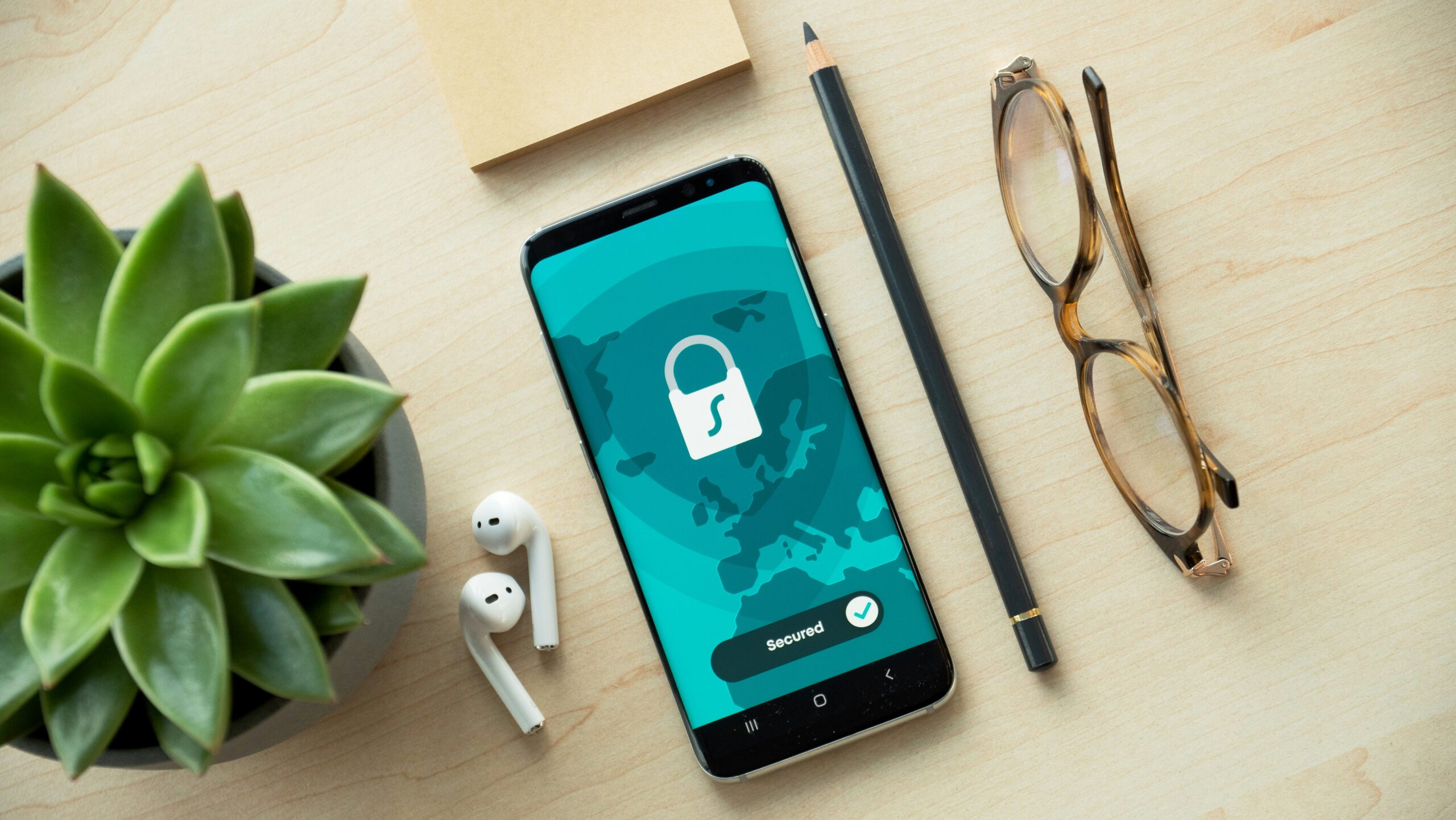
Why private mode still matters
Private browsing is not useless just because it is limited. It solves a real problem: local privacy on a shared device. A student using a library computer may not want the next person to see search history. A family member may want to check a personal account without leaving a saved login. A person comparing sensitive topics may want fewer suggestions appearing later in the normal browser window.
It also helps with testing how a page looks when the browser is not already signed in or loaded with old cookies. That can be useful when a login page behaves oddly or when a student wants to see search results without the same stored session affecting the experience. The value is practical and narrow, which is exactly why it is worth understanding clearly.
The risk comes from treating private mode as stronger than it is. A student might think a private window means a school network cannot see traffic, or that a site cannot connect a visit to a signed-in account. That kind of overconfidence can lead to worse privacy choices than using no special mode at all.
A smarter privacy checklist
Better privacy comes from layers. Private browsing can be one layer, but it should sit beside stronger habits that control what gets collected, stored, and shared. The Cybersecurity and Infrastructure Security Agency recommends limiting a digital footprint, including steps such as reducing advertising identifiers and being careful about what information is shared. The California Privacy Protection Agency has also emphasized that young people often use school tools, games, social apps, and streaming services before they fully understand how personal information is collected and shared.
Start with account security. Use strong, unique passwords for important accounts and turn on multi-factor authentication where possible. A private window cannot protect an account if the password is reused, guessed, or stolen in a phishing attack.
Review app permissions next. Phones often hold the most personal information: location, contacts, photos, microphone access, camera access, and messages. If a weather app, game, or study tool asks for permissions it does not need, turning those permissions off reduces unnecessary data exposure.
Then check browser settings. Many browsers let users block some third-party cookies, limit location sharing, clear history, control notifications, and reduce personalized ads. The FTC notes that browser privacy settings can give people some control, but the protections vary by browser. That means settings should be reviewed directly rather than assumed.
- Use private browsing when local history on a shared device should not be saved.
- Sign out of accounts after using a shared or school device.
- Clear cookies and history when old tracking or saved sessions are no longer useful.
- Limit app permissions for location, contacts, camera, microphone, and photos.
- Check ad and privacy settings on phones, browsers, and major accounts every few months.

How to think before you click
The strongest privacy habit is not a setting. It is pausing long enough to ask what information is being shared, who might receive it, and whether it needs to be shared at all. A quiz that asks for a birthday, a game that wants contacts, a filter that wants camera access, and a form that asks for a phone number all create small decisions. Over time, those decisions become a footprint.
For students, this matters beyond avoiding embarrassment. Digital habits can affect account safety, personal boundaries, scams, school accounts, and future opportunities. A public post is only one part of the story. Saved logins, reused passwords, open profiles, unnecessary app permissions, and careless downloads can matter just as much.
Private browsing is best understood as a clean desk, not a locked building. It can clear the surface after a session, but it does not stop everyone outside the room from knowing that work happened. Used honestly, it is a helpful tool. Used with too much trust, it can create a false sense of safety.
The goal is not to disappear from the internet. For most people, that is neither realistic nor necessary. The goal is to leave fewer careless traces, understand which traces matter, and choose privacy settings with intention. A smaller, better-managed digital footprint is easier to protect than one built by accident.





