 Akshay Dinesh
The digital SAT Math section gives every student access to a powerful calculator, but the advantage does not come from clicking it open on every question. The real advantage comes from knowing when Desmos can reveal a pattern quickly, when it can check an answer, and when it will waste time that simple algebra could save. A student who treats the calculator as a thinking partner, not a shortcut for every step, is usually in the strongest position.
College Board allows students to use the Desmos calculator built into Bluebook during the Math section, with scientific and graphing options available. Students may also bring an approved handheld calculator, but the built-in option matters because it is available to everyone and can handle much more than basic arithmetic. That changes how students should practice. Preparing for digital SAT Math now means learning the math and learning how to use the tool calmly under a clock.
What Desmos Changes on SAT Math
Older SAT habits were shaped by a split between calculator and no-calculator work. On the digital SAT, students can use a calculator throughout the Math section. That does not mean every question is designed to require one. Some problems are still testing whether a student sees a structure, uses a property, or simplifies an expression without getting buried in computation.
Desmos changes the rhythm of the section because it can graph equations, evaluate expressions, create tables, and help solve systems visually. For a question involving two lines, a student can often enter both equations and look for the intersection. For a quadratic, a graph can show zeros, a vertex, or the approximate shape of the function. For data questions, a table can make repeated calculations cleaner than tapping numbers into a handheld calculator one at a time.
The danger is that easy access can make students overuse it. Opening the calculator, typing carefully, adjusting the window, and interpreting the result all take time. If a question asks for the value of x + 3 when x = 7, the fastest method is still mental arithmetic. If a problem asks for the slope of a line from two points, using the slope formula on scratch paper may be quicker than building a graph. Desmos is most valuable when it reduces confusion, not when it replaces a step that was already simple.
Use It First for Graphs, Systems, and Function Behavior
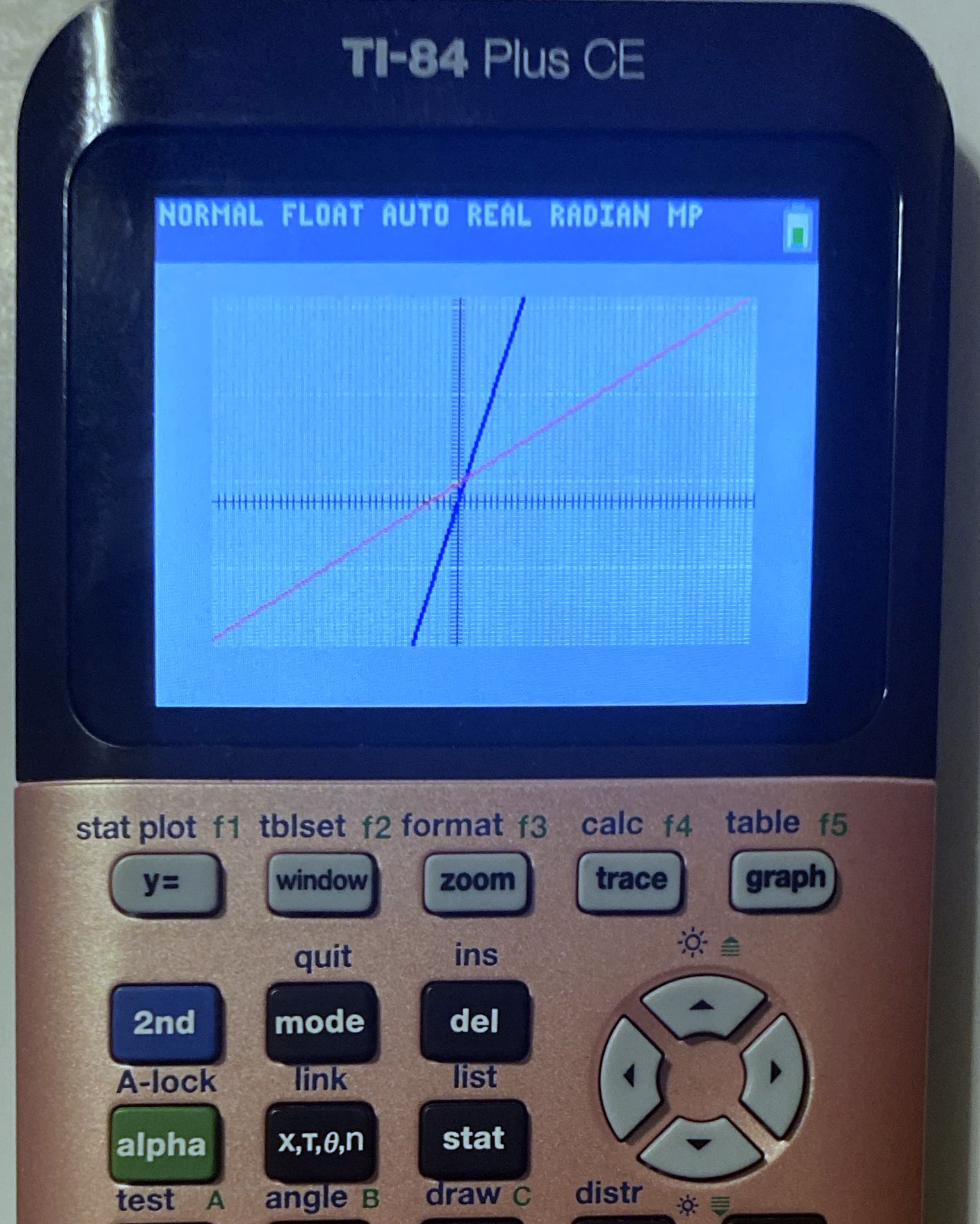
The clearest Desmos advantage appears when a problem describes a relationship that can be graphed. Linear equations, systems of equations, quadratics, and some exponential relationships are often easier to understand once their shape is visible. A graph can quickly answer questions such as where two expressions are equal, whether a function is increasing, or which answer choice matches a given equation.
Suppose a problem gives two equations and asks for the solution to the system. Algebraically, a student might substitute one expression into another or eliminate a variable. Those methods are important and sometimes fastest. But entering both equations into Desmos can show the intersection point, which may confirm the answer or prevent a small algebra error from spreading. The graph is especially useful when the answer choices are numerical and the intersection is clean.
Function questions also become less mysterious when students know what to look for. A positive leading coefficient in a quadratic creates a parabola that opens upward. A graph can show whether the vertex is above or below the x-axis, how many x-intercepts appear, and whether an answer choice has the right general behavior. Students should still understand the math behind the graph, because the calculator shows a picture but not always the reasoning the question is testing.
Window settings matter. If a graph looks blank, the equation may not be wrong; the important part may simply be outside the visible window. Practicing with zooming, dragging, and reading coordinates helps students avoid panic. A strong habit is to ask, What range of values would make sense for this problem? A question about ticket prices, for example, probably does not need a window stretching from negative one million to positive one million.
Use Tables to Test Patterns Without Guessing
Tables are one of the most useful parts of Desmos for SAT-style questions, especially when a problem involves repeated values. A table can help students test an equation against points, compare answer choices, or see how a function changes as x increases. This is not the same as random guessing. It is a controlled way to inspect a pattern.
For example, if a question gives a word problem about a starting value and a constant rate of change, a table can show whether the relationship grows by the same amount each step. If the values multiply by a constant factor instead, that points toward an exponential model. Seeing several outputs side by side can make the difference between linear and exponential growth much clearer than staring at one equation in isolation.
Tables are also helpful for checking answer choices. If four equations are offered and only one matches a described relationship, students can test a convenient input. A smart input is usually simple: 0, 1, 2, or a value mentioned in the problem. The goal is not to test every possible number. The goal is to find a value that exposes which choice behaves correctly.
There is a limit. If a problem asks for an exact expression, a table may show a decimal or a pattern without proving the final form. Students should know when to move from testing values back to algebra. The best SAT math work often combines both: use the calculator to notice or verify, then use math reasoning to finish confidently.
Know When Scratch Work Is Faster
College Board’s calculator policy notes that some Math questions are better solved without a calculator, even though calculator use is allowed. That is not a small detail. Many digital SAT questions are built to reward structure. A student who sees a common factor, a difference of squares, or a proportional relationship can often finish before another student finishes typing.
Scratch work is also safer for exact values. Desmos may display a decimal, but the answer choices may use fractions, radicals, or expressions. If a question depends on exact simplification, students should be careful about trusting a rounded value. For instance, 1.414 may point toward sqrt(2), but the test may expect the exact radical form. The calculator can hint, but math must settle the answer.
Another good rule is to avoid using Desmos for the first tiny step of a multi-step problem. Read the question, underline what is being asked, and decide what kind of problem it is. Only then choose a method. Students lose time when they type before they understand. The calculator is fast at computation, but it cannot decide the plan for them.
A useful practice routine is to solve each missed math problem twice. First, solve it with whatever method feels natural. Then solve it a second way: if the first attempt was algebraic, check it with Desmos; if the first attempt relied on Desmos, redo it by hand. Over time, this builds a sense of which method is faster for each problem type.
Practice the Exact Test-Day Motions
Knowing Desmos in a relaxed homework setting is different from using it during a timed exam. Students should practice in Bluebook, not only on a separate calculator page, because test-day fluency includes small motions: opening the calculator, moving it out of the way, switching between scientific and graphing views, and returning attention to the question. Bluebook’s student tools also include features such as a timer, reference sheet, mark for review, and question menu, so practice should include the whole testing environment.
One practical drill is to take a short set of ten mixed math questions and label each one before solving: mental, scratch paper, Desmos, or both. This forces a decision before the timer pressure takes over. After checking the answers, students should ask whether the chosen method saved time or created extra work.
Another drill is to practice graphing common SAT forms. Enter a linear equation and find its intercepts. Enter a quadratic and identify its zeros and vertex. Enter two equations and find their intersection. Build a small table for a function and compare outputs. These are not tricks; they are basic moves that become valuable when they are automatic.
Students who plan to bring a handheld calculator should still practice with the built-in option. Batteries fail, devices are forgotten, and some calculators are not allowed if they have prohibited features such as computer algebra system functions. The built-in Desmos calculator is a reliable backup only if the student has used it before.
A Smart Calculator Strategy
The strongest digital SAT math strategy is not “use Desmos for everything.” It is closer to this: read first, choose deliberately, and let the calculator handle the work it is genuinely good at. Desmos is excellent for graphing, checking intersections, testing values, and reducing arithmetic clutter. It is less useful when a problem is really asking for a quick simplification, an exact expression, or a piece of reasoning that can be seen on paper.
Students should aim for flexible confidence. If algebra is clear, use algebra. If a graph would reveal the answer faster, graph it. If an answer seems right but a quick table can confirm it, use the table. The calculator is not a substitute for math understanding, but in prepared hands it can make that understanding easier to apply under time pressure.
By test day, the goal is for Desmos to feel familiar enough that it does not steal attention. The student’s focus should stay on the question: what it is asking, what information is given, and which method will reach the answer cleanly. Used that way, the built-in calculator becomes more than a convenience. It becomes a way to think with less friction.