 Akshay Dinesh
School screens have moved from novelty to normal. Laptops, tablets, interactive boards, learning apps, online quizzes, and digital textbooks can make schoolwork faster, more accessible, and easier to organize. Yet many schools are now asking a sharper question: when does classroom screen time help students learn, and when does it simply fill the room with more distraction?
The answer is not as simple as choosing paper over devices or devices over paper. A screen can show a live simulation, let a student revise writing quickly, translate text, graph data, or get feedback that would be hard to provide by hand. The same screen can also turn a lesson into passive watching, tab switching, rushed clicking, or a long stretch of eye strain. The difference is usually not the device itself. It is the purpose, timing, age of the students, and whether the screen is doing something valuable enough to earn its place.
Why The Question Is Back In The News
Several districts have recently begun tightening classroom technology rules as students return to school. San Diego Unified, for example, announced changes for the 2026-27 school year that include blocking YouTube and non-educational gaming on student Chromebooks while allowing teachers to approve access for specific lessons. Other districts have discussed grade-level screen limits, fewer devices in early elementary classrooms, and a stronger preference for hands-on work when a digital tool is not needed.
Those changes are part of a broader shift after years of rapid classroom technology growth. During and after pandemic-era remote learning, many schools invested heavily in one-to-one devices so students could access lessons, assignments, and communication from almost anywhere. That access solved real problems, especially for students who had been on the wrong side of the digital divide. But once devices became ordinary, schools also started seeing the costs more clearly: off-task browsing, overused videos, weaker face-to-face discussion, and younger students spending large parts of the day looking at screens.
A useful screen-time policy does not treat technology as a classroom villain. It asks for a better trade. If a student is using a screen to analyze weather data, practice pronunciation, build a spreadsheet, code a simple program, or revise an essay with teacher feedback, the device is part of the thinking. If the screen is only keeping students quiet or replacing a conversation, worksheet, experiment, drawing, or teacher explanation that would work better offline, the learning value is thinner.
Active Screen Time Is Different From Passive Screen Time
One reason screen-time debates get messy is that people use the same phrase for very different activities. A student making a graph from lab results is not doing the same kind of work as a student watching a long video with no discussion afterward. A class using a map tool to compare neighborhoods is not doing the same thing as a class clicking through slides that simply repeat the textbook.
Active screen time asks students to make decisions. They may sort evidence, test a model, annotate a passage, compare sources, record observations, write code, or respond to feedback. Passive screen time asks less of them. It often turns students into viewers, scrollers, or button-pressers, even if the material is technically educational. A short video can be useful when it shows a process that is hard to see in the classroom, but the learning usually deepens when students pause, predict, explain, discuss, or apply the idea afterward.
This distinction also helps explain why teachers may keep some digital tools while cutting others. A math app that gives targeted practice after direct instruction may have a clear role. A full period of loosely supervised online exercises may not. A primary-source archive can open a history class to documents students would otherwise never see. A search page with no guidance can send students into shallow copying before they have learned what kind of evidence they need.
The strongest classroom technology has a job. It gives students access, feedback, creation tools, data, or examples that improve the lesson. When the purpose is vague, the device tends to become the lesson rather than a tool inside it.
What Screens Can Crowd Out
Class time is limited, so every routine has an opportunity cost. More time on a screen can mean less time reading a printed passage closely, solving a problem by hand, building a model, talking through an idea, practicing handwriting, listening to classmates, or moving around the room. None of those activities is old-fashioned simply because it does not glow.
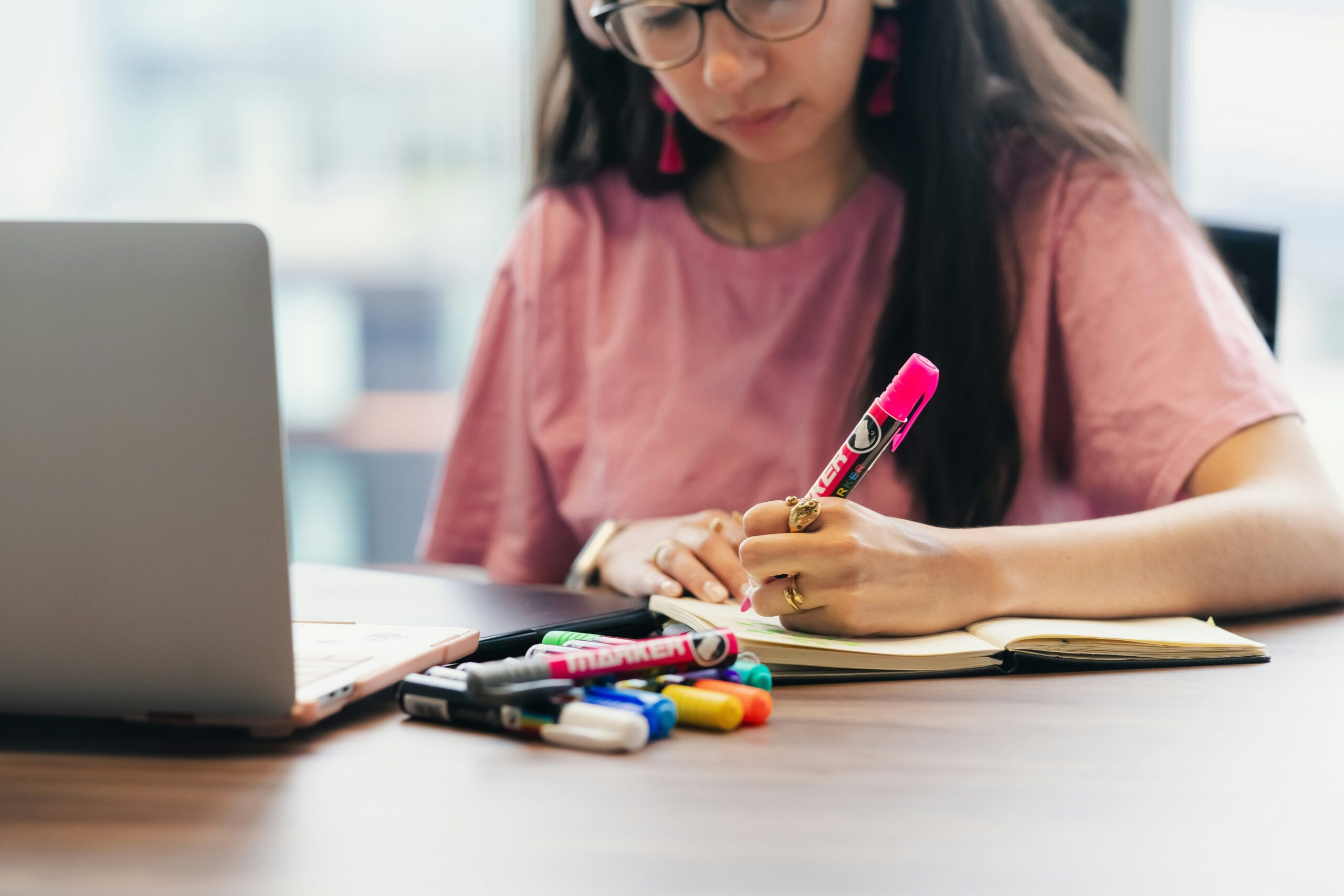
Handwriting is a good example. Research on note-taking, including Pam Mueller and Daniel Oppenheimer’s 2014 study in Psychological Science, has found that typing can encourage students to record more words while processing less of the meaning. Handwriting is slower, which can be frustrating, but that slowness can push students to choose, summarize, and connect ideas as they write. A laptop may be the better tool for drafting a long essay, editing a document, or organizing research. A notebook may be better for sketching a diagram, working through a formula, or taking selective notes during a fast explanation.
Screens can also change the social feel of a room. When every student is looking down at a device, it is harder for teachers to read confusion, easier for students to drift into private tasks, and less natural for classmates to notice one another’s thinking. Discussion does not happen automatically just because screens are closed, of course. But a room with fewer visual pulls can make it easier to build the habits that discussion needs: eye contact, waiting, listening, disagreeing politely, and putting an idea into words.
There is also a physical side. The American Academy of Ophthalmology recommends regular breaks from close screen work, often described as looking away every 20 minutes at something about 20 feet away for about 20 seconds. Students may not notice eye strain right away, but long stretches of close focus can leave them with tired eyes, headaches, dry eyes, or blurred vision. A classroom routine that alternates screens with paper, conversation, board work, and movement is not just about attention. It gives eyes and bodies a different kind of pace.
Age And Subject Matter Change The Right Balance
Younger students usually need more direct sensory, social, and physical learning. Counting real objects, tracing letters, hearing sounds, building shapes, drawing, moving, and talking through ideas help them connect learning to the world around them. A tablet can support some of that work, but it should not replace the experiences that teach children how quantities, letters, sounds, and materials feel outside a screen.
Older students can often use digital tools in more complex ways. They may need spreadsheets in statistics, coding environments in computer science, databases in history, graphing tools in algebra, or shared documents for revision. For them, the question is less about whether screens should appear and more about whether students are learning the skill behind the tool. A spreadsheet is useful when students understand what the columns mean, why a formula works, and how to question the result. It is weaker when students follow steps without seeing the math or reasoning underneath.
Different subjects also call for different balances. Science classes may use screens to collect sensor data or watch a slow-motion process before students run a hands-on lab. English classes may use shared documents for revision, then move to printed drafts for close reading. World language classes may use audio and pronunciation tools, then turn to live speaking practice. Math classes may use graphing software to explore patterns, but still need students to understand the equation and draw key features by hand.
Accessibility matters too. Some students need speech-to-text, enlarged text, audio support, captioning, translation tools, digital organizers, or keyboard access to participate fully. Thoughtful screen limits should make room for those needs. The goal is not to make every student use the same tool in the same way. It is to make sure the tool serves learning rather than habit.
What Students Can Look For In Their Own Classes
Students do not usually control school technology policies, but they can learn to notice the difference between helpful and unhelpful screen use. A good first question is simple: what is the screen helping me do right now? If it helps compare sources, revise writing, calculate results, view a model, or practice something with feedback, it probably has a clear purpose. If it mainly makes it easier to avoid thinking, copy without understanding, or drift into another tab, the device is no longer helping much.
Another question is whether the screen leaves a product of thinking behind. That product might be a solved problem, a stronger paragraph, a data table, a set of notes, a recorded explanation, or a question to ask next. When a student finishes a digital activity and cannot explain what changed in their understanding, the activity may have felt busy without being very productive.
Small habits make a difference. Closing extra tabs, turning off nonessential notifications, writing a brief paper note before searching, and summarizing a video in one or two sentences can keep the mind active. So can pairing tools: read on screen, then explain aloud; watch a demonstration, then sketch the process; type a draft, then mark a printed copy; use a graphing tool, then identify the intercepts and slope by hand.
A Better Rule Than More Or Less
The healthiest classroom screen-time rule is not simply more screens or fewer screens. A better rule is better fit. Use a screen when it gives students access, feedback, creation, data, collaboration, or a view they could not get as well another way. Step away from it when students need sustained attention, handwriting, discussion, physical practice, rest for their eyes, or a quieter path into the idea.
That balance will look different in kindergarten, seventh-grade science, high school statistics, and a college writing class. It will also change from one day to the next. A screen-heavy research day may be followed by a discussion day. A digital quiz may be followed by paper corrections. A simulation may prepare students for an experiment with real materials.
Schools are rethinking classroom screen time because the first version of the digital classroom was often built around access. Access still matters. The next version has to be built around judgment: choosing the right tool, for the right task, at the right moment, and knowing when learning needs something quieter than a screen.