

 Akshay Dinesh
A phone can have full battery, a working number, and still struggle to make a simple call from the middle of a building. Thick walls, underground rooms, metal roofing, elevators, and distance from a tower can weaken cellular signals until voices cut out or calls fail. Wi-Fi calling solves part of that problem by letting a compatible phone send ordinary calls through a Wi-Fi network instead of depending only on the nearest cell tower.
The idea sounds simple, but it is easy to misunderstand. Wi-Fi calling is not the same as using a separate messaging app, and it is not magic coverage in every dead zone. It uses the internet connection behind a Wi-Fi network to reach the carrier’s voice system, while still keeping the familiar phone number, dialer, and incoming-call behavior. That makes it especially useful in homes, schools, dorms, offices, hospitals, and stores where Wi-Fi reaches places that cellular radio signals do not.
What Changes When a Call Uses Wi-Fi
A normal mobile call begins with radio communication between the phone and a nearby cellular tower. The tower connects the phone to the carrier’s network, and the carrier routes the call toward the person being dialed. When cellular coverage is weak, that first radio link can become the weak point. The phone may show one bar, switch between networks, or lose the call before the rest of the system has a chance to work.
With Wi-Fi calling enabled, the phone can use a local Wi-Fi network as the first link instead. The voice is turned into digital packets, sent through the router, carried over the internet, and handed to the carrier’s calling system. From the user’s point of view, the call still usually appears in the normal phone app. The person receiving the call generally sees the same phone number, not a special account name.
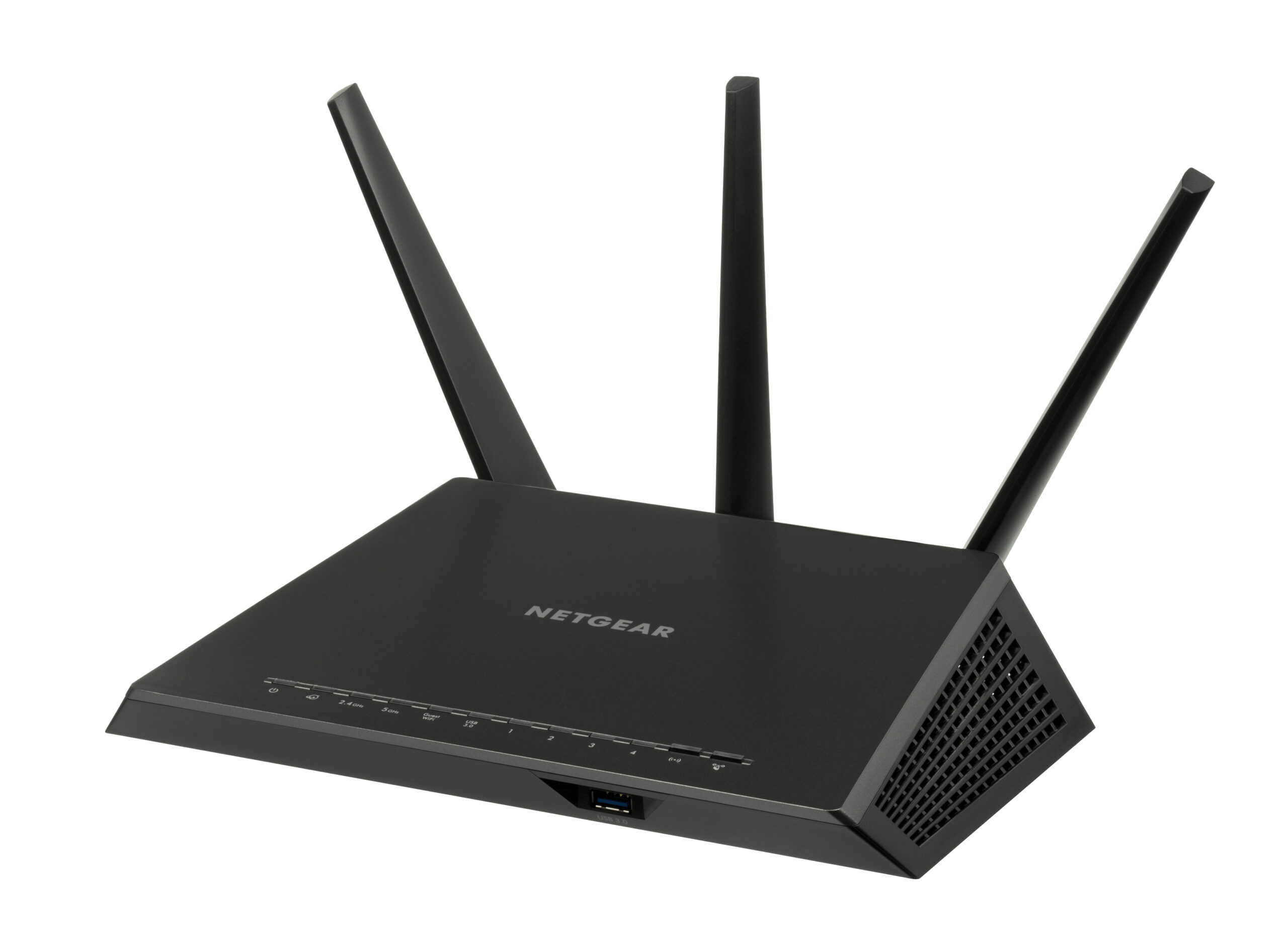
This is why Wi-Fi calling can work in a basement with poor cellular reception but strong home internet. The phone is not making the tower stronger. It is using a different path for the first part of the trip. Once the call leaves the Wi-Fi network, the carrier still has to authenticate the device, connect the call, and manage billing or plan rules according to that carrier’s system.
Why Indoor Cellular Signals Often Struggle
Cellular networks are built around radio waves, and radio waves do not pass through every material equally well. Low-frequency signals can travel farther and bend around obstacles better, while higher-frequency signals may carry more data but have a harder time passing through walls and dense materials. Modern phones also move among several bands and technologies, so the signal shown on the screen is only a rough clue.
Indoor spaces add more complications. Concrete, brick, coated glass, metal beams, insulation, and underground placement can all reduce the strength of cellular signals. A room near a window may work well while a hallway twenty feet away does not. Large buildings can also create reflections and weak spots where a phone sees a signal but cannot hold a clean connection.
Wi-Fi has its own limits, but it starts from a nearby router or access point rather than a tower blocks away. In many buildings, the Wi-Fi network has been designed to serve indoor rooms more evenly than outdoor cellular coverage can. That is why a phone may load pages quickly on Wi-Fi while still failing to place a steady cellular call from the same chair.
How the Phone Decides Which Path to Use
Wi-Fi calling depends on three things lining up: the carrier must support it, the phone must support it, and the feature must be turned on for the line. Apple’s iPhone instructions, for example, tell users to turn on Wi-Fi Calling in cellular settings and confirm an address for emergency services. Major carriers publish similar setup steps because the feature is tied to the carrier account, not just the Wi-Fi switch.
Once it is enabled, the phone and carrier decide when Wi-Fi should carry a call. Some phones prefer cellular whenever the signal is strong enough. Others may prefer Wi-Fi when connected to a trusted network. Carriers often provide settings such as “Wi-Fi preferred” or “cellular preferred,” but the exact wording and behavior vary by device and carrier.
The handoff between Wi-Fi and cellular can feel smooth, but it is not guaranteed. If someone starts a call on home Wi-Fi and walks outside, the phone may be able to move the call to the cellular network. If the Wi-Fi drops suddenly, the router is overloaded, or the cellular signal is still too weak, the call may stutter or end. A strong-looking Wi-Fi icon is helpful, but voice calls also need low delay, steady packet delivery, and enough upload capacity.
Why Wi-Fi Calling Is Not the Same as App Calling
Many apps can carry voice or video over the internet, so Wi-Fi calling can seem like just another app call. The difference is that carrier Wi-Fi calling is connected to the ordinary phone service. It uses the device’s regular number, can receive calls placed to that number, and often works with standard texting features depending on the carrier and device.
An app call usually requires both people to use a compatible app or account. It may be excellent for video chats, group calls, or international communication, but it is separate from the carrier’s traditional calling service. Wi-Fi calling is closer to extending the carrier’s voice network through a Wi-Fi connection. That is why it can matter in a building where someone needs to receive a bank call, school office call, doctor’s office call, or family call to the regular phone number.
There is also a privacy and security difference worth understanding. A home Wi-Fi call still travels through the carrier’s calling system, while an app call follows that app’s design. Public Wi-Fi can be useful, but crowded or unreliable networks can hurt call quality. A phone may also refuse Wi-Fi calling on some networks if the connection blocks needed traffic or requires a captive portal login that has not been completed.
The Emergency Address Issue
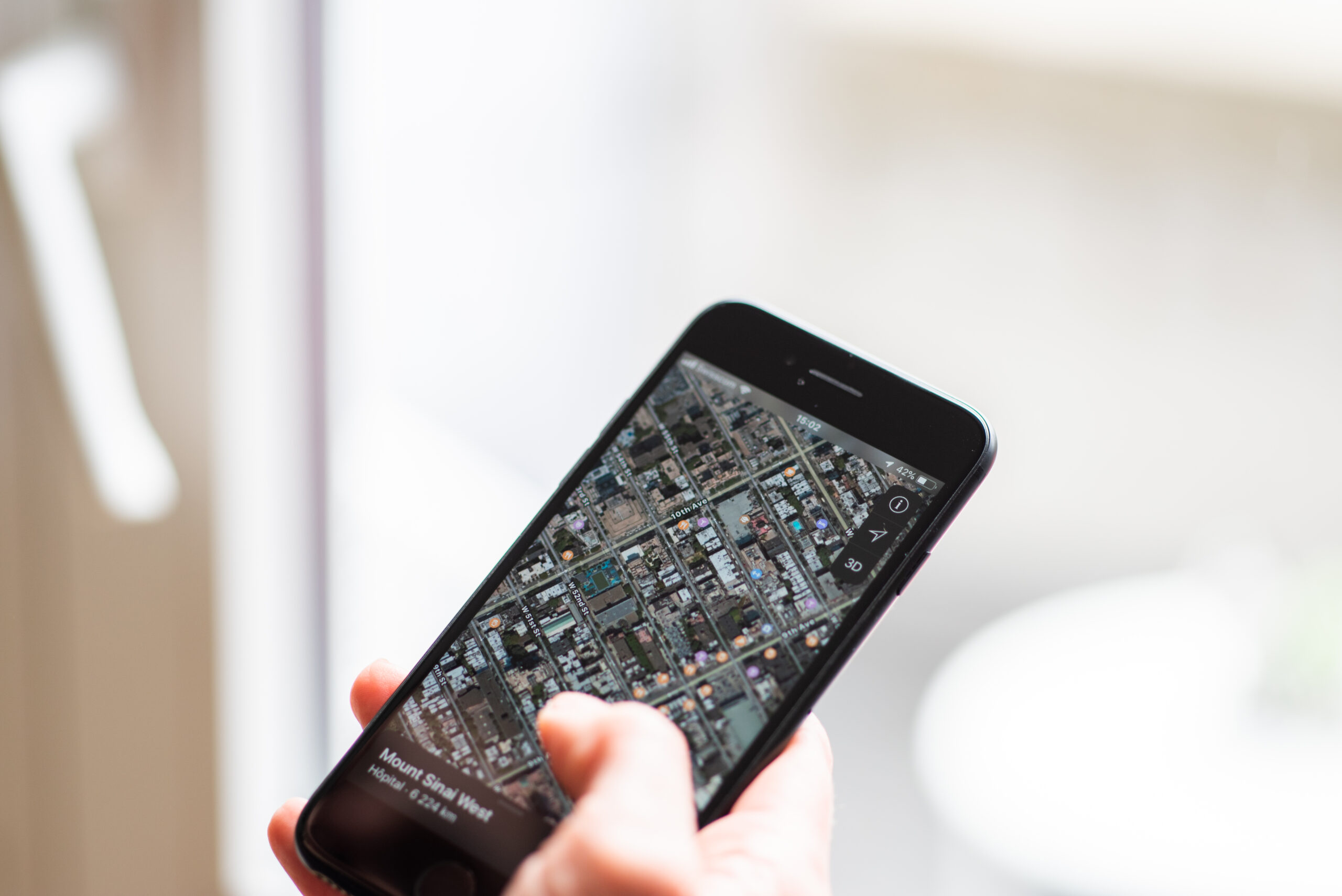
Emergency calling is the part of Wi-Fi calling that deserves the most careful attention. Cellular 911 systems can use several sources of location information, including network data and device-based location when available. A Wi-Fi call may not give dispatchers the same kind of location path, especially if the call starts from an indoor network that does not clearly identify where the phone physically is.
That is why carriers commonly require an emergency address before Wi-Fi calling can be turned on. T-Mobile, for instance, tells customers that an E911 registered address may be sent to a 911 communications center when a 911 call is made over Wi-Fi. Apple’s setup flow also includes entering or confirming an emergency-services address. The address helps route help when the caller cannot clearly explain the location, but it has to be kept current to be useful.
The Federal Communications Commission’s emergency-calling materials and its 2023 report on 911 over Wi-Fi point to the same basic challenge: emergency calls over Wi-Fi are valuable, but location and routing are more complicated than ordinary voice quality. Anyone who relies on Wi-Fi calling at home, in a dorm, or at work should know where the emergency address is stored and update it after moving. During an emergency call, saying the exact location out loud still matters.
When Wi-Fi Calling Helps Most
Wi-Fi calling is most useful when cellular coverage is weak but the local internet connection is stable. That often means interior rooms, rural homes with good broadband but limited tower coverage, large school buildings, college dorms, hotels, and offices with thick walls. It can also help during temporary network congestion if Wi-Fi remains available, though it should not be treated as a guaranteed backup during every outage.
It helps less when the Wi-Fi network itself is the problem. A slow internet connection, overloaded router, weak Wi-Fi signal, or busy public hotspot can make voice quality worse. Calls need steadiness more than dramatic speed. A modest but reliable connection can sound better than a fast connection that keeps dropping packets or jumping between access points.
For students and families, the practical check is simple. If calls often fail in a bedroom, basement, dorm room, or classroom-adjacent space where Wi-Fi is strong, Wi-Fi calling is worth setting up. Confirm that the carrier supports it, turn it on in phone settings, test a normal call, and make sure the emergency address matches the place where the phone is most often used. The feature works best when it is set up before the moment it is needed.
A Different Route, Not a Perfect Fix
Wi-Fi calling is useful because it changes the weakest part of many indoor calls. Instead of forcing a phone to reach a distant or blocked tower from inside a difficult room, it lets the phone begin the call through a nearby Wi-Fi network. That can make everyday communication feel much more dependable without changing the number people already use.
Still, it is only as good as the phone, carrier, router, internet connection, and emergency-address setup behind it. The best way to think about Wi-Fi calling is as a second route for ordinary calls, not a promise that every call will work everywhere. Used with that expectation, it is one of the simplest phone features to set up and one of the most helpful when indoor coverage gets in the way.




Add comment